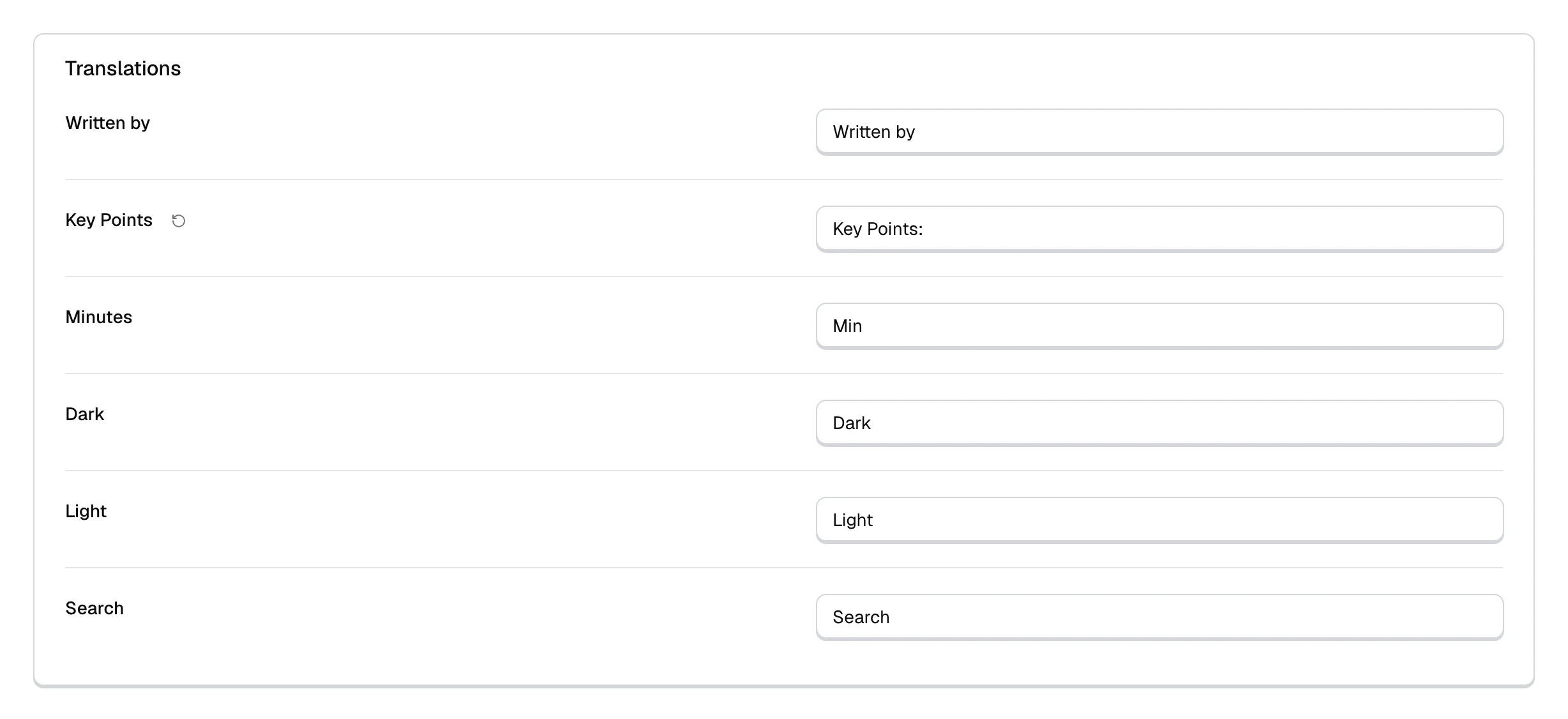
## Translations
Product: Elisen – Blog & Magazine WordPress Theme
URL: https://hub.jkdevstudio.com/docs/elisen/theme-options/translations
Updated: 2026-11-27
Summary: Translations Theme Options in Elisen: override the interface strings the theme prints, such as Read More, Load More, Search, and Previous Post, without editing code.
The Translations page overrides the short interface strings the theme prints, without editing code. Open it at [[Elisen Pro > Theme Options > Translations]]. Each field holds the text the theme shows, so change the text to reword it or translate it for a one-language site. A full translation of every string, or a multilingual site, is covered in Translating your site and setting up RTL.
## Author, reading time, and counters
Each field holds one interface string.
:::options
- **Written by** (default: Written by): The label for the post author.
- **Key Points** (default: Key Points): The label for the key points block.
- **Minutes** (default: Min): The short word for minutes in the reading time.
- **Views** (default: Views): The label for the views counter.
- **Likes** (default: Likes): The label for the likes counter.
:::
## Color switcher
:::options
- **Dark** (default: Dark): The label for dark mode.
- **Light** (default: Light): The label for light mode.
:::
## Search
:::options
- **Search** (default: Search): The search label.
- **Results for** (default: Results for): The text before the search term on the results page.
- **Results**: Empty by default.
- **Type some keywords** (default: Type some keywords...): The placeholder text of the search field.
- **Close search** (default: *to close search form press ESC or close toggle): The hint for closing the search panel.
- **No matches found** (default: No matches found.): The message when a search returns nothing.
:::
## Mega menu and lists
:::options
- **Close megamenu** (default: *to close megamenu form press ESC or close toggle): The hint for closing the mega menu.
- **The Latest** (default: Latest): The label for the latest posts.
- **Most Used Tags** (default: Most Used Tags): The label for the tags list.
- **Posts in** (default: Posts in): The text placed before a name, such as a category.
- **See All** (default: See All): The label of a see-all link.
- **Read More** (default: Read More): The label of the read-more link.
- **Load More** (default: Load More): The label of the load-more button.
- **Back to home** (default: Back to home): The label of the link back to the home page.
:::
## Bookmarks and post navigation
:::options
- **Your Bookmarks** (default: Your Bookmarks): The label for the bookmarks list.
- **No bookmarks yet**: The message when a visitor has saved nothing. The default text is "Sorry, you have no bookmarks yet."
- **Previous Post** (default: Previous Post): The label of the previous post link.
- **Next Post** (default: Next Post): The label of the next post link.
- **Recent Posts** (default: Recent Posts): The label for the recent posts block.
:::