## Cursor ring settings
Product: Enardo - Minimal Blog & Magazine FSE WordPress Theme
URL: https://hub.jkdevstudio.com/docs/enardo/theme-settings/cursor-ring
Updated: 2026-11-28
Summary: Turn Enardo's cursor ring on or off and set its size, color, hover scale and blend mode on the Motion page of Theme Options in Enardo Pro.
Availability: Pro only.
This is a Pro feature. A small hollow ring follows the mouse on every Enardo site. It grows over links and buttons, grows more over linked pictures, thins to a bar over text fields, and shrinks while the button is pressed. The normal pointer stays visible under it.
The ring never shows on touch screens or for a visitor whose device asks for reduced motion.
## Where to change it
[[Enardo Pro > Theme Options > Motion]], group **Cursor**.
Theme Options comes with Enardo Pro. Without Pro the ring still runs, on the defaults below.
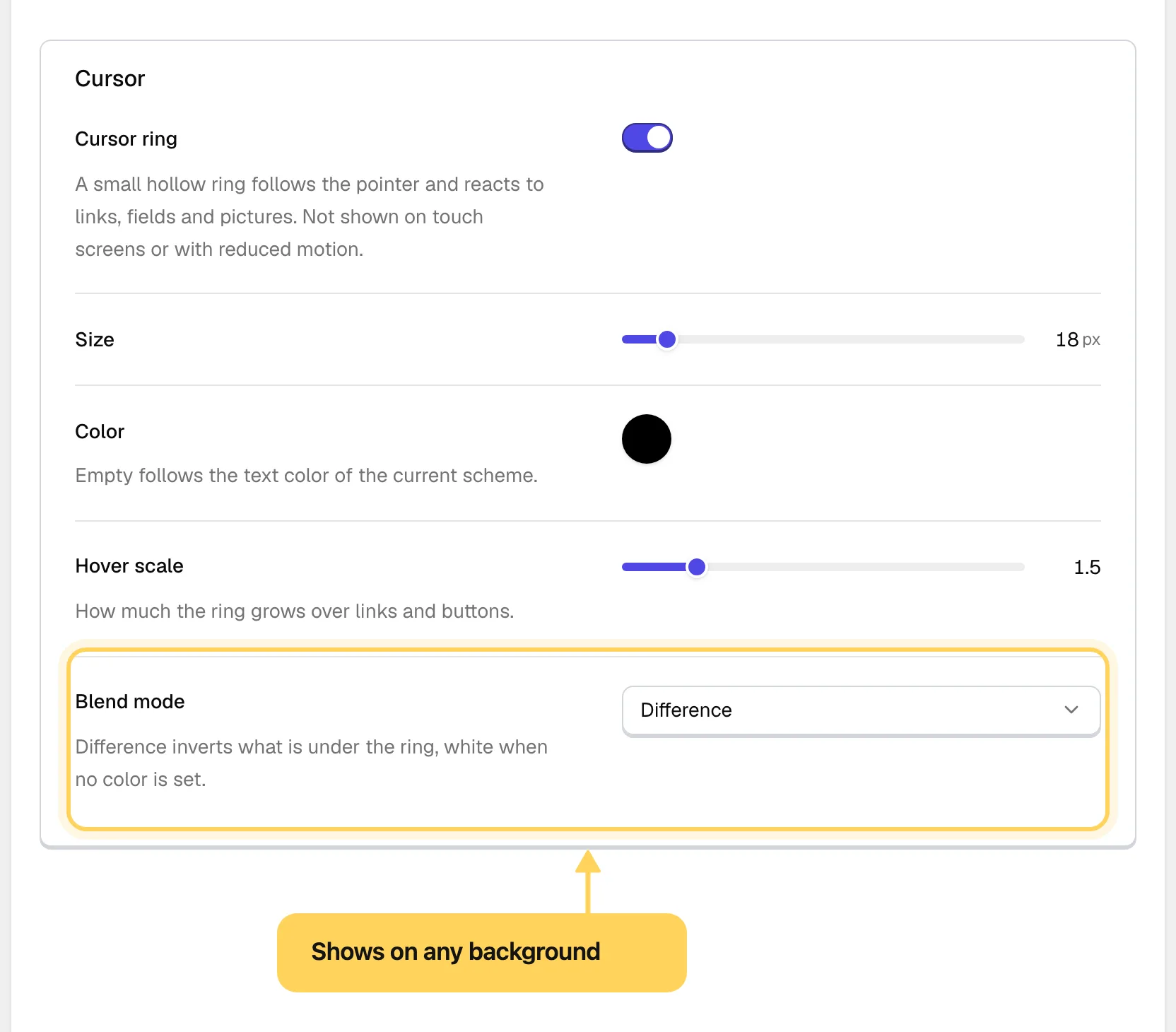
The Cursor group on the Motion page.
:::options
- **Cursor ring** (default: on): Shows the ring. The settings below are hidden while it is off.
- **Size** (default: 18px): From 12 to 80 pixels.
- **Color** (default: empty): Empty follows the text color of the current scheme.
- **Hover scale** (default: 1.5): How much the ring grows over links and buttons, from 1 to 4.
- **Blend mode** (default: Difference): **Difference** inverts whatever is under the ring, so it shows on dark and light areas alike, and uses white when no color is set. **Normal** draws the ring in its own color.
:::
## Questions
The ring does not show on my laptop.
Check your system setting for reduced motion. With it on, the theme hides the ring. It also stays hidden until the mouse moves for the first time.
Where are the entrance animations?
In the Customizer, not in Theme Options. See [Customizer settings](https://hub.jkdevstudio.com/docs/enardo/theme-settings/customizer-settings).