## The blog page and archives in the free theme
Product: Fabula - News & Magazine WordPress Theme
URL: https://hub.jkdevstudio.com/docs/fabula/archives-and-listings/blog-page-and-archives
Updated: 2026-11-28
Summary: Every Layout setting for the Fabula blog page: list or grid, sidebar side, the posts page title, a title above the list, and what an archive header shows.
The posts page and the category, tag, author, and date archives share one template and one set of settings. They live at [[Appearance > Customize > Fabula Theme > Blog]], on the **Layout** tab.
These settings belong to the free theme's own archive template. While Fabula Pro is active, the **Blog** section disappears from the Customizer and the Pro Blog page decides instead. See [Archive styles, grids and pagination](https://hub.jkdevstudio.com/docs/fabula/archives-and-listings/archive-styles-grids-pagination).
## Layout tab
:::options
- **Post list** (default: List): `List` puts each post on its own row with the image beside the text. `Grid` lays the posts out in columns.
- **Sidebar** (default: Right): `Right`, `Left`, or `None`. The sidebar shows only while the **Blog sidebar** widget area holds at least one widget, so an empty area leaves the list at full width whatever you pick here.
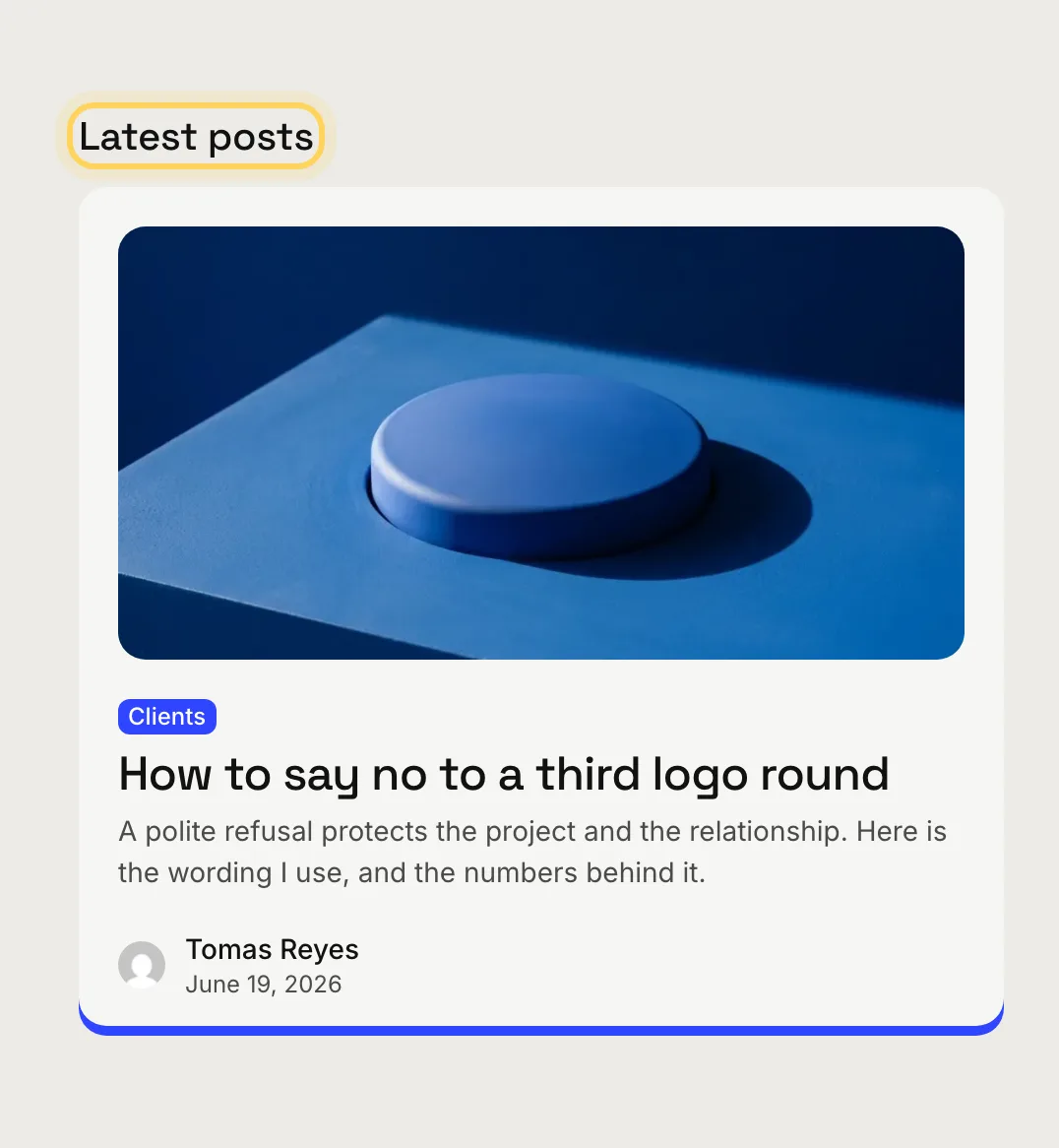
- **Title above the post list** (default: empty): A heading placed between the sections and the list. It appears on the posts page and on category, tag, author, and date archives. Leave it empty for no heading.
- **Show the title on the posts page** (default: on): Controls the header band at the top of the posts page. It applies to the first page only. Page 2 and later keep their title.
- **Leave section posts out of the list** (default: on): A post shown in the showcase, featured, or carousel section, or as an archive's featured post, does not repeat in the list below. It applies on every page of the list, so paging stays consistent.
:::
The title sits right above the list.
With **Show the title on the posts page** off, the whole header band goes, breadcrumbs included. The page keeps a visually hidden `h1` so screen readers and search engines still get one.
## What an archive header shows
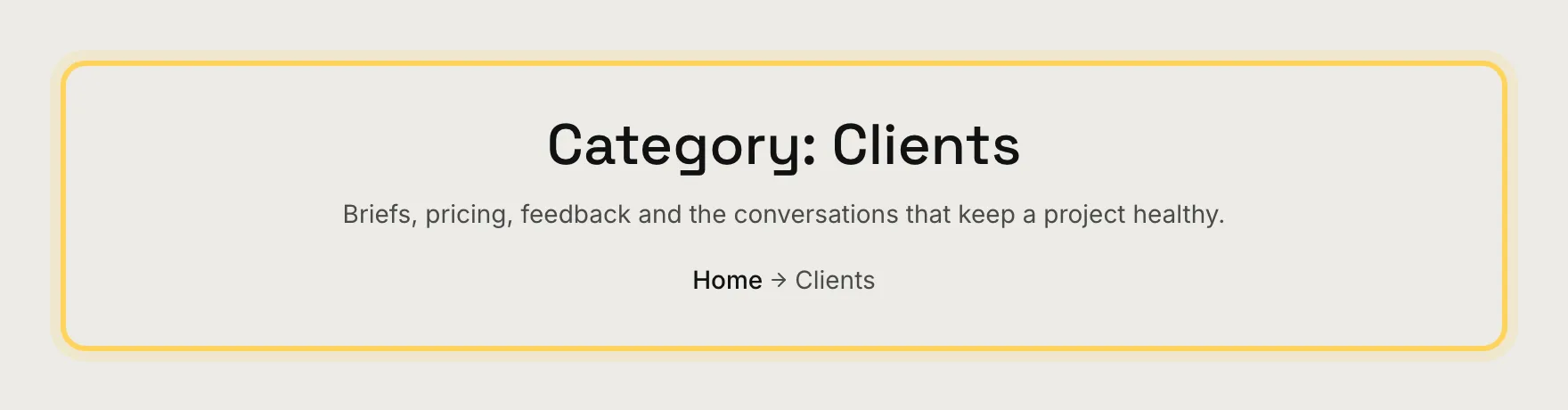
Every list page except a single post and the 404 page opens with a header band. It holds up to four things:
:::deflist
Title
: The posts page is titled `The Blog`. Search results are titled `Search Results`. A category, tag, author, or date archive uses the title WordPress builds for it.
Description
: The description you wrote for a category or tag, under [[Posts > Categories]] or [[Posts > Tags]]. Nothing shows when the description is empty.
Breadcrumbs
: A **Home** link followed by the current page. A category shows its name, a tag shows `Tag: ` and its name, and a date archive shows `Archive for ` and the date. The first page of a front page that lists your latest posts has none.
Header image
: If you set one under [[Appearance > Customize > Header Image]], it sits behind the title.
:::
A category archive header band.
## Where the sections come from
The showcase, featured, and carousel sections sit above the list on the posts page only. See [Sections above the post list](https://hub.jkdevstudio.com/docs/fabula/archives-and-listings/sections-above-the-post-list). Category, tag, author, and date archives get one featured post of their own: [A featured post on category and tag archives](https://hub.jkdevstudio.com/docs/fabula/archives-and-listings/featured-post-on-archives).
For the order in which to set an archive up from scratch, start with [Setting up an archive from scratch](https://hub.jkdevstudio.com/knowledge-base/setting-up-an-archive).