## A featured post on category and tag archives
Product: Fabula - News & Magazine WordPress Theme
URL: https://hub.jkdevstudio.com/docs/fabula/archives-and-listings/featured-post-on-archives
Updated: 2026-11-28
Summary: Put one post from the archive itself above the full list on category, tag, author, and date pages, as the latest or a sticky post, in list or overlay style.
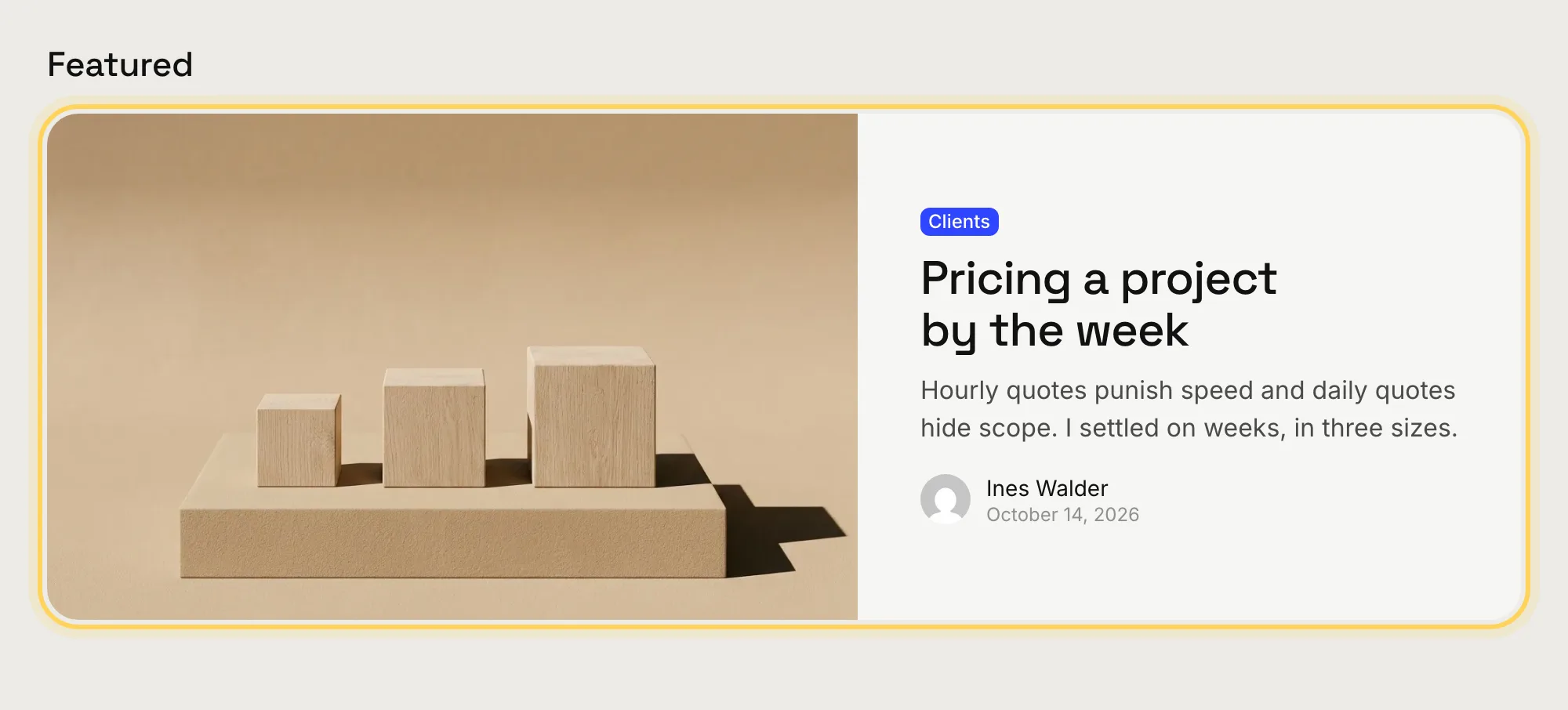
A category, tag, author, or date archive can open with one post shown large above its full list. The post always comes from that archive, so the **News** category features a news post and a tag page features a post with that tag.
## Turn it on
:::steps
### Open the Archives tab
Go to [[Appearance > Customize > Fabula Theme > Blog]] and open the **Archives** tab.
### Switch on the featured post
Turn on **Featured post above the list**.
### Pick which post
Under **Post**, choose `Latest` for the newest post in the archive, or `Sticky` for a post you marked sticky.
### Pick the style
Under **Style**, choose `List` or `Overlay`. Then open a category page to check the result.
:::
One featured post opens the category page.
## Options
:::options
- **Featured post above the list** (default: off): Shows the post on category, tag, author, and date archives.
- **Post** (default: Latest): `Latest` or `Sticky`.
- **Style** (default: List): `List` puts the text beside the image. `Overlay` puts the text over the image.
- **Title above the featured post** (default: empty): A heading above the post. Empty means no heading.
:::
## Good to know
- `Overlay` needs a featured image. A post without one is shown in the `List` style instead.
- With `Sticky`, the post must be sticky and belong to the archive being viewed. If none does, nothing shows above that list.
- The featured post appears on the first page of the archive only.
- By default the post leaves the list below, so it is not shown twice. To keep it in the list, turn off **Leave section posts out of the list** on the **Layout** tab.
- The same settings cover every category, tag, author, and date archive. You cannot feature a different post per category from here.
The posts page has its own, larger set of sections. See [Sections above the post list](https://hub.jkdevstudio.com/docs/fabula/archives-and-listings/sections-above-the-post-list).
While Fabula Pro is active, the Customizer **Blog** section is hidden and Pro draws the archive.