## Logo and site identity

Product: Fabula - News & Magazine WordPress Theme
URL: https://hub.jkdevstudio.com/docs/fabula/header-and-footer/logo-and-site-identity
Updated: 2026-11-28
Summary: Upload your logo in Site Identity, see what shows when you have none, and with Fabula Pro set light, dark, and mini logos and a copyright notice with the year.

The free theme takes your logo from WordPress itself, in Site Identity. Fabula Pro adds a Branding page with separate light, dark, and mini logos and a copyright notice.

## Set your logo in the free theme

:::steps

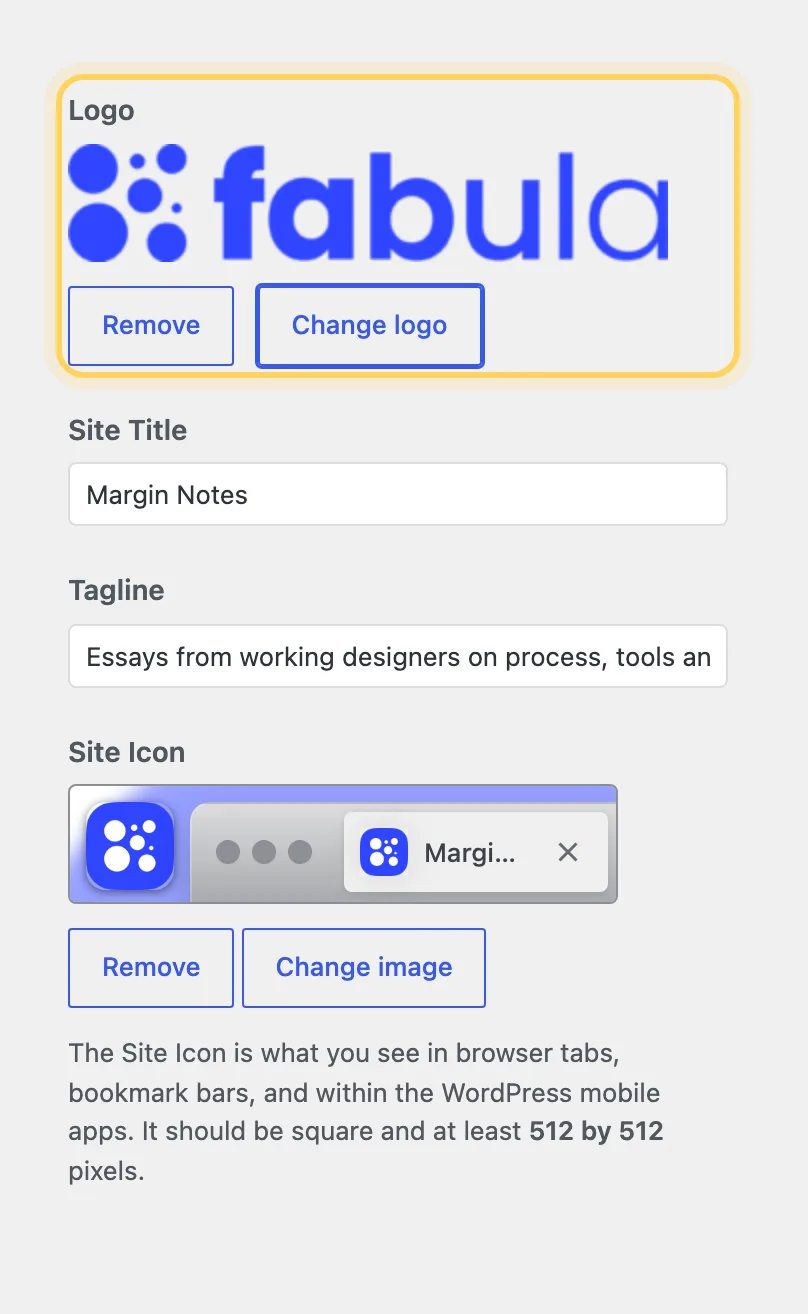
### Open Site Identity

Go to [[Appearance > Customize > Site Identity]].

### Upload the logo

Choose **Select logo** and pick an image from the media library. WordPress suggests 240 by 80 pixels, and the theme accepts any width and height.

### Set the site title

The **Site Title** field in the same panel is what the theme prints when no logo is set, and it is the logo's alt text. Publish when both look right.

:::

<figure class="doc-figure" data-align="center"><img src="https://hub.jkdevstudio.com/storage/docs/2026/11/b388ae4e-9229-455d-a7dc-59858a142764.webp" alt="The Site Identity panel in the Customizer with the Logo control ringed"><figcaption>The Logo control in Site Identity.</figcaption></figure>

The logo sits at the left of the header and links to your home page. The free theme has one logo for both color schemes, so pick a file that reads on a light and on a dark background.

<div data-callout="note">

With no logo set, the header shows your site title as text.
</div>

## Fabula Pro: light, dark, and mini logos

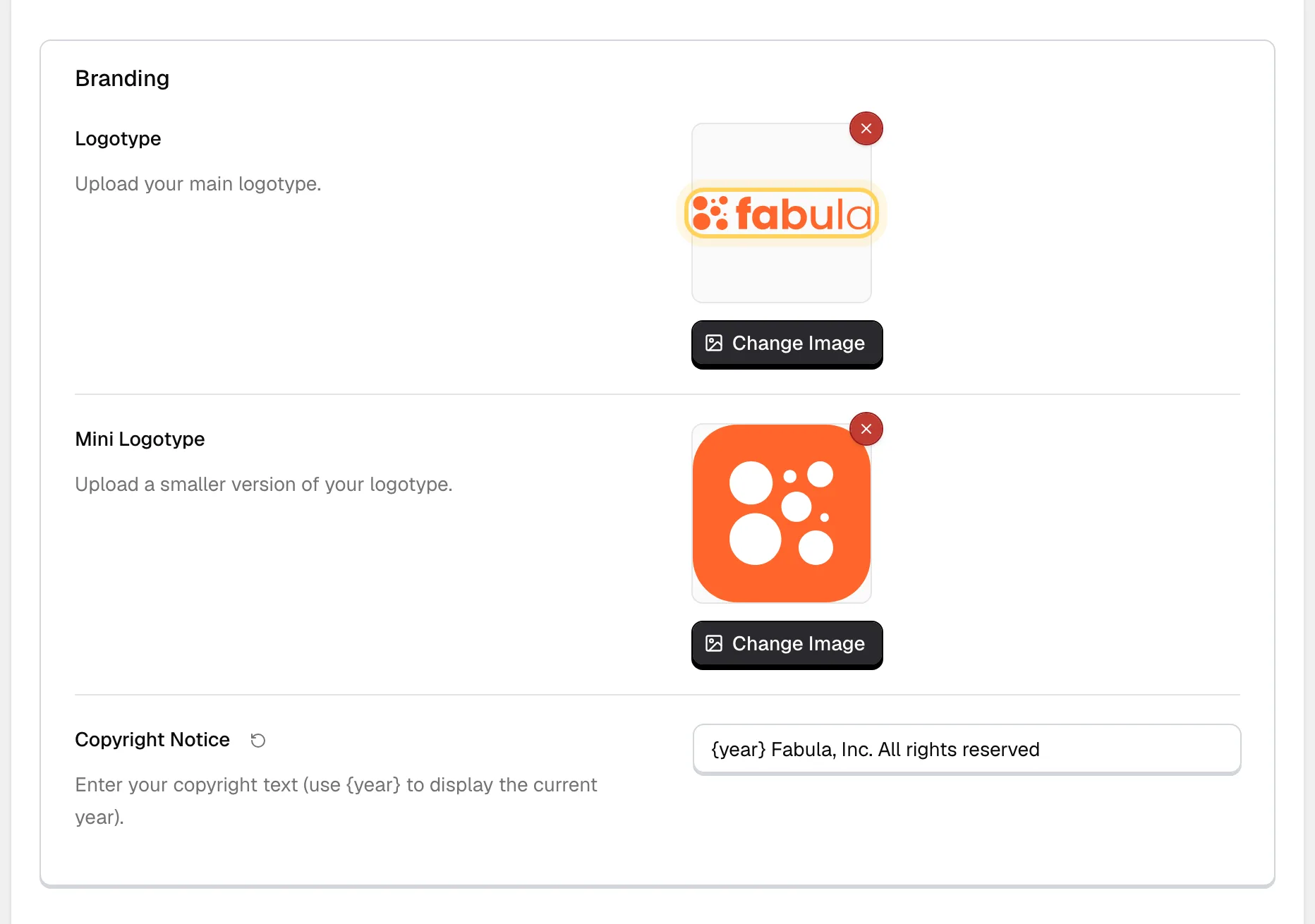
Pro draws its own header and takes its logos from [[Fabula Pro > Theme Options > Branding]].

:::options

- **Logotype** (default: none): The main logo, used in the light color scheme.

- **Logotype (Dark)** (default: none): The main logo for the dark scheme.

- **Mini Logotype** (default: none): A smaller version of the logo. It is used in the header on narrow screens.

- **Mini Logotype (Dark)** (default: none): The mini logo for the dark scheme.

- **Copyright Notice** (default: placeholder text): Your copyright line. Write `{year}` where the current year should appear. The theme replaces it with the year on every page load. The placeholder is `© {year} Fabula, Inc. All rights reserved.`, so replace it with your own.

:::

<figure class="doc-figure" data-align="center"><img src="https://hub.jkdevstudio.com/storage/docs/2026/11/18059730-716c-49cc-bddc-be3141ce3cd0.webp" alt="The Branding group in Theme Options with the Logotype, Mini Logotype, and Copyright Notice fields"><figcaption>Logo uploads on the Branding page.</figcaption></figure>

Two things to check after you upload:

- The logo shows in the header only while **Display Logotype** is on. It is off by default. You find it at [[Fabula Pro > Theme Options > Navigation]], under **General Settings**. See [Menus and the header](https://hub.jkdevstudio.com/docs/fabula/header-and-footer/menus-and-the-header).
- Pro's header does not fall back to the site title. With the toggle off or no file uploaded, no logo shows.

The footer has its own logo field. See [The footer](https://hub.jkdevstudio.com/docs/fabula/header-and-footer/the-footer).

<div data-callout="info">

With Pro active, the free theme's copyright line is replaced by the **Copyright Notice**, so you change the text in one place only.

</div>