## Sidebar widgets
Product: Fabula - News & Magazine WordPress Theme
URL: https://hub.jkdevstudio.com/docs/fabula/plugins-and-widgets/sidebar-widgets
Updated: 2026-11-28
Summary: The five Fabula Pro widgets for your sidebars and footer, the options of each, and every widget area the theme and the Pro plugin register.
Availability: Pro only.
Fabula Pro adds five WordPress widgets, and the theme and the plugin together register the widget areas to put them in. You manage both at [[Appearance > Widgets]]. For how widget areas work in general, and why an area can look empty after a theme change, see [Widget areas: what they are and why one is missing](https://hub.jkdevstudio.com/knowledge-base/configuration/wordpress-widget-areas).
## The five widgets
Every widget has a **Title** field. The other options live in a **Widget Options** group for that widget. Each widget also appears in the widget list with a short description.
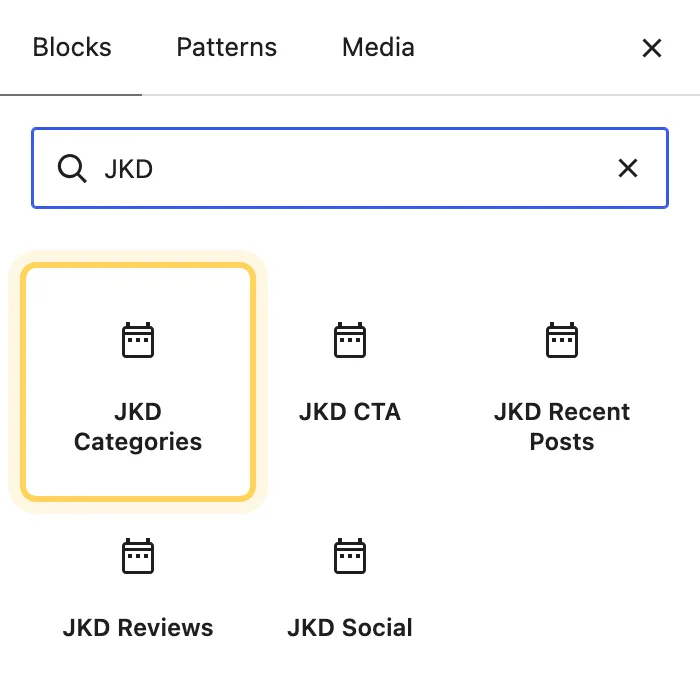
Search the inserter for JKD to find them.
:::deflist
JKD Categories
: Description in the list: `Display categories`. A list of categories.
JKD CTA
: Description in the list: `Display CTA`. A call to action box with an icon, a title, a text, and a button.
JKD Recent Posts
: Description in the list: `Display recent posts`. Your newest posts, as a compact list.
JKD Reviews
: Description in the list: `Display reviews`. Your posts that have a review, as a compact list.
JKD Social
: Description in the list: `Display Social`. Your social icons, taken from the [[Fabula Pro > Theme Options > Social]] page.
:::
### JKD Categories
:::options
- **Categories Count** (number, default: 5): The maximum number of categories to show, from 1 to 100.
:::
### JKD CTA
:::options
- **Icon** (text, default: icon-mail-plus): The CSS class of the icon above the title.
- **CTA Title** (text, default: CTA Title): The main heading of the box.
- **Content** (text area, default: CTA Content): The supporting text under the title.
- **Link** (link): The button. The button only appears when the link has both an address and a title.
:::
### JKD Recent Posts
:::options
- **Posts Count** (number, default: 3): How many posts to show, from 1 to 10.
- **Show Date** (toggle, default: on): The publication date of each post.
- **Show Categories** (toggle, default: on): The categories under each title.
- **Show Author** (toggle, default: on): The author name.
- **Show Avatar** (toggle, default: off): The author avatar next to the post.
- **Show Thumbnail** (toggle, default: on): The featured image of each post.
:::
### JKD Reviews
:::options
- **Reviews Count** (number, default: 5): How many reviews to show, from 1 to 100.
- **Order** (select, default: DESC): Sorts the reviews by publish date, `DESC` or `ASC`.
- **Show Date** (toggle, default: on): The review publication date.
- **Show Categories** (toggle, default: on): The review categories.
- **Show Author** (toggle, default: on): The review author.
- **Show Avatar** (toggle, default: off): The author avatar for each review.
:::
### JKD Social
:::options
- **Style** (select, default: Style 1): One of `Style 1` to `Style 6`. The icons come from the profiles you add on the [[Fabula Pro > Theme Options > Social]] page.
:::
## Widget areas
The theme registers two widget areas, and the Pro plugin registers six more. The Pro areas appear on the widgets screen while the plugin is active.
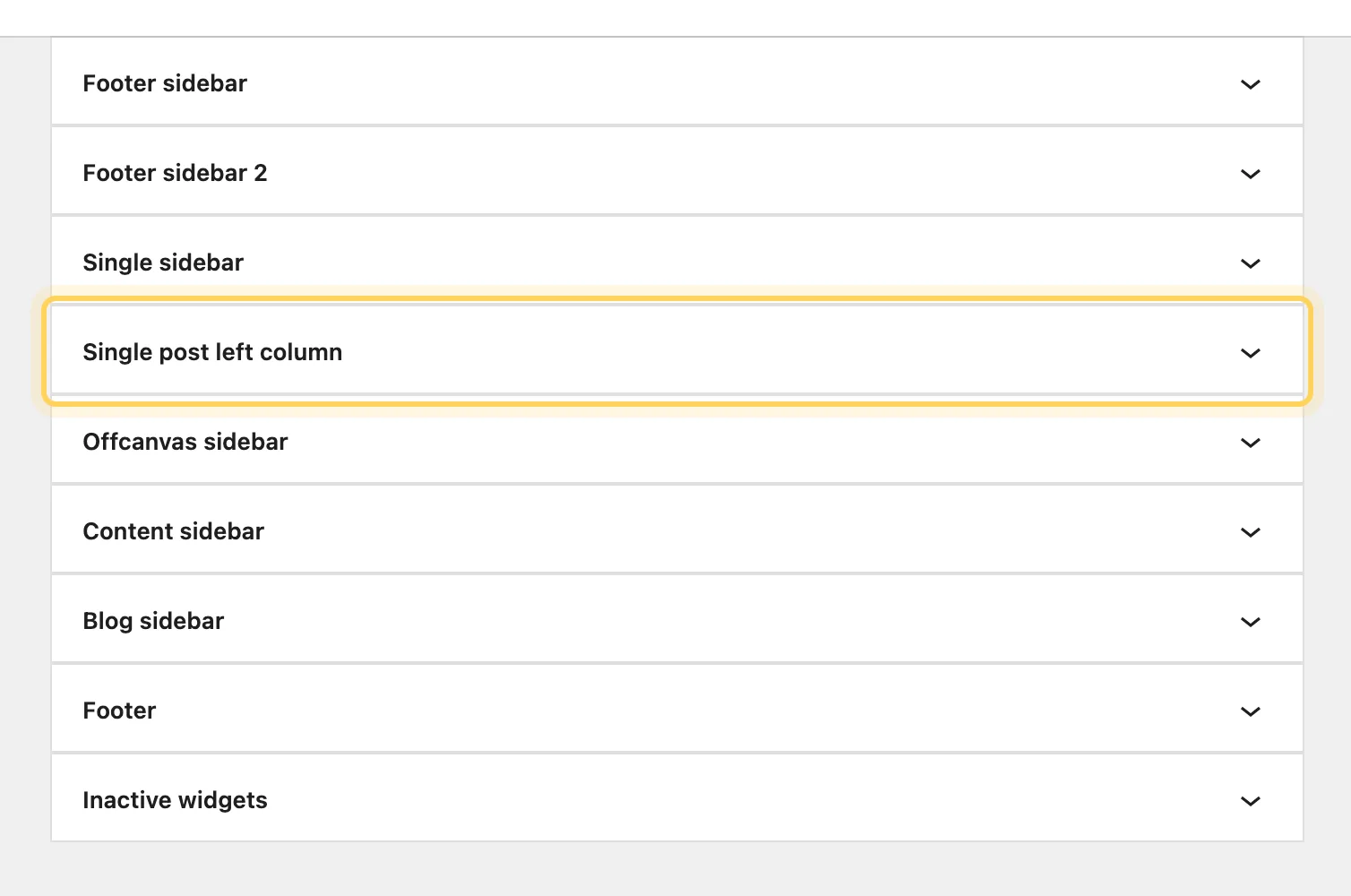
The widgets screen lists every area.
### Registered by the theme
:::deflist
Blog sidebar
: The sidebar of the blog and archive pages. The Pro archive layout uses it too. It prints only when the area has a widget in it and the layout has a sidebar.
Footer
: Widgets above the copyright bar, in up to four columns.
:::
### Registered by the Pro plugin
:::deflist
Footer sidebar
: The footer widgets of the default footer style.
Footer sidebar 2
: The footer widgets of the classic footer style.
Single sidebar
: The sidebar of a single post.
Single post left column
: Widgets at the bottom of the left column of a single post, under the table of contents and the share buttons. Turn those two off in [[Fabula Pro > Theme Options]] to use the column for widgets only. With no widget in it, the area prints nothing.
Offcanvas sidebar
: The off-canvas panel of the header. It appears only after you turn on **Enable Offcanvas Sidebar** on the [[Fabula Pro > Theme Options > Navigation]] page, and only when the area has a widget in it.
Content sidebar
: Registered by the plugin, but the current Pro templates do not print it anywhere, so a widget placed here does not show on the site.
:::
My widget saved but nothing shows on the site
Check which area it sits in and whether that page uses it. A sidebar area prints only where the layout has a sidebar, and an empty area prints nothing.
Do the widgets work without Elementor?
Yes. These are WordPress widgets, so they need only the Pro plugin.