## Likes, views, and bookmarks
Product: Fabula - News & Magazine WordPress Theme
URL: https://hub.jkdevstudio.com/docs/fabula/the-single-post/likes-views-bookmarks
Updated: 2026-11-28
Summary: What readers see for likes, views, and bookmarks on a Fabula post, how each is counted, where to switch each one off, and how to correct a count by hand.
Availability: Pro only.
Fabula Pro counts likes and views on each post and lets readers bookmark posts for later. This page lists what the reader sees, how each number is counted, and the switch that controls each one.
## What the reader sees
:::deflist
Like button
: A heart at the right end of the row under the text of the post, with a counter beside it. A click likes the post and a second click removes the like.
Views counter
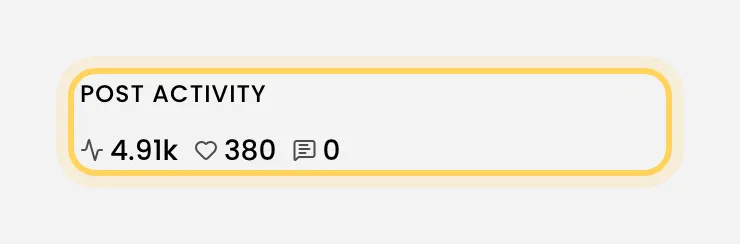
: The number of times the post was opened. It shows in the **Post Activity** block of the sticky column.
Likes counter
: The total likes, also in the **Post Activity** block.
Bookmark button
: An icon beside the date and author under the title. A click saves the post for that reader, and a second click removes it.
:::
The counters in the Post Activity block.
The **Post Activity** block also holds the comments counter and the review score. Bookmarked posts are listed on a page you choose in [[Fabula Pro > Theme Options > Blog]], on the **Bookmarks** tab, with the **Bookmarks page** setting.
## How the numbers are counted
A view counts once per reader per post. A like counts once per reader per post, and unliking takes it away again. Fabula remembers what each reader has viewed, liked, and bookmarked in the reader's user account when they are logged in, and in a cookie in their browser when they are not. A reader who clears cookies or switches browsers can count again.
## Settings
All switches are in [[Fabula Pro > Theme Options > Single Post]].
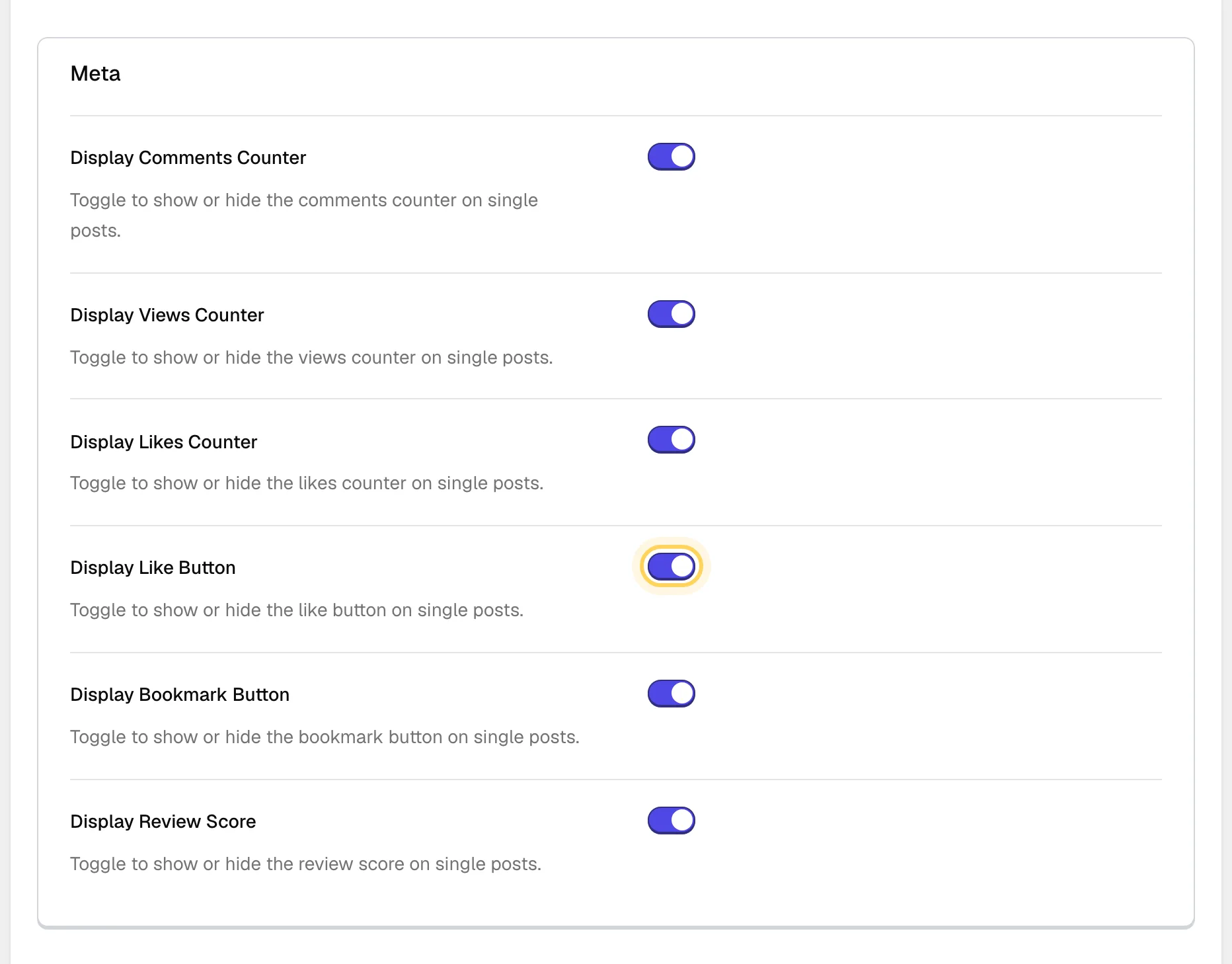
The switches on the Meta tab.
:::options
- **Display Post Activity** (default: on): On the **General** tab. Shows the **Post Activity** block in the sticky column. The four counters below live inside it.
- **Display Views Counter** (default: on): On the **Meta** tab. The views number in the block.
- **Display Likes Counter** (default: on): On the **Meta** tab. The likes number in the block.
- **Display Comments Counter** (default: on): On the **Meta** tab. The comments number in the block.
- **Display Review Score** (default: on): On the **Meta** tab. The review score in the block.
- **Display Like Button** (default: on): On the **Meta** tab. The heart button under the text.
- **Display Bookmark Button** (default: on): On the **Meta** tab. The bookmark button under the title.
:::
The cards in **Recent Posts** have their own switches on the **Recent Posts** tab: **Bookmark Button** (default: on) and **Post Activity** (default: off). With **Post Activity** on, **Comments Count**, **Likes Count**, and **Views Count** (all default: on) choose which numbers the cards show.
## Correct a count by hand
Edit the post and open the **Post Statistics** box. **Total Views** and **Total Likes** hold the current numbers, and you can change either. Use it to seed a new site or to fix a number after a migration.
## Questions
Why do my own visits add to the views?
Every reader counts once per post, you included. Set **Total Views** back in the **Post Statistics** box if you want to remove the visits you made while testing.
Can readers see the posts they bookmarked?
Yes, on the page you choose as **Bookmarks page**. Create a page for it first. See the bookmarks settings in [[Fabula Pro > Theme Options > Blog]].
The activity block is missing
Check that **Display Post Activity** is on. The block also needs the Pro plugin with an active license.