## General settings
Product: Fabula - News & Magazine WordPress Theme
URL: https://hub.jkdevstudio.com/docs/fabula/theme-settings/general-settings
Updated: 2026-11-28
Summary: Every setting on the Fabula Pro General page: LQIP, scroll to top, animations, preloader, boxed layout, breadcrumbs, default color scheme, and custom code.
Availability: Pro only.
The **General** page holds the site-wide switches of Fabula Pro. Open it at [[Fabula Pro > Theme Options > General]]. It has two groups: **General** and **Style Tokens**.
Most switches are off until you turn them on, so a fresh install stays light and plain.
## Display and behavior
:::options
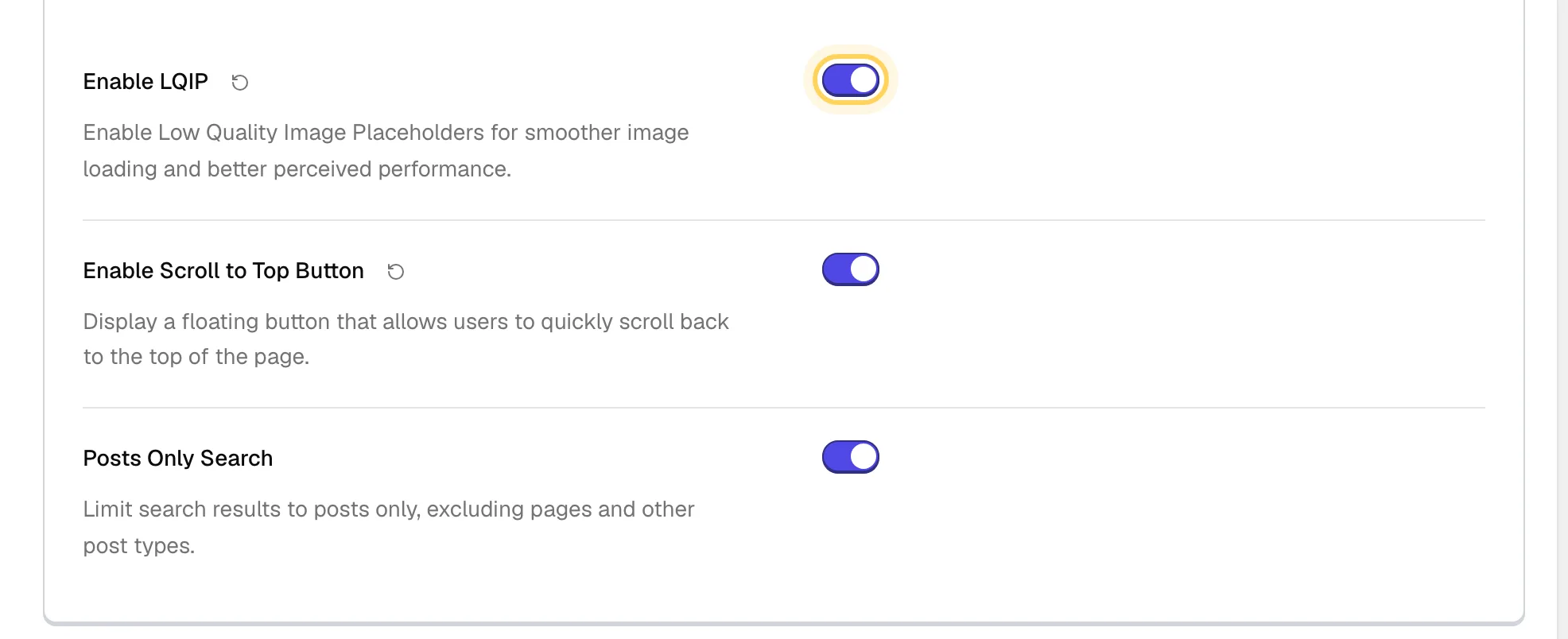
- **Enable LQIP** (default: off): Shows a low quality placeholder of each image while the full image loads, so the page does not jump or show empty boxes.
- **Enable Scroll to Top Button** (default: off): Adds a floating button that takes visitors back to the top of the page.
- **Posts Only Search** (default: on): Limits search results to posts. Turn it off if visitors should find pages and other content types too.
- **Enable Animations** (default: off): Turns on the subtle interface animations and transitions across the site.
- **Enable Preloader** (default: off): Shows a preloader animation while the page loads.
- **Enable Fixed Social** (default: off): Shows a fixed panel of your social icons on the side of the screen. The icons come from [Social profiles](https://hub.jkdevstudio.com/docs/fabula/theme-settings/social-profiles). Each post and page has its own **Enable Fixed Social** switch, on by default, so you can hide the panel on single pages.
- **Smooth Scrolling** (default: off): Scrolls smoothly to anchor links instead of jumping.
- **Responsive Table Fix** (default: off): Improves how tables fit and scroll on small screens.
- **Admin Info Columns** (default: on): Adds extra columns to the posts list and the categories list in the admin, such as views, likes, and category previews.
:::
Each switch has its own row with a short note.
## Color scheme
These two settings replace the Customizer's **Default color scheme** while Fabula Pro is active. See [Colors and color schemes](https://hub.jkdevstudio.com/docs/fabula/theme-settings/colors-and-color-schemes) for how the switch works.
:::options
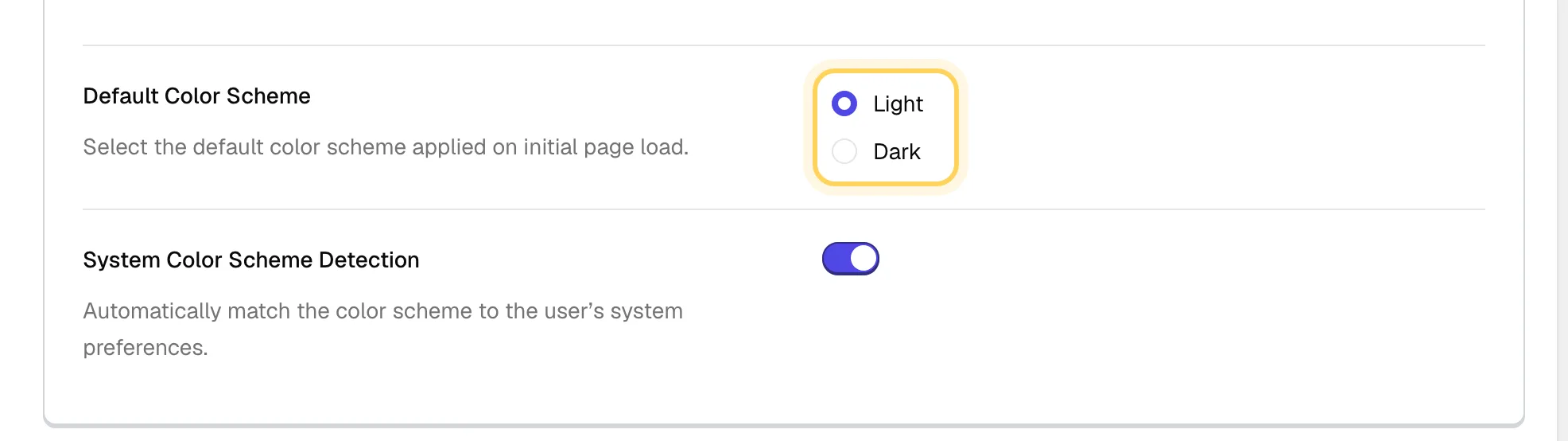
- **Default Color Scheme** (default: Light): The scheme of a first visit. The choices are **Light** and **Dark**.
- **System Color Scheme Detection** (default: on): Matches the scheme to the visitor's device until they use the switch, and follows later changes of the device setting. Turn it off if the default scheme must always apply to first visits.
:::
Pick the scheme a first-time visitor sees.
## Page layout
:::options
- **Global Layout** (default: Full Width): The overall layout of the site container. The choices are **Full Width** and **Boxed**.
- **Boxed Layout Width** (default: 1280): The maximum width of the main content area in the boxed layout, from `960` to `1920` in steps of `10`. It is hidden while **Global Layout** is on **Full Width**.
:::
## Breadcrumbs
:::options
- **Enable Breadcrumbs** (default: off): Shows breadcrumb navigation on archive and single pages. Each page also has its own breadcrumbs switch in its page header settings, and a page that has it off shows none.
- **Breadcrumbs Source** (default: Yoast SEO): Which system builds the breadcrumbs. The choices are **Theme Default**, **Yoast SEO**, and **Custom Shortcode**.
- **Custom Breadcrumbs Shortcode**: The shortcode that prints your breadcrumbs. It is shown only while **Breadcrumbs Source** is on **Custom Shortcode**.
:::
## Custom code
:::options
- **Before Page**: HTML that prints before the site header.
- **After Page**: HTML that prints after the site footer.
:::
Custom code runs as written on every page. A broken tag or script here breaks the whole site layout, so test it on a staging copy.
## Style tokens
Four values that Fabula Pro layouts read. They are design tokens like the ones in the Customizer, kept here because only Pro uses them.
:::options
- **Single Post Font Size** (default: 14): The size of text on single posts, in pixels, from `10` to `36`.
- **Shadow Extra Large**: The strongest shadow, for the highest elevation. Default `rgba(0, 0, 0, 0.4)`.
- **Overlay Extra Large**: The strongest overlay, for full-screen backgrounds. Default `rgba(0, 0, 0, 0.8)`.
- **Dark Scheme Border Color** (default: #545756): The border color of elements in the dark scheme.
:::
The other shadows, overlays, and sizes are in [Layout and design tokens](https://hub.jkdevstudio.com/docs/fabula/theme-settings/layout-and-design-tokens).