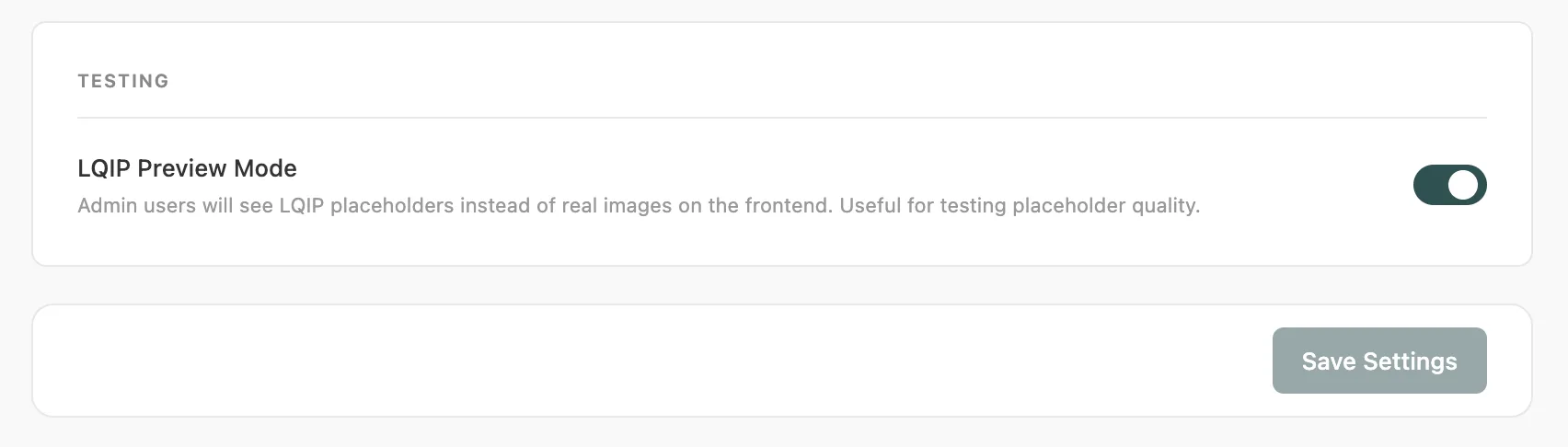
## LQIP Preview Mode
Product: Lazyline – Innovative Lazy-Load & LQIP WordPress Plugin
URL: https://hub.jkdevstudio.com/docs/lazyline/features/lqip-preview-mode
Updated: 2026-09-06
Summary: Freeze LQIP placeholders on the frontend to see exactly what visitors see before images load. Useful for visual testing and fine-tuning placeholder quality.
Preview Mode freezes LQIP placeholders on the frontend - images never get replaced by the real photo. It the easiest way to check exactly what your visitors see during the loading moment.
## How to Enable
1. Go to **LQIP Settings**
2. Scroll to the **Testing** card at the bottom
3. Enable **LQIP Preview Mode**
4. Save settings
5. Visit your site while logged in as an admin
## What You'll See
- Lazy loading is completely disabled - every image stays as its placeholder permanently
- A small **LQIP Preview** badge appears in the bottom-right corner of the page to remind you it's active
- The active LQIP type determines what each placeholder looks like:
- **Thumbnail** - blurred, downscaled version of each image
- **Palette** - solid dominant color, color columns, or gradient
- **Pixelart** - mosaic pixel grid
- **Primitives** - geometric SVG shapes over an average-color background
Preview Mode is only visible to **logged-in administrators**. Regular visitors see the normal site with lazy loading fully active - Preview Mode has no impact on their experience.
Use Preview Mode to fine-tune your LQIP settings visually. Enable it, browse to a page with images, check the placeholder quality, then adjust settings (blur, shape count, palette type) and re-generate.
## Remember to Disable
Turn Preview Mode off when you're done testing. It adds minor overhead for admin users and is only useful during configuration.