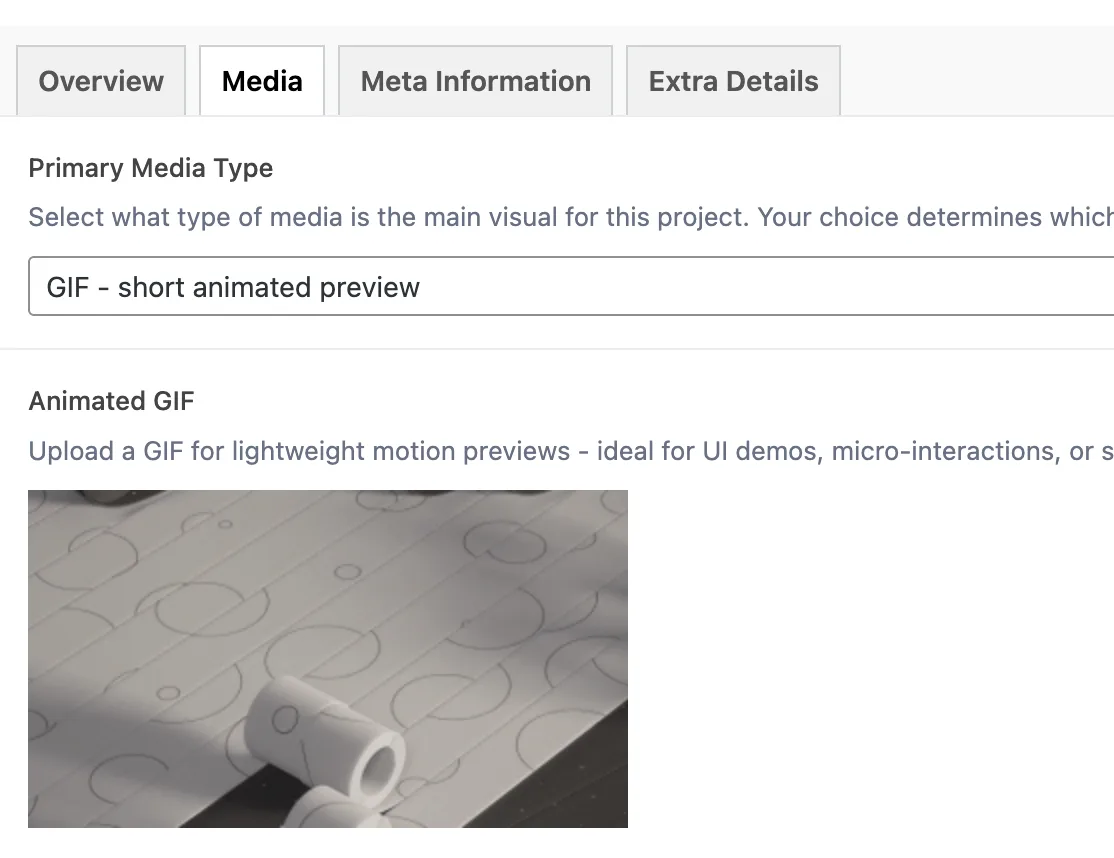
## GIF Media Type
Product: Monogram - Personal Portfolio WordPress Theme
URL: https://hub.jkdevstudio.com/docs/monogram/content-management/gif-media-type
Updated: 2026-08-19
The **GIF** media type lets you use a short animated image as the primary visual for a portfolio project. It is ideal for quick UI demos, micro-interactions, or brief product walkthroughs.
## Setting Up a GIF
1. Open your portfolio item and go to the **Media** tab
2. Set **Primary Media Type** to **GIF - short animated preview**
3. The **Animated GIF** field appears
4. Upload your GIF file
## How the GIF Renders
### On Single Project Pages
The GIF displays as a standard animated `<img>` element. It plays automatically and loops continuously - no controls or player chrome. The image scales responsively to fit the chosen layout style.
### On Portfolio Archive Cards
GIF projects display with a standard thumbnail - the featured image set in the WordPress sidebar. The GIF itself does not animate on archive cards to keep page performance fast.
## GIF Field Reference
Field
Key
Type
Accepted Formats
Animated GIF
the GIF field
Image
GIF only
## Best Practices
- **Keep file sizes under 5MB.** GIFs are uncompressed frame-by-frame animations, so they get large quickly. Optimize before uploading using tools like [ezgif.com](https://ezgif.com/optimize) or [gifsicle](https://www.lcdf.org/gifsicle/).
- **Limit duration to 5 seconds or less.** Shorter loops stay small and load fast. For anything longer, use the **Video** media type instead - MP4 files are dramatically smaller than equivalent GIFs.
- **Reduce the frame rate.** Most GIFs look fine at 12-15 fps. Dropping from 30 fps to 15 fps cuts the file size roughly in half.
- **Reduce dimensions.** A 800px-wide GIF is usually sufficient. The theme handles responsive display, so you do not need a 1920px-wide GIF.
- **Use GIFs for the right content.** They work best for short UI interactions, hover effects, loading animations, or quick before/after reveals. For full project walkthroughs, video is a better choice.
> **Tip:** If your animation is longer than 5 seconds or the GIF file exceeds 5MB, switch to the **Video** media type. A 10-second MP4 is typically 10-20x smaller than the equivalent GIF.
> **Info:** The featured image in the WordPress sidebar is used as the card thumbnail in portfolio grids. Set a strong static image there even when using a GIF as the primary media.