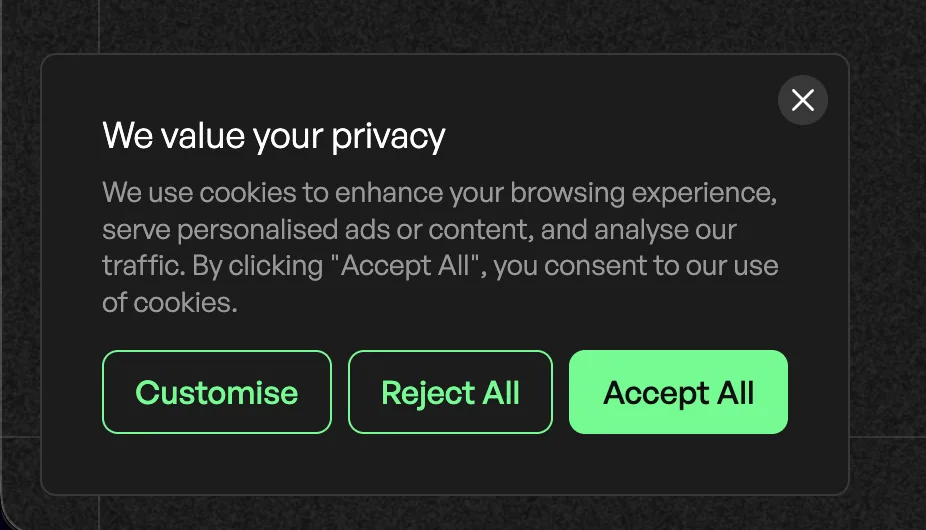
## GDPR Cookie Consent
Product: Monogram - Personal Portfolio WordPress Theme
URL: https://hub.jkdevstudio.com/docs/monogram/integrations/gdpr-cookie-consent
Updated: 2026-08-19
Monogram recommends CookieYes for GDPR cookie consent management.
## Setup
1. Install and activate **CookieYes | GDPR Cookie Consent** from the recommended plugins list
2. Create a free account at [cookieyes.com](https://www.cookieyes.com)
3. Configure your cookie banner in the CookieYes dashboard
4. The consent banner appears automatically on your site
## Theme Compatibility
- Works with Barba.js SPA navigation - the consent banner persists across page transitions
- Compatible with dark and light color schemes
- Does not interfere with GSAP animations or smooth scrolling
## What CookieYes Handles
- Cookie consent banner display
- Cookie categorization (necessary, functional, analytics, performance, advertisement)
- Automatic cookie scanning
- Consent logging for compliance records
- Granular consent options for visitors
If you serve visitors in the EU, UK, or other regions with cookie laws, a consent management solution is required. CookieYes is recommended but you can use any GDPR plugin that works with WordPress.