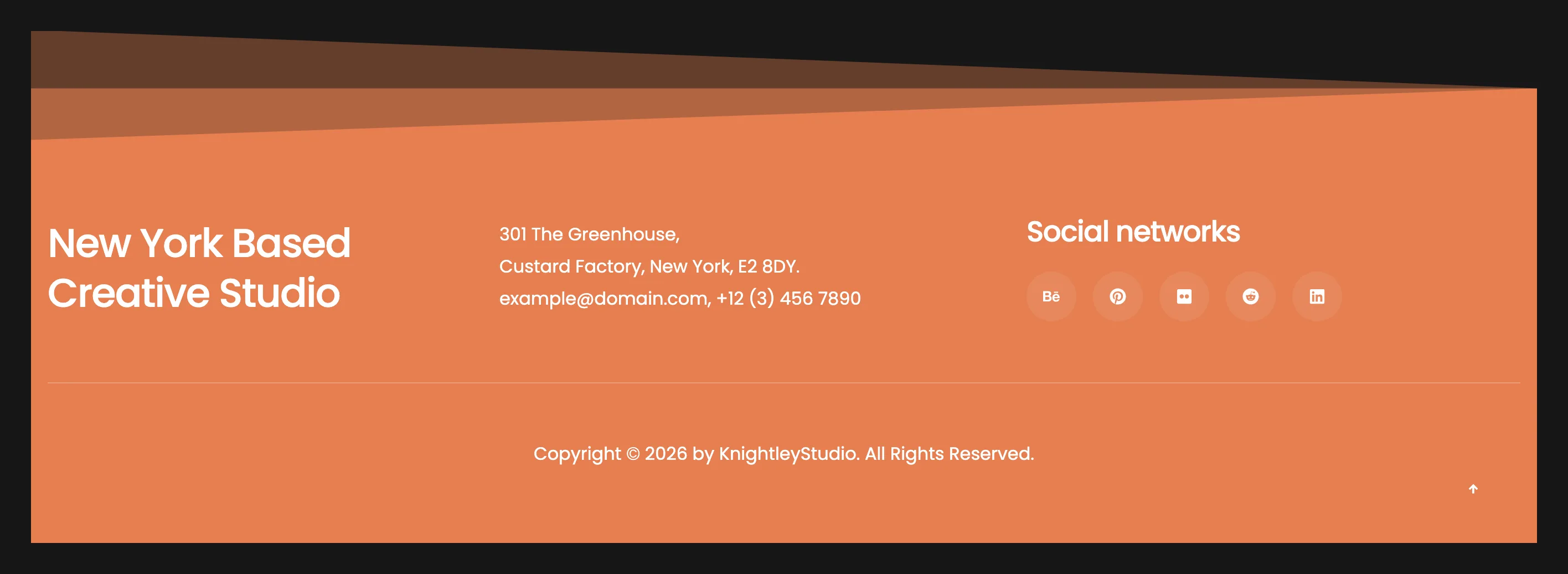
## Build the footer
Product: Norto - Creative Portfolio WordPress Theme
URL: https://hub.jkdevstudio.com/docs/norto/plugins-and-widgets/footer
Updated: 2026-11-27
Summary: Build the Norto footer as a footer template in Ultimate Addons for Elementor with the Footer widget, fill the Footer Sidebar, and set the copyright line.
Availability: Pro only.
This is a Pro feature. With Norto Pro active, the theme prints no footer of its own: you build it as a footer template in the **Ultimate Addons for Elementor (UAE)** plugin, formerly Elementor Header & Footer Builder. The demo ships eight of them, **Footer Style 1** to **Footer Style 8**.
One of the demo footers on the front end.
:::steps
### Install the plugin
Install and activate **Ultimate Addons for Elementor (UAE)** from the WordPress plugin directory. The demo import installs it for you.
### Create a footer template
Go to [[UAE > Header & Footer]], add a template, set its type to **Footer**, and display it on the entire website. Then edit it with Elementor.
### Add the Footer widget
Drop the **Footer** widget from **JKD General** into the template and pick a layout. Layouts can show your logo, a copyright line, and columns of widgets.
### Fill the widget columns
Layouts that use the sidebar take their content from the **Footer Sidebar** widget area at [[Appearance > Widgets]].
### Set the copyright line
The copyright text comes from **Copyright** in [General settings: logos, page helpers, and copyright](https://hub.jkdevstudio.com/docs/norto/theme-settings/general-settings). For a footer without the full widget, use the **Copyright** widget alone.
:::
Without an active license the site falls back to the theme's own footer with its default copyright line.