
Deactivating releases a license from one domain so you can use it on another. It takes two clicks from inside the site, or a few from your account when the site is gone.
#When you need it
Before moving to a different domain, before deleting a site, before handing a site to a new owner, or any time you want the slot back for another project.
Deactivating does not cancel anything.
Your purchase, your license and your right to use the theme are untouched. It removes the link between the license and one domain, and nothing else.
#From the theme dashboard
The normal route, and the one to use whenever the site is still reachable.
Open the License tab
Go to the theme menu in the WordPress sidebar, then License.
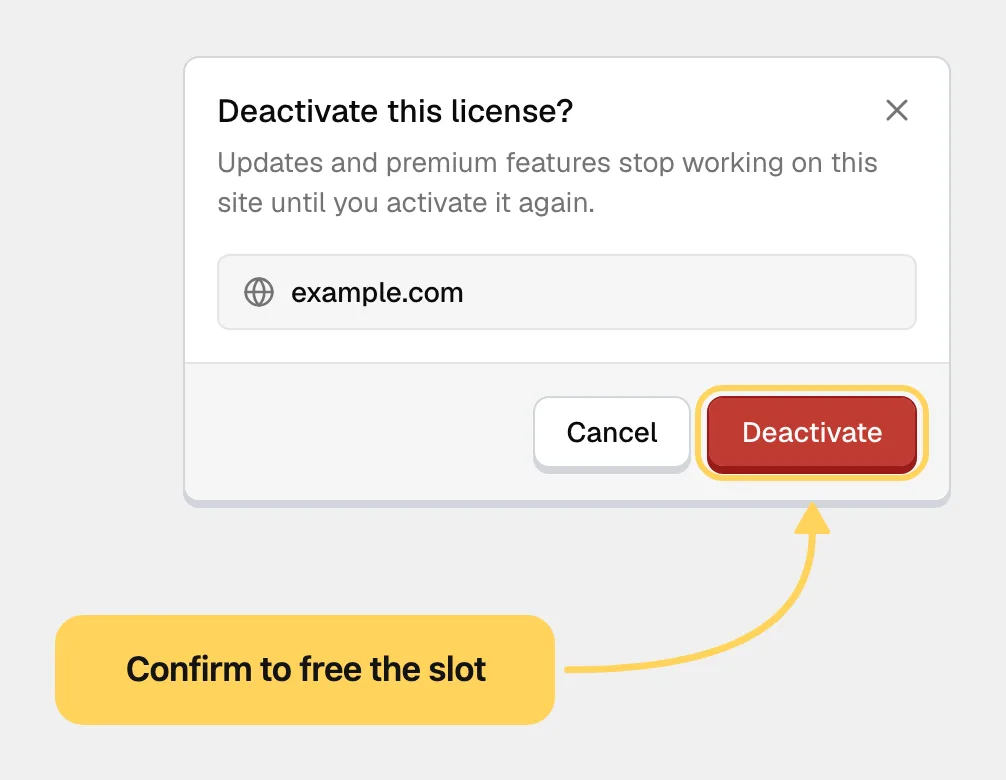
Click Deactivate
A confirmation opens and names the domain being released. There is nothing to sign in to.
Confirm
Press Deactivate in the confirmation. The request goes straight from your site to our server and finishes in about a second: the page shows "License deactivated." and reloads.
The Pro features close immediately afterwards. The theme stays installed, your content is untouched, and every setting is kept. Reactivate later and everything works exactly as before.
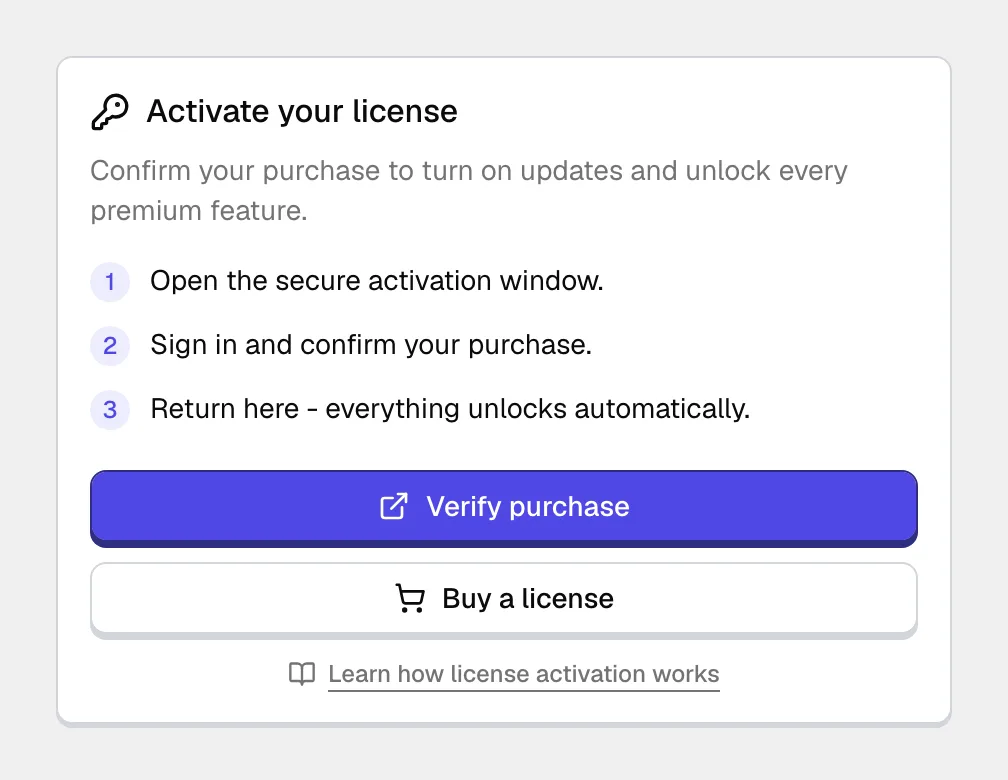
#From your account
Use this when the site is out of reach: the domain is gone, the server was deleted, or the install is broken.
Open your jkdevstudio account, find the license, and remove the activation there.
A site deactivated remotely does not find out immediately.
It keeps treating the license as active until its next scheduled check, and the Pro layer closes then. So if you deactivate from your account and the old site still shows Pro features, that is expected, not a failed deactivation. The slot itself is freed straight away, so you can activate the new domain without waiting for the old one to catch up.
#Common questions
I deleted the theme and the slot is still taken
Deleting a theme does not release the activation, because the record lives with the license rather than with the files. Release it from your account now, and next time deactivate before deleting.
How many times can I deactivate?
There is no limit on the action itself. Moving a site to its real domain, rebuilding a staging install, or handing a project over is what the slot is for, and doing it often is normal. Activating and deactivating within a few seconds of each other trips the rate limit on the activation endpoint, which clears on its own after a short wait.
What does get looked at is the pattern of activity over time. Every activation and every deactivation is recorded against your license together with the domain it happened on, so a key that cycles through many unrelated domains stands out, and a person reviews it rather than a script.
That pattern carries weight because it is how a shared or resold key behaves. A copy is activated long enough to pass the first check, then deactivated and cut off from our server so the scheduled re-check never reaches it, and the freed slot goes to the next site. Using a license that way is redistribution, which our terms and conditions do not permit, and a license found doing it is blocked. From that point it stops being a support conversation and is handled like any other unlicensed distribution of our work, including a copyright complaint to the hosting provider and, where the site is commercial, further legal action.
Ordinary use never looks like this, and none of it is aimed at somebody who runs a lot of sites. If your situation is unusual, say so in a ticket before you start rather than after. It is a much shorter conversation that way.
Does deactivating delete my settings?
No. Settings live in your database and stay where they are. Only the Pro features stop working.
The site is offline and I cannot sign in to my account either
Send a support request with your purchase code and the domain to be released, and ask for the activation to be cleared on our side.
The slot still shows as used after deactivating
Give it a minute and reload your account page, since the two sides settle at slightly different speeds. If it still shows the old domain after that, send a support request naming the license and the domain.
#Still stuck
Open a support ticket and say what you tried and where it stopped. Your product, your domain, a screenshot and the exact message you saw are usually enough to settle it in one reply.
Last updated
