
This integration brings Contact Form 7 forms into the theme's look and behavior, so they read as part of the page and not as something pasted in from outside.
It is the smallest integration in the set, and it has no page in the Integrations block because there is nothing global to configure.
It styles Contact Form 7 and leaves everything else to it.
The forms themselves, the fields, the emails, the validation and the spam protection all stay with Contact Form 7 and its own documentation. This integration owns how a form looks and behaves inside the theme, and nothing else.
#What it adds
- Appearance
Fields, buttons, and error and success messages take the theme's own design tokens, so a form looks like part of the page instead of a default form carrying somebody else's styles. It targets Contact Form 7's own markup, so it applies to every form you already have without editing any of them.
- Real states
Focus, invalid, disabled, and the state that matters most: after the button is pressed, the form shows that sending is in progress. Contact Form 7 has no pending state of its own, and without one visitors press the button a second time.
- Pages that load without a reload
In themes where moving between pages happens without a full page reload, a standard form stops working after such a transition, because the script that was bound to it belonged to the page that is gone. The integration rebinds it, so a form works the same whether the visitor arrived on the page or navigated into it.
- A block and an Elementor widget
A native block for the WordPress editor and a widget for Elementor, both picking the form from a list, so a form drops into a layout like anything else the theme ships.
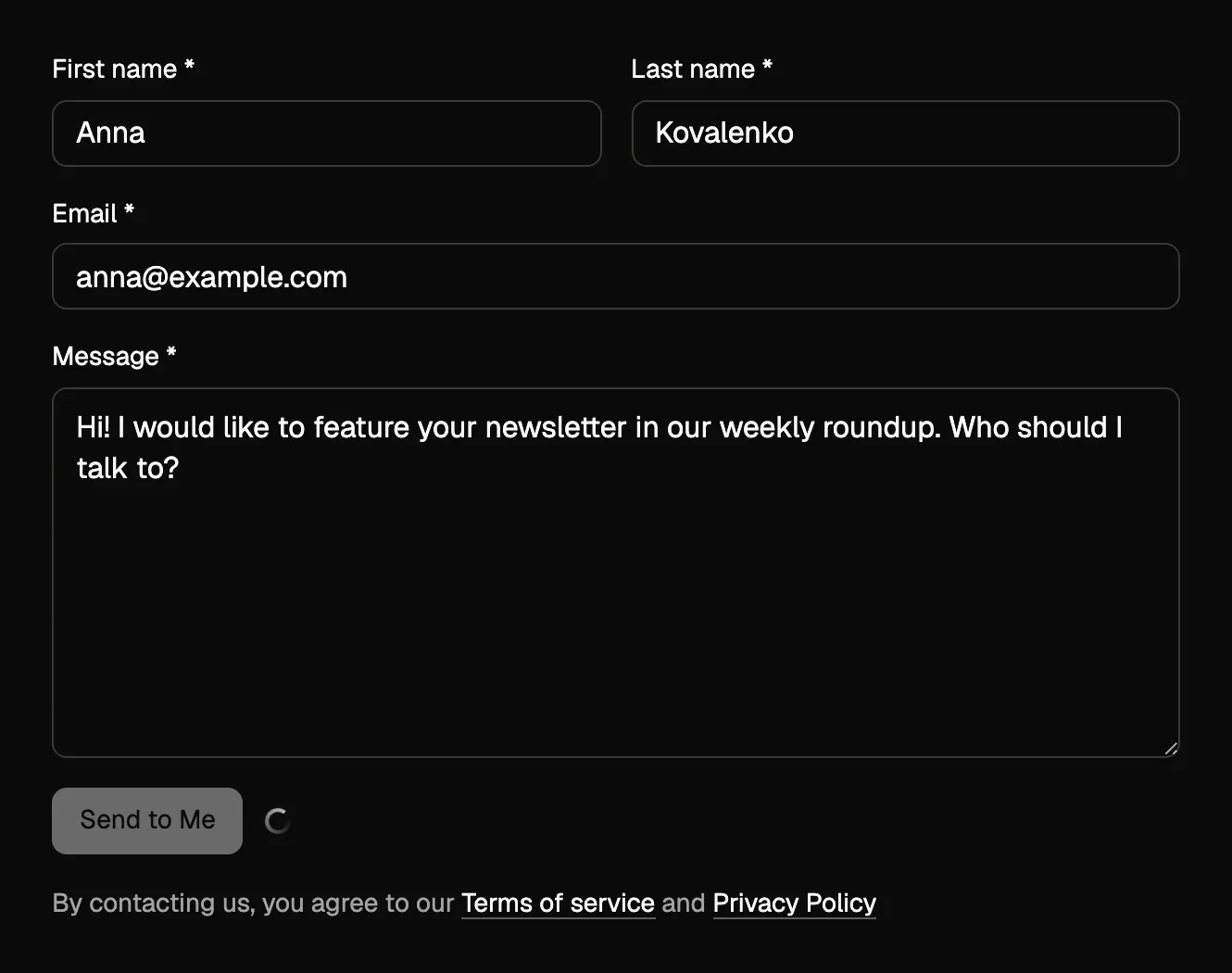
Without it, this work would have to be redone on every theme and every site. We do it once, for our themes.
#What you need
Exactly one thing: the Contact Form 7 plugin, installed and active. No add-ons, no paid extensions, no external services.
The order is: Contact Form 7 first, with a form created in it, then our integration.
#Placing a form
Three ways, all with the same result:
- the block in the WordPress editor
- the Elementor widget
- the shortcode
[jkdcf7_form id="123"], where the id is the form number in Contact Form 7
In the block and the widget you pick the form from a list, so there is no number to look up.
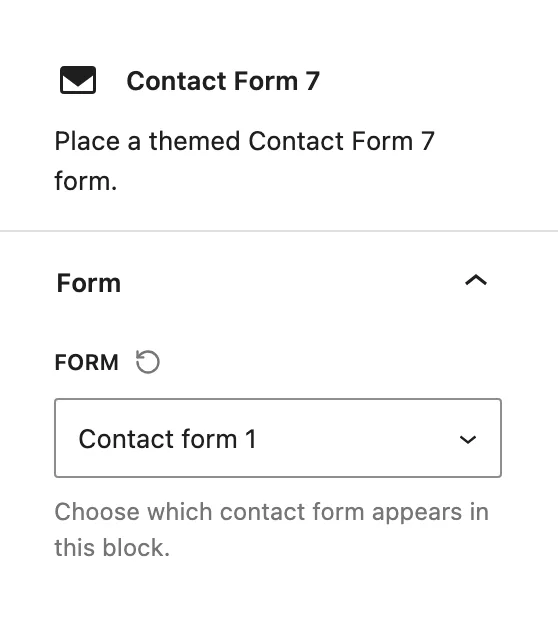
Contact Form 7's own shortcode works exactly as it always did, and the theme styling applies to it just the same. The styling is not tied to how the form was placed, so nothing you built before installing this needs to be rebuilt.
This integration is licensed with the theme, not on its own.
Integrations are premium functionality for customers running a Pro license of one of our themes. They are written against our themes and expect them, and we cannot support or take responsibility for what one does inside somebody else's theme. See how theme integrations work.
#Common questions
Where do I set up the email that gets sent?
In Contact Form 7, on the form's Mail tab. That part belongs entirely to Contact Form 7, and nothing here changes it.
My form has no spam protection
Contact Form 7 handles that with its own reCAPTCHA or Turnstile integration, and nothing here changes it. The setting you are looking for is on their side.
Can I style one form differently from another?
Not through this integration, which applies the theme's styling consistently on purpose. A form sitting inside your own wrapper can always be reached with custom CSS.
A form does not send
Test it with the integration deactivated first, because that splits the problem in two.
If it fails both ways, the cause is in Contact Form 7 or in your server's mail, and their documentation is the right place to go. If it only fails while the integration is active, open a support request and include the form configuration in it.
I removed the integration and my forms look plain
That is expected, since the styling is what this integration adds. The forms themselves keep working exactly as Contact Form 7 built them.
#Still stuck
Open a support ticket and say what you tried and where it stopped. Your product, your domain, a screenshot and the exact message you saw are usually enough to settle it in one reply.
Last updated
