
Fields on categories, tags, authors, menus, and pages - Maniel
Maniel Pro adds fields to the WordPress edit screens. They set one object at a time and win over the global settings in Theme Options.
#Categories and tags
Open a category at PostsCategories and edit it. Category Color tints its badges and its card in the category list; Category Thumbnail is the image on category cards and sliders. Tags at PostsTags have a Tag Color.
#Authors
Under User Options in each profile at UsersProfile:
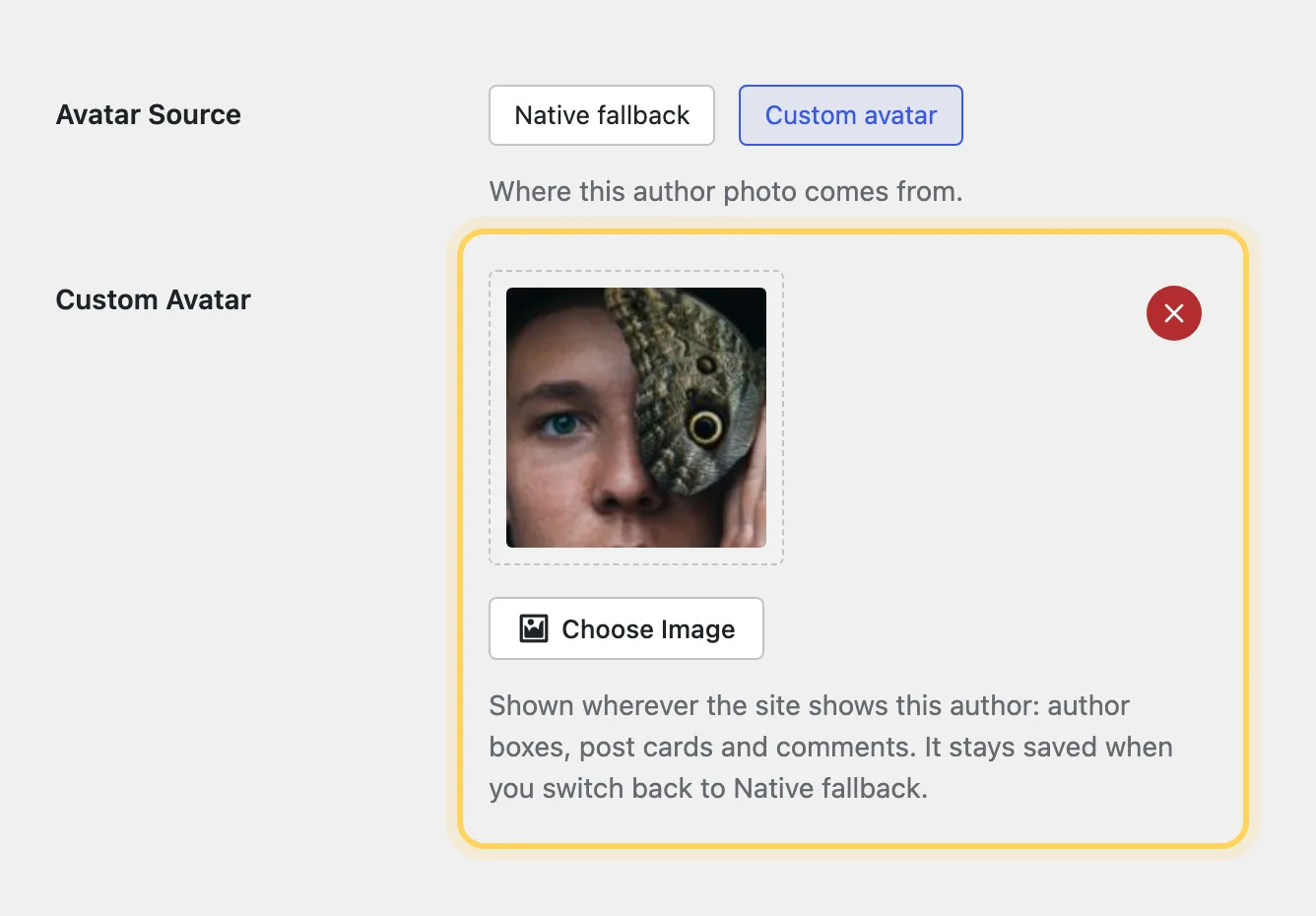
Native fallback uses the WordPress avatar (Gravatar); Custom avatar uses the picture below everywhere the site shows this author.
The author photo, shown when the source is Custom avatar. It stays saved if you switch back.
Background of this author's profile card.
An icon and a link per network, shown in the author box and the authors list.
#Menu items
Open AppearanceMenus and expand an item:
On a category item, opens a drop-down that previews the latest posts in that category. Categories Count sets how many (default: 16).
A small badge such as New or Hot, with its own Label Text and Label Color.
#Pages and posts
Every page and post has these fields below the editor:
A header block above the content. Style is Default, Minimal or Image (with Page Header Image); Alignment is left, center or right; Breadcrumbs shows the trail; Enable Bottom Border draws a line under it.
Turn off to hide the header on this page.
Turn off to hide the footer on this page.
Posts also have Post Subtitle, a line shown under the title.
Last updated
Was this article helpful?

On this page
