
Customizer settings: logos, colors, and fonts - Maniel
The look of the site lives in AppearanceCustomizeManiel Theme, in four sections that Maniel Pro adds: Branding, Navigation, Color Scheme and Typography. Changes preview live and apply when you press Publish.
#Branding
Logo in the header. Without one, the header shows the site title.
Logo used in the dark scheme.
Width in pixels, from 20 to 300.
Small logo for compact places such as the mobile header.
Small logo in the dark scheme.
Width in pixels, from 20 to 300.
#Navigation
Desktop header height in pixels.
Header height on phones and tablets.
#Color scheme
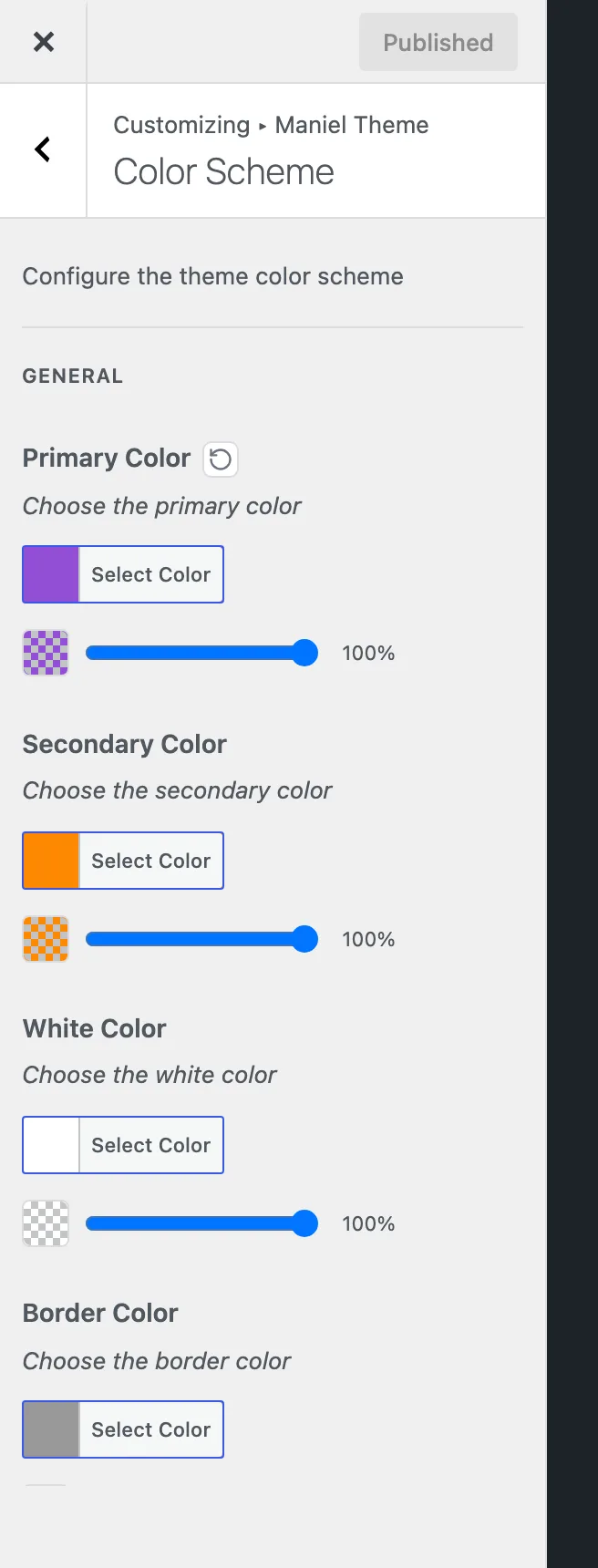
Four general colors apply everywhere: Primary Color (default #924ed5), Secondary Color (default #fe8901), White Color and Border Color. Each has an opacity slider under the color.
Below them come two sets of seven colors, Default Scheme and Dark Scheme: background, secondary background, text, heading, dark, inverted, and placeholder. Visitors switch schemes with the switch in the header, and the site follows their system setting until they do.
#Typography
Heading Font (default Nunito) and Text Font (default Rubik) pick the two families. Both defaults are served from your own site; another family is added through the font library, see Adding fonts to your site.
Each heading from H1 to H6 has a size and letter spacing for four screen widths: XL (large desktop), LG, MD (tablet) and SM (phone).
#Questions
The color I set does not show in one place
Category and tag colors come from the fields on each category and tag, not from the Customizer. See Fields on categories, tags, authors, menus, and pages.
Last updated
Was this article helpful?

On this page
