
Theme Options: blog and single post - Maniel
Two pages in Maniel ProTheme Options decide how posts look: Blog for the blog page and every archive, Single Post for the article itself.
#Blog
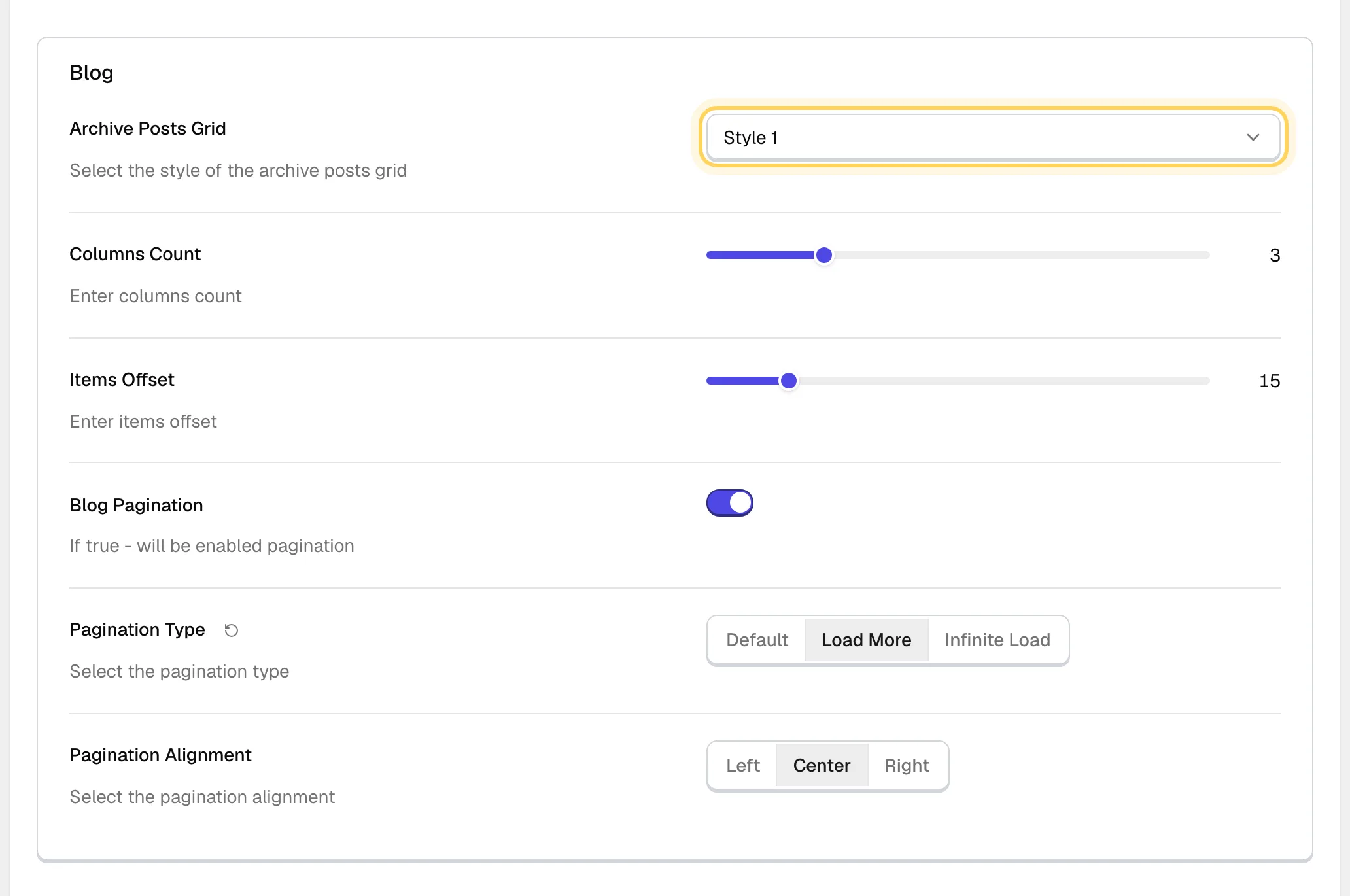
One of 12 post grid layouts, used on the blog page, categories, tags, authors and search results.
Columns in the grid, from 1 to 10.
Space between the posts in the grid, in pixels.
Shows pagination under the grid.
Numbered pages, a Load More button, or Infinite Load as the reader scrolls.
Left, center or right.
How many posts a page shows is the WordPress setting at SettingsReading. The same 12 grids are available on any page through the posts grid widget, see Page widgets and sidebar widgets.
#Single post
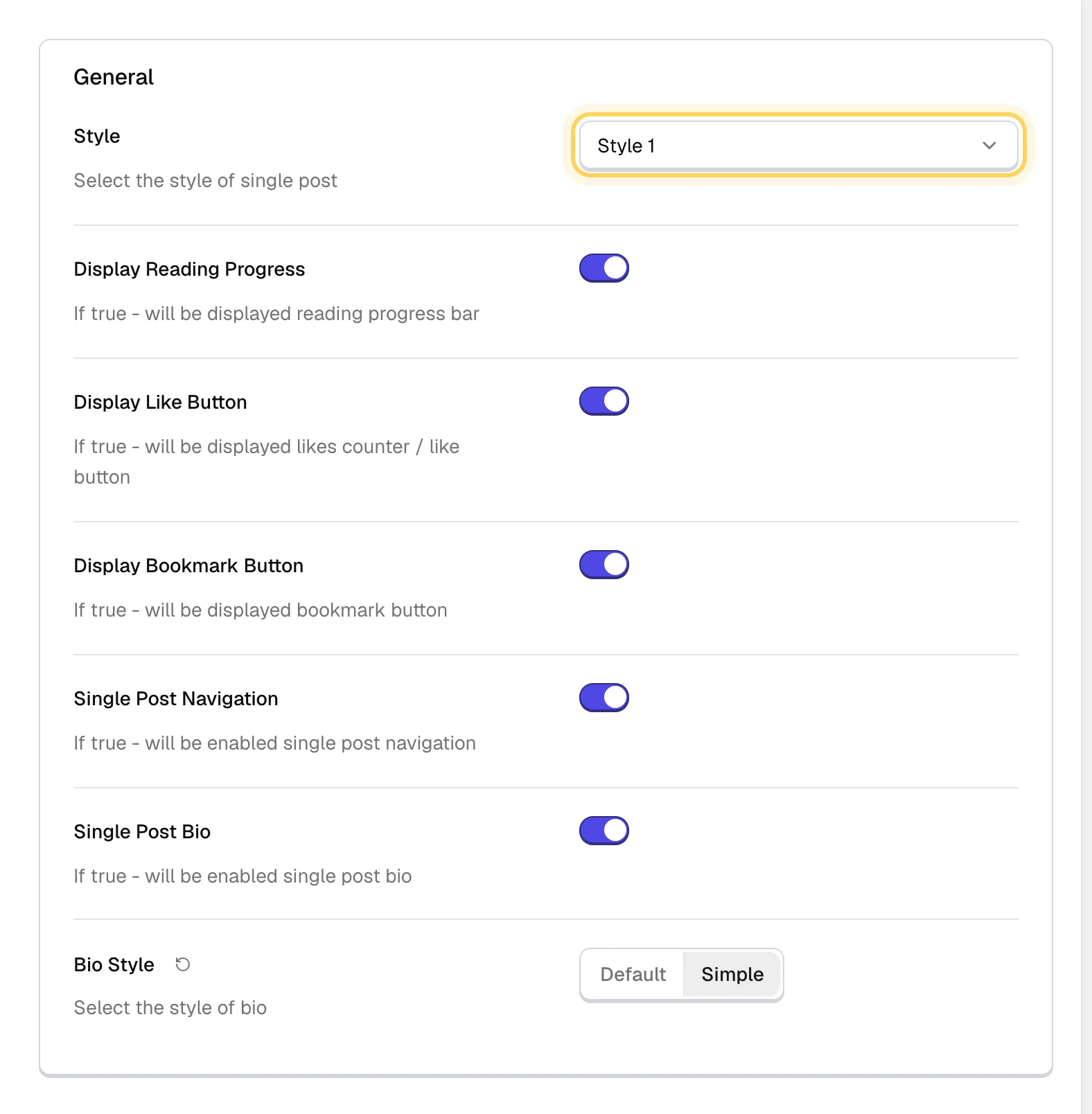
One of 7 single post layouts.
A bar at the top that fills as the reader scrolls.
A like button with its counter.
Saves the post to the reader's bookmarks in the header.
Links to the previous and next posts.
The author box under the post. Bio Style is Default or Simple.
Related posts under the article. Recent Posts Style is a list, a slider or a minimal row; Recent By matches on categories or tags; Number of Posts defaults to 6.
Comments Style is Default or Spoiler, which folds the thread until the reader opens it. Ajax Submission posts a comment without reloading; Pagination Type can load older comments with a button.
Share buttons. Sharing List picks the networks.
A banner with text and a button, placed at the top or the bottom of the post, with its own background image.
A post's subtitle is a field on the post itself. Page headers and per-page navigation or footer are fields too, see Fields on categories, tags, authors, menus, and pages.
Last updated
Was this article helpful?

On this page
