
Theme Options: header, footer, and site-wide settings - Maniel
Theme Options is the settings panel Maniel Pro adds at Maniel ProTheme Options. Each page in its left menu holds one area, split into tabs; nothing applies until you press Save Changes. This article covers the pages that act on every page of the site. The blog and shop pages have their own articles: blog and single post and shop and product.
#Navigation
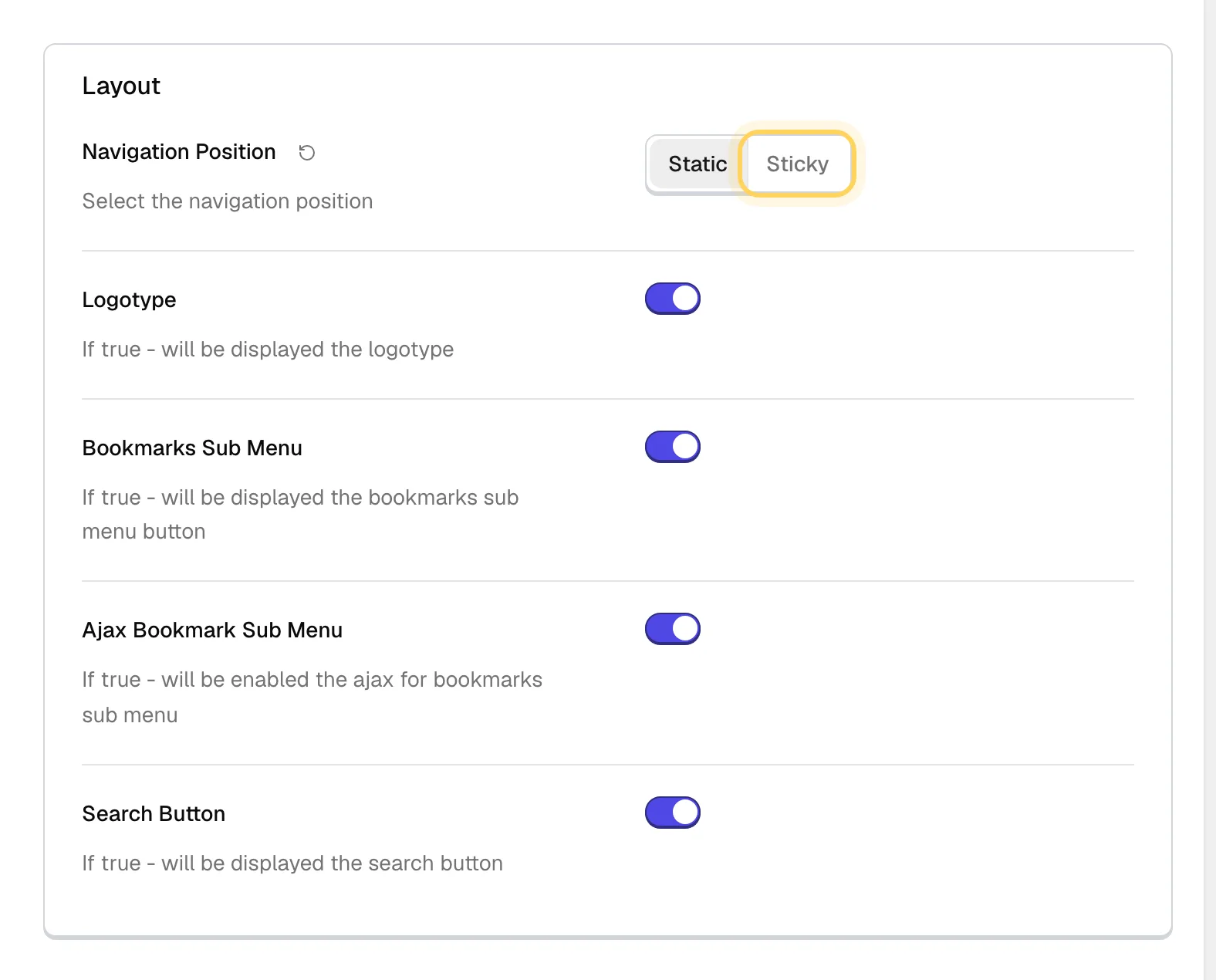
Sticky keeps the header at the top while the page scrolls; Static leaves it at the top of the page.
Shows the logo set in the Customizer.
A bookmark icon with a drop-down of the posts the visitor saved. Ajax Bookmark Sub Menu loads that list when it opens.
The search icon that opens the search overlay.
A button at the end of the header, with its own CTA Button Text and CTA Button Link.
The cart icon, shown when WooCommerce is active. Cart Style picks a plain link, a Sub Menu drop-down (default) or a side Panel; AJAX Cart loads its contents when it opens.
A wishlist icon, shown when the wishlist plugin is active.
The strip above the header, with your Social List and Additional Links, the menu you assign to the CTA Menu location.
An offer bar at the very top, with a Top Banner Label, its text, the offer text, and a button. A visitor who closes it does not see it again.
Menus themselves, their badges and the category drop-downs are set on each menu item, see Fields on categories, tags, authors, menus, and pages.
#Footer
Four switches, all on by default: Social Section, Copyright Section, Widgets Section (the footer widget area) and Menu Section (the footer menu). A single page can hide the footer with its own field.
#Branding and social
Copyright on the Branding page is the footer copyright text; {year} in it shows the current year. The Social page holds the Social Icons list: a title, an icon and a link for each network, used in the header and the footer.
#Newsletter
The sign-up pop-up. The fields below show while it is on.
Milliseconds after page load before it opens.
The shortcode of your sign-up form, for example from Mailchimp for WordPress. The pop-up shows whatever form it prints.
A "don't show again" box; a visitor who ticks it is not asked again.
The text and picture beside the form.
#General and error page
Following Cursor on the General page turns on the custom cursor that trails the pointer on desktops. The Error Page page sets the 404 page title, subtitle and whether it lists extra links.
#Questions
I saved a setting and nothing changed
A page cache is usually still serving the old page: clear it. If the change is on one page only, check that page's own fields, which win over Theme Options. More causes are in Settings will not save, or changes are not visible.
Last updated
Was this article helpful?

On this page
