
Theme Options: shop and product page - Maniel
The Shop and Single Product pages in Maniel ProTheme Options style the WooCommerce catalog and product pages. They appear once WooCommerce is active; everything else about the store (prices, payments, shipping) stays in WooCommerce's own settings.
#Shop
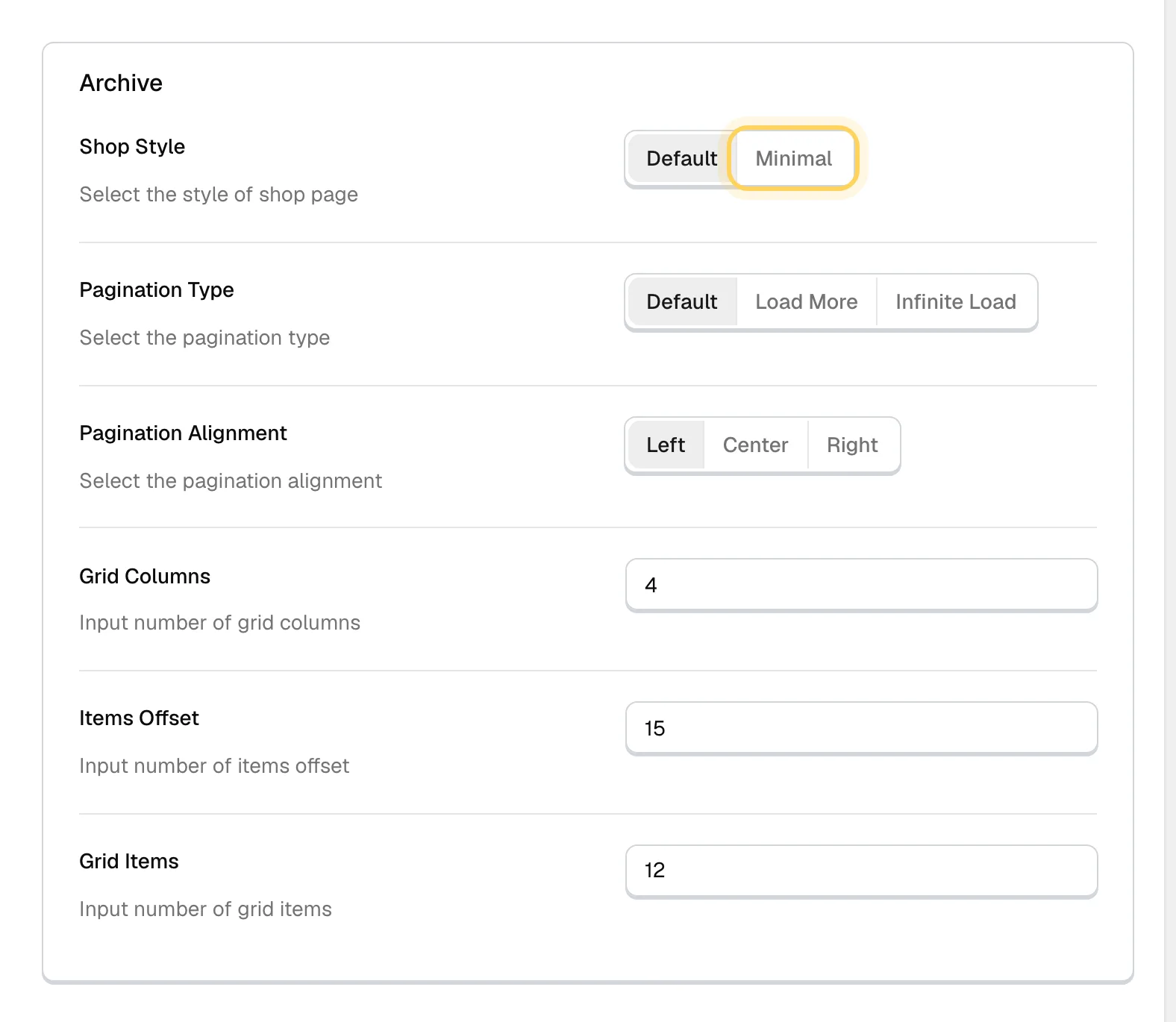
Default or Minimal product cards.
Numbered pages, a Load More button, or Infinite Load.
Left, center or right.
Products per row.
Space between products, in pixels.
Products per page.
The cross-sell row on the cart page. Cross-Sells Items Limit defaults to 5.
A banner with text, a button and a background image, at the Top or the Bottom (default) of the catalog.
#Single product
Default or Two Side layout.
Puts the title, price and buttons on the left or right of the gallery.
Magnifies the product image under the pointer on desktops.
Related Items Limit defaults to 5.
Upsells Items Limit defaults to 5.
The wishlist heart on product cards and the wishlist icon in the header appear when the TI WooCommerce Wishlist plugin is active.
Last updated
Was this article helpful?

On this page
