
Post page additions in Pro - Enardo
This is a Pro feature. Enardo Pro adds three things to the post page: side arrows to the neighboring posts, a row of Summarize with AI links under the cover, and a profile photo for each author. The first two are placed in the Single template for you, so they appear on every post without any setup.
#Side arrows
A slim arrow sits at each edge of the screen on posts. Pointing at it or tabbing to it widens it and shows the cover of the post it leads to. The arrows loop: the oldest post's previous arrow leads to the newest post, and the other way round.
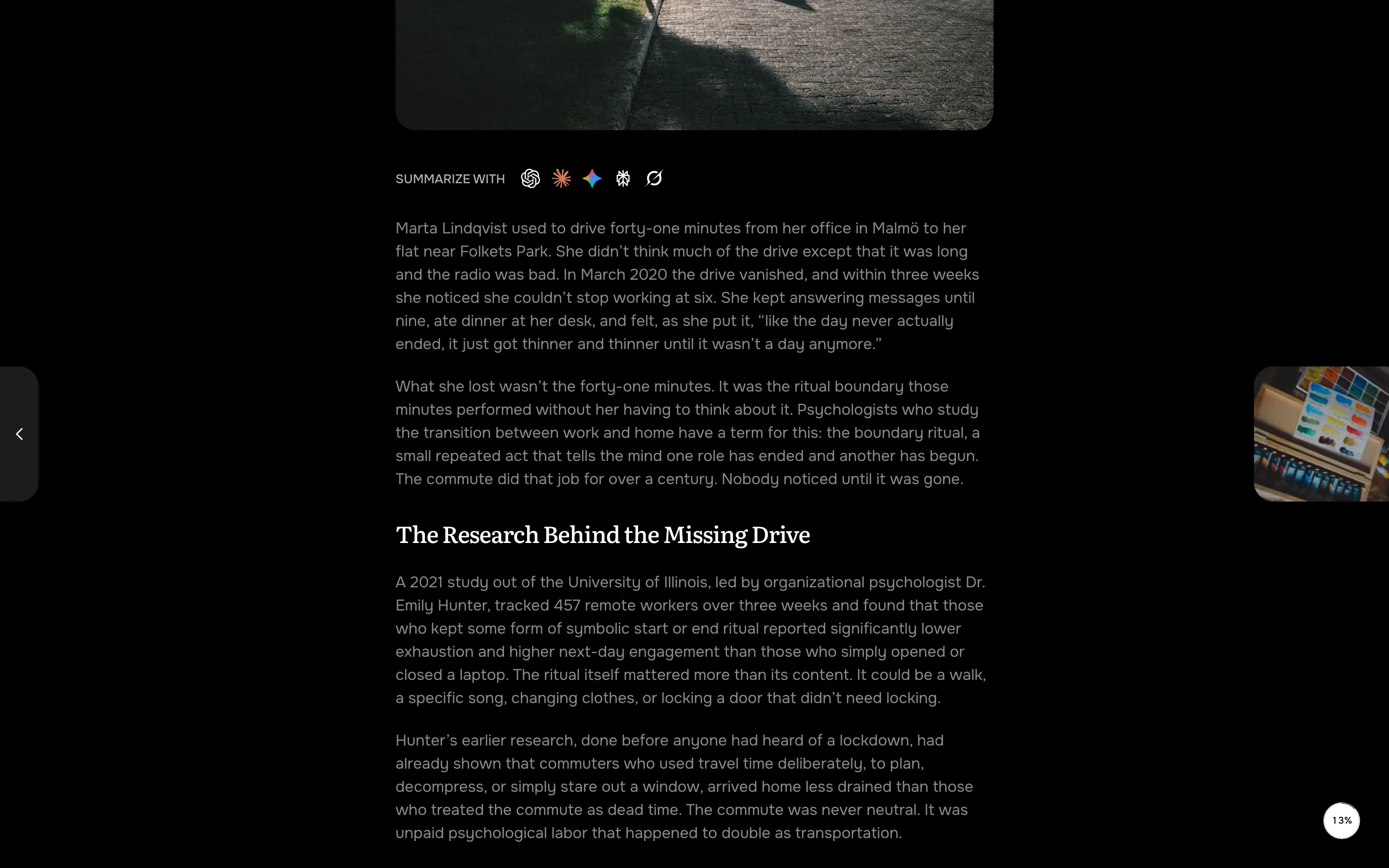
- They show on screens 810 pixels wide and up. Phones keep the Previous and Next links under the article instead.
- An arrow whose target post has no featured image shows the chevron only.
- With reduced motion the arrow does not animate when it widens.
They are a block in the Single template. To remove them, open the template at AppearanceEditorTemplates, select the arrows before the article, and delete them.
#Summarize with AI
A row of round links under the cover. Each one opens an AI chat in a new tab with a prompt about the post. The links are plain links: your site sends no request to any AI service.
Select the block in the Single template to change it for every post, or insert Summarize with AI from the Enardo block category into one post.
The text before the links. Empty shows "Summarize with".
The text the chat receives. {url} and {title} become the post's address and title. Empty uses "Summarize this article for me: {url}".
The chats that get a link, in this order. A new block links to ChatGPT, Claude, Gemini, Perplexity and Grok. Microsoft Copilot is also available.
ChatGPT, Claude, Perplexity and Grok open with the prompt filled in. Gemini and Microsoft Copilot may open an empty chat, because they offer no official way to pass a prompt.
#Profile photo
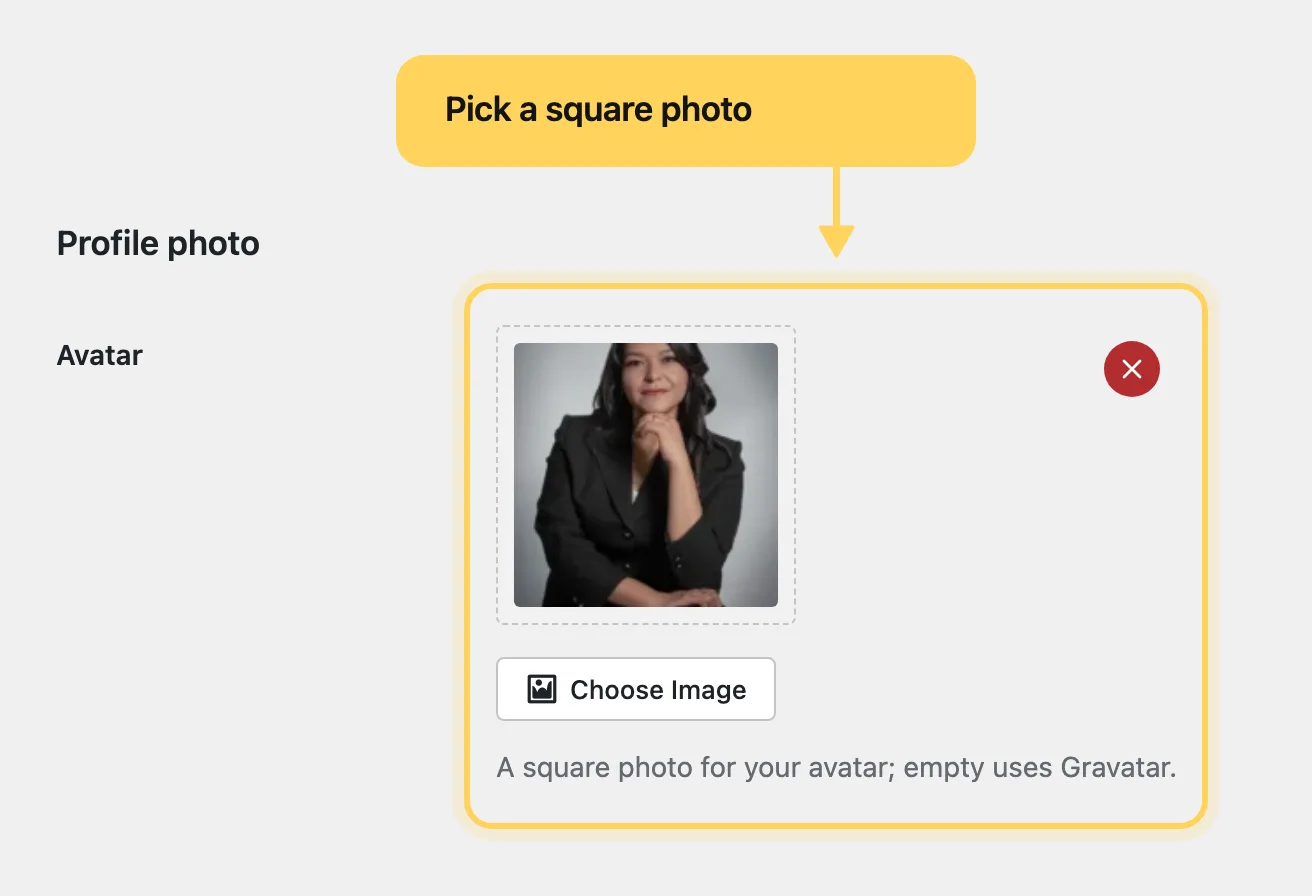
Every user gets a Profile photo group at UsersProfile with one field, Avatar. A square photo there replaces Gravatar wherever WordPress shows that person's avatar: the author card under posts, the Authors block, and comments they leave while signed in. Leave it empty to keep Gravatar.
#Questions
I do not see the side arrows.
Check the window width first: they appear from 810 pixels. If the Single template was saved with the arrows deleted, they stay away; reset the template or add them back.
Can I remove one service, such as Grok?
Yes. Select the block and take the service out of Services. Do it in the Single template to change every post at once.
Last updated
Was this article helpful?

On this page
