
Build the About, Authors, and Categories pages - Enardo
This is a Pro feature. Enardo Pro ships ready pages in the Enardo pages pattern category. WordPress offers them as soon as you create a new page, and most of what they show fills itself from your site.
Create the page
Go to PagesAdd New Page. In the window that offers patterns for the new page, pick About, Authors, Categories, Privacy policy or Terms and conditions.
Choose the template
For About, Authors and Categories, choose Page without title in the page's Template panel. These three carry their own heading, so the regular Page template would show the title twice. Privacy policy and Terms and conditions keep the regular Page template, which shows the page title.
Replace the sample text
Type over the texts and swap the pictures, then publish.
#What each page shows
- About
A heading and lead, one wide photo and two smaller ones, three paragraphs, a row of four live counts, a pull quote and two email buttons, then Browse by topic.
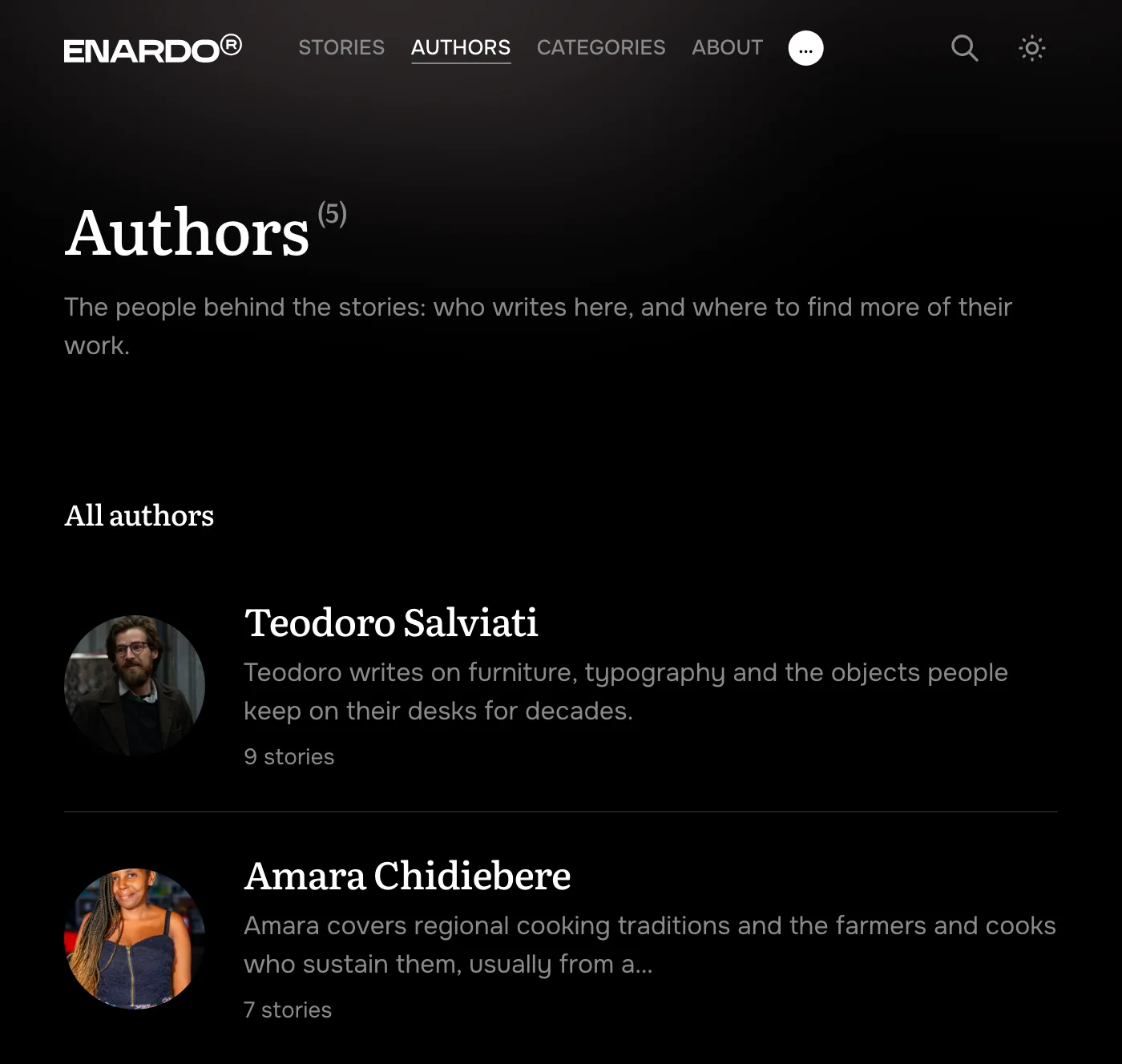
- Authors
The title with the number of authors, a lead, then the Authors block, one row per author.
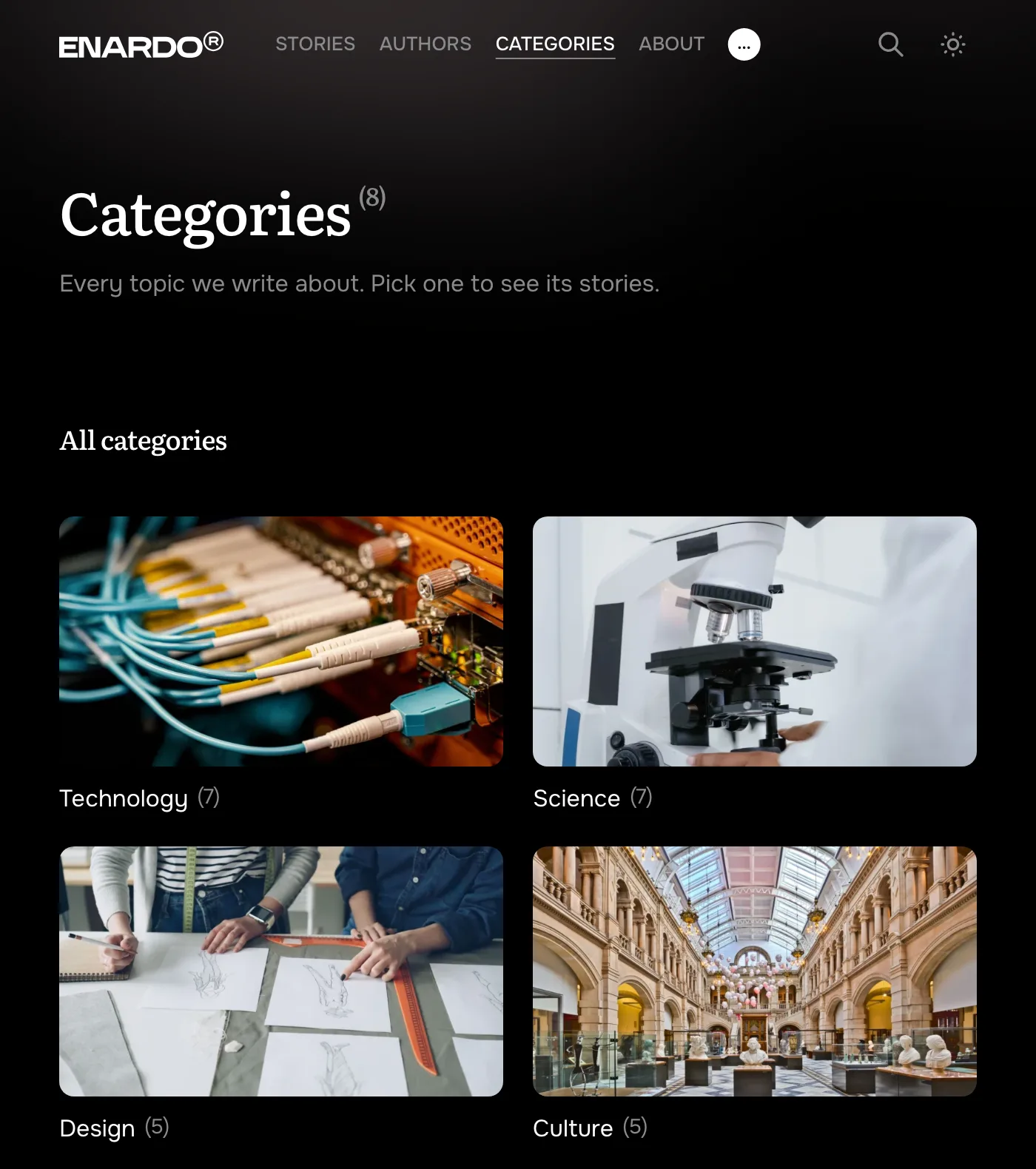
- Categories
The title with the number of categories, a lead, then every category with posts as a card with its picture, name and post count, two in a row.
- Privacy policy and Terms and conditions
A starting text in plain words for you to adapt. It is not legal advice.
#The counts fill themselves
The four numbers on About are worked out each time the page loads, so they never go stale:
- Stories: your published posts.
- Authors: people with at least one published post.
- Topics: categories that have posts.
- Publishing since: the year of your oldest post.
The numbers beside the Authors and Categories titles come from the same counts.
The About pattern's email buttons point to sample addresses at example.com. Change both links before you publish.
#Link the pages
Add the new pages to the header menu. A long list, such as single categories, can go into the three-dot menu: see Keep an item in the More menu.
The footer links to Privacy and Terms by itself once the pages exist. Choose the privacy page at SettingsPrivacy, and give the terms page the slug terms. See The footer.
#Questions
The Categories page leaves out a category.
It shows only categories that have at least one post.
Where do the category pictures come from?
From the Picture field of each category. See Pagination styles and category pictures.
Last updated
Was this article helpful?

On this page
