
Installation & Activation
Welcome to Lazyline PRO! Getting started takes just a few minutes.
#Installation
Download the
.zipfile from your CodeCanyon downloads pageIn WordPress, go to Plugins > Add New > Upload Plugin
Select the downloaded file and click Install Now
Click Activate
The plugin appears in the WordPress admin sidebar as Lazyline PRO.
#License Activation
Before you can use the plugin, you'll need to activate your license:
Navigate to the Lazyline PRO menu in your WordPress admin
You'll land on the Activation page - all other tabs are locked until you activate
Click Activate with Envato
Log in with your Envato account in the popup window
Confirm the authorization
The page reloads automatically and all features become available.
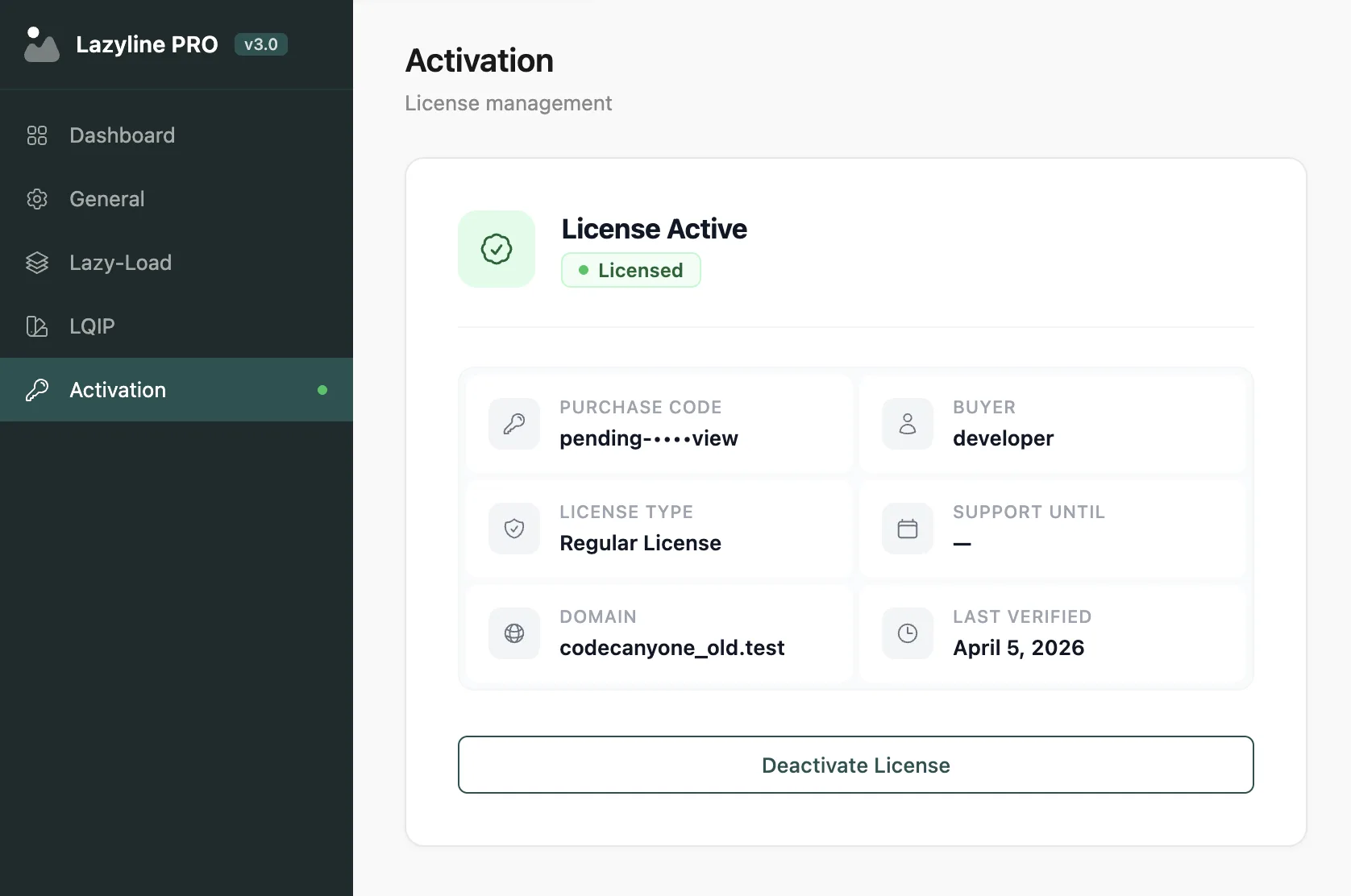
Your license allows activation on one site at a time. To move your license, deactivate it first from the Activation page, then activate on the new site.
#System Requirements
WordPress 6.0 or higher
PHP 8.1 or higher
GD or Imagick extension (required for LQIP generation)
After activation, head to the Dashboard tab for a quick overview of your lazy loading status and LQIP coverage.
Last updated
Was this article helpful?

On this page
