
Loading Behavior
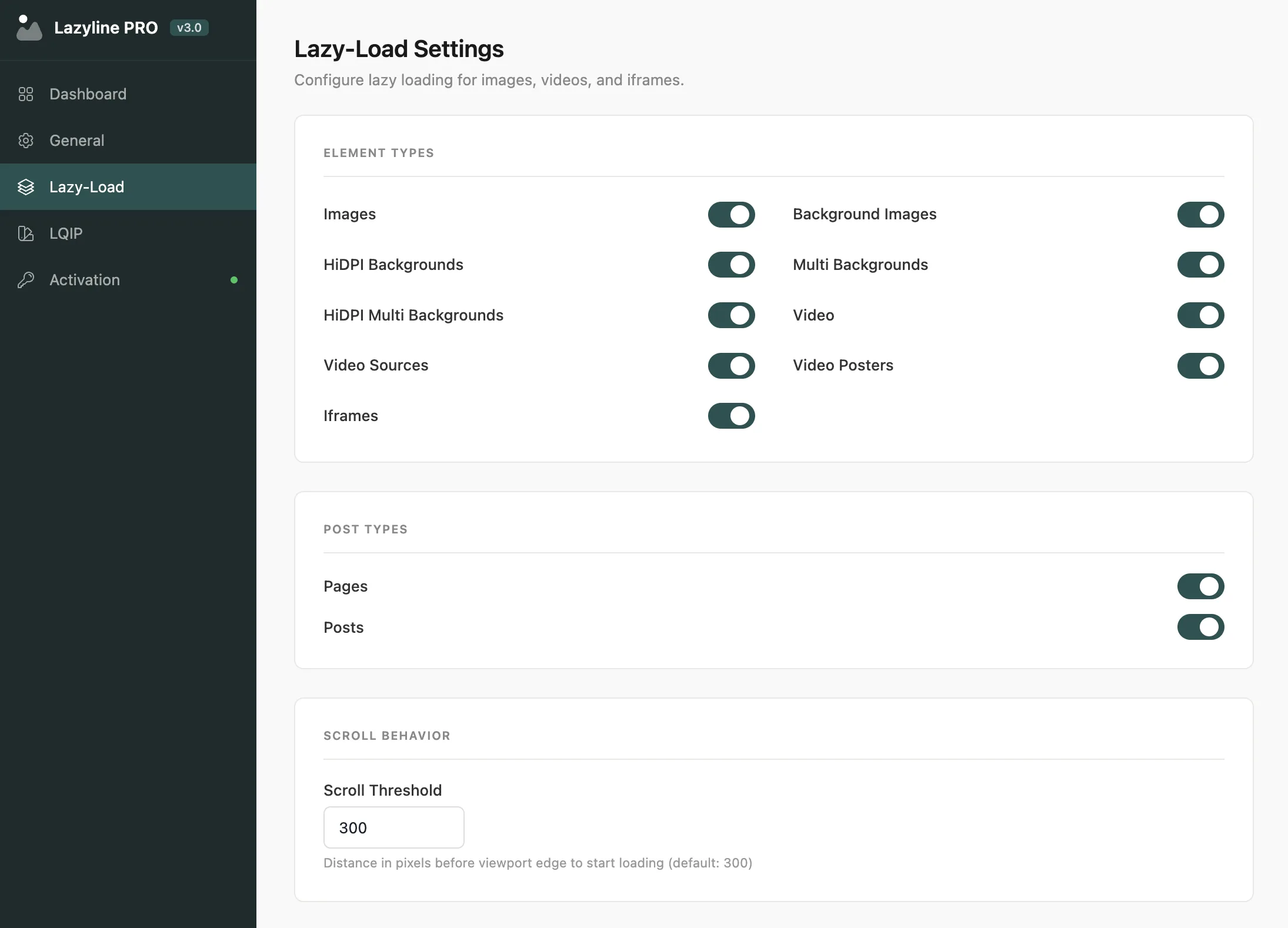
These settings control when and how lazy loading triggers. Getting the viewport threshold right is the most impactful thing you can tune for Core Web Vitals.
#Core Settings
Setting | Description | Default |
|---|---|---|
Viewport Threshold | Distance in pixels from the viewport edge at which loading starts. Higher values preload earlier |
|
Native Lazy Loading | Use the browser built-in | Off |
Cancel on Exit | If an element leaves the viewport before loading completes, cancel the request. Saves bandwidth on fast scrolling | On |
Frontend Watcher | Monitors AJAX content changes and applies lazy loading to dynamically added elements | On |
Back to Default | After an image loads, unwrap the | On |
Viewport Threshold of 300px works well for most sites. Drop it to 100-150px for more aggressive lazy loading (images load closer to when they're actually visible). Increase it if images sometimes appear blank after fast scrolling.
Native Lazy Loading is the simplest option - no JavaScript, no wrapper elements - but it disables LQIP placeholders and preloader animations. Use it if you don't need those features and want the lowest possible overhead.
Frontend Watcher is essential if your site uses infinite scroll, AJAX-loaded tabs, or any dynamic content. It re-applies lazy loading to any new elements added to the page after initial load.
#Dev Mode
Enable Dev Mode to stream lazy load events to the browser console - useful when diagnosing why specific images aren't loading:
ENTERED- element entered the viewportLOADING- load startedLOADED- load completed successfullyERROR- load failedCANCEL- load cancelled (element left viewport before loading finished)
Disable Dev Mode in production - it adds console output on every image load and is only intended for debugging.
Last updated
Was this article helpful?

On this page
