
Show the portfolio on a page - Norto
This article covers functionality available to customers on the Pro version.
This is a Pro feature. The portfolio archive lives at yoursite.com/portfolio/. To put a grid on any other page, use the Portfolio widget.
Open the page in Elementor
Edit the page with Elementor and find Portfolio in the JKD General widget category.
Drop the widget and set it up
Drag it into a section. Number of columns accepts 1 to 10 (default 3), and Pagination (off by default) adds pagination under the grid.
Publish and check the page
The grid shows your newest projects with the filters and cards set in Theme Options.
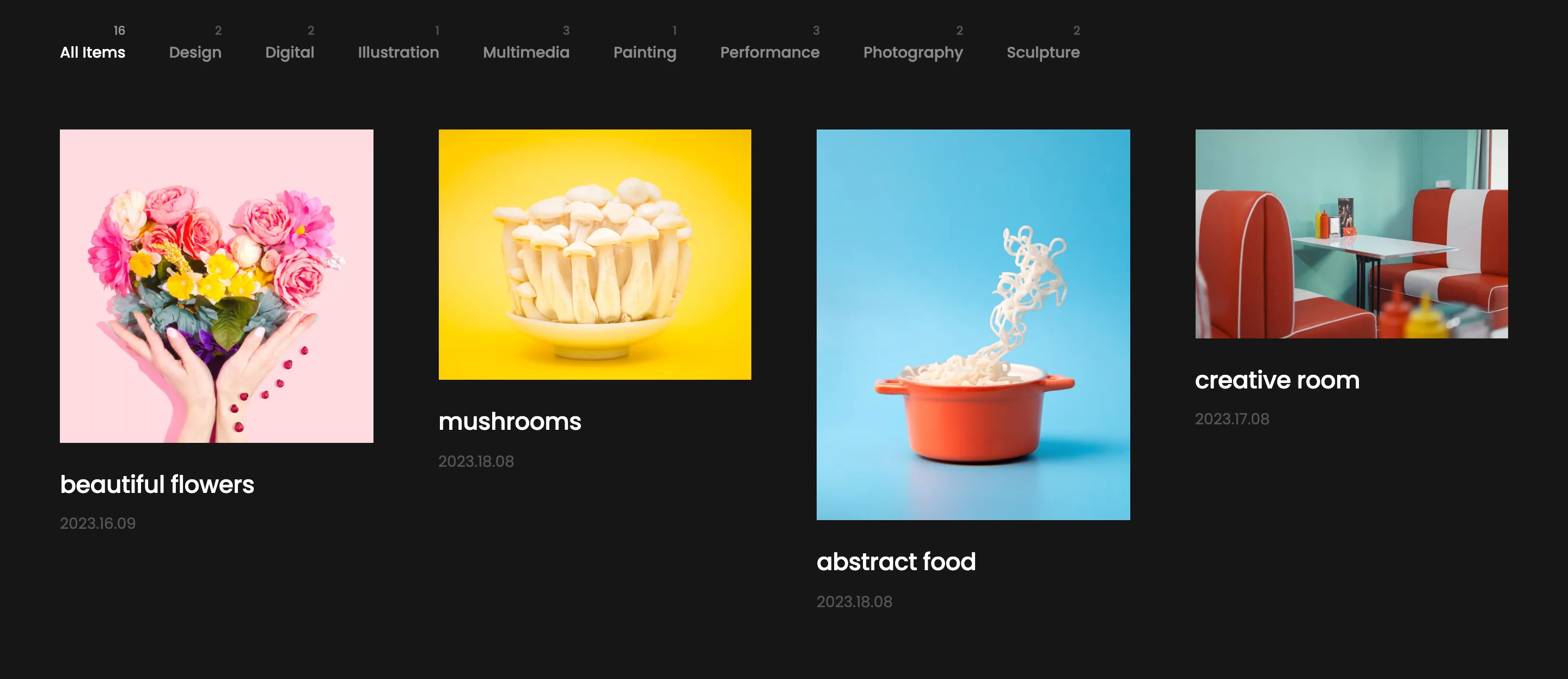
#The widget follows the site settings
- How many projects it shows: Portfolio Grid Items in Portfolio settings. There is no count per widget, so two widgets on one site show the same number.
- The filters, card parts, and pagination style: the same Theme Options page.
- The hover effect and the gap between items: AppearanceCustomizePortfolio Grid.
Last updated
Was this article helpful?

On this page
