
Portfolio settings - Norto
This is a Pro feature. Open Norto ProTheme Options and choose the Portfolio page. The hover effect, grid gap, and pagination alignment are in the Customizer; see Colors, heading font, and portfolio look in the Customizer.
#Address
The URL segment of the portfolio, so work gives yoursite.com/work/. Category and tag pages follow it.
#Grid layout
Items keep their own height and pack into columns. Off lines them up in equal rows.
Columns on desktop, from 1 to 6.
Projects on an archive page before pagination.
Projects shown by the Portfolio widget on pages and the home page.
#Cards
The publish date on each card.
The author name on each card.
The image on each card.
A link icon on each thumbnail.
#Actions bar
The bar above the grid holds the category filters and the arrows.
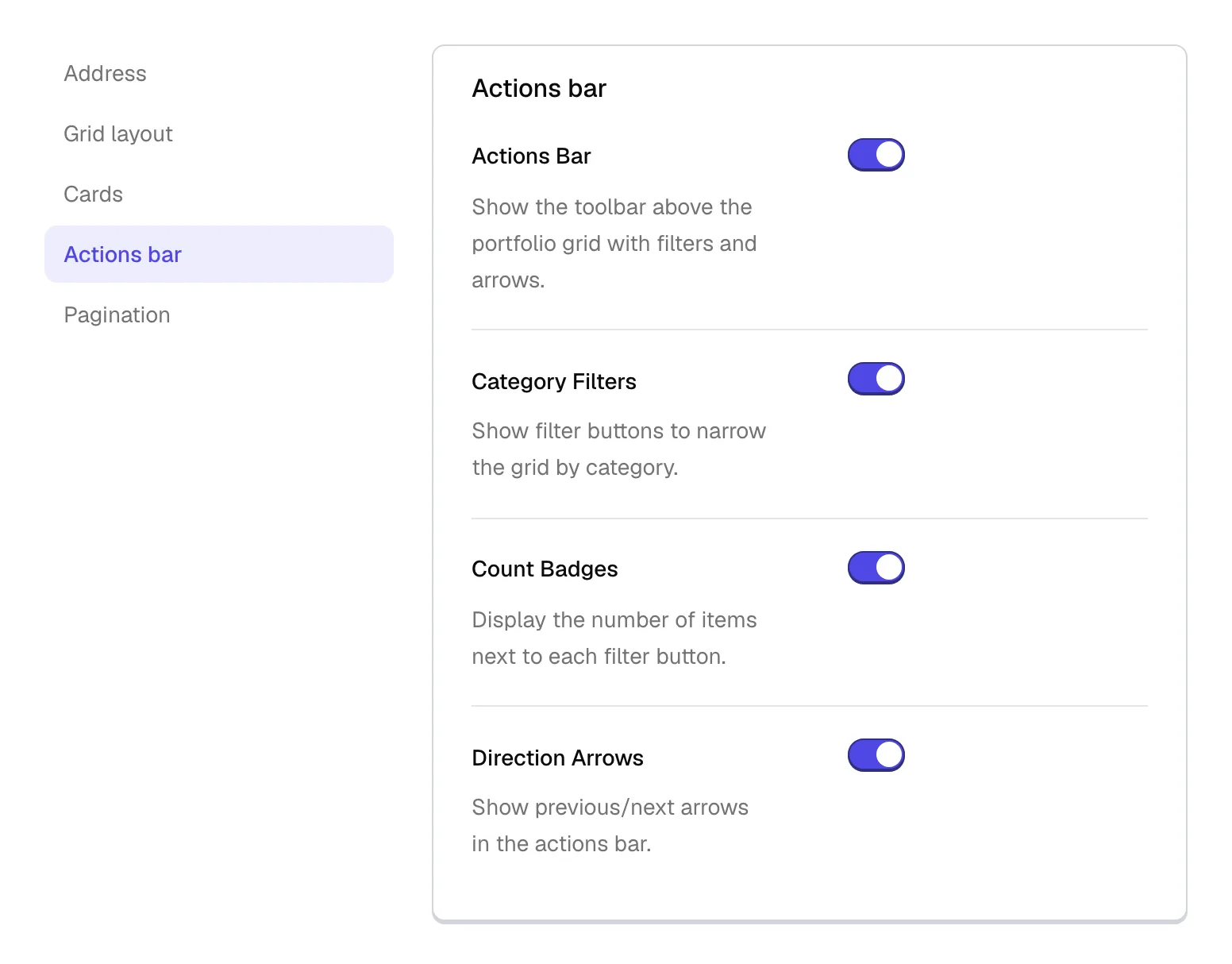
Shows the bar.
Filter buttons by portfolio category. Shown while Actions Bar is on.
The number of projects next to each filter. Shown while Category Filters is on.
Previous and next arrows. Shown while Actions Bar is on.
#Pagination
Lets visitors move past the first page of projects.
Default shows page numbers, Load More adds a button that appends the next page, and Infinite Load appends it as the visitor scrolls. Shown while Pagination is on.
Last updated
Was this article helpful?

On this page
