
Menus, mega menus, and labels - Norto
Norto has one menu location, Navigation Menu. Mega menus and labels need Norto Pro; the menu itself works without it.
Assign the menu
Go to AppearanceMenus, build or select a menu, tick Navigation Menu under Menu Settings, and save. The menu appears in the navigation bar.
Open a submenu as a mega menu
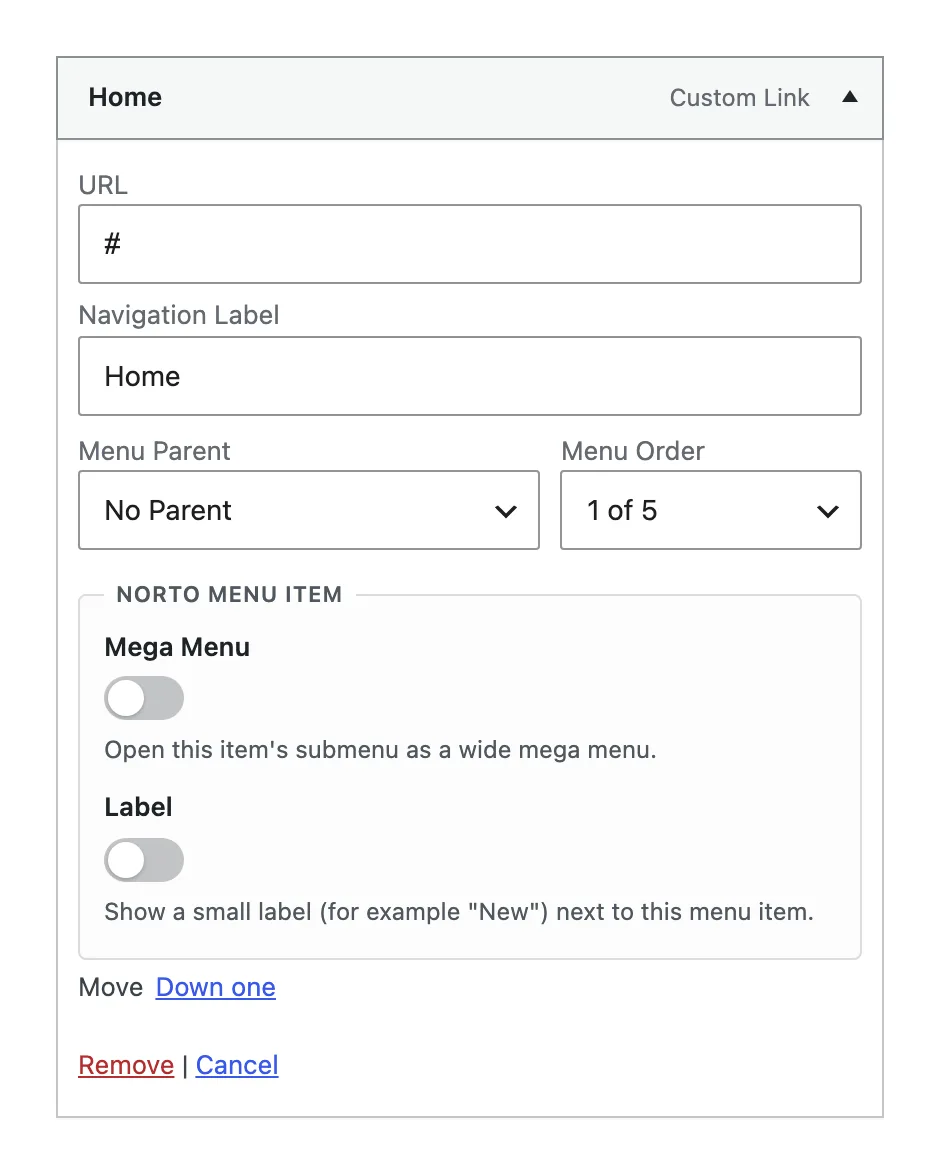
Expand a top-level item that has child items and turn on Mega Menu in its Norto menu item box. Save the menu. On the site, that item's submenu opens as a wide panel instead of a narrow list.
Add a label to an item
Expand any item, turn on Label, then fill in Label Text (for example New) and pick a Label Color. Save. The label shows as a small badge next to the item.
Last updated
Was this article helpful?

On this page
