
Category and author fields - Norto
This is a Pro feature. Norto Pro adds fields to post categories and to user profiles. The widgets that show categories and authors read them.
#Category fields
Edit a category under PostsCategories; the fields are at the end of the form.
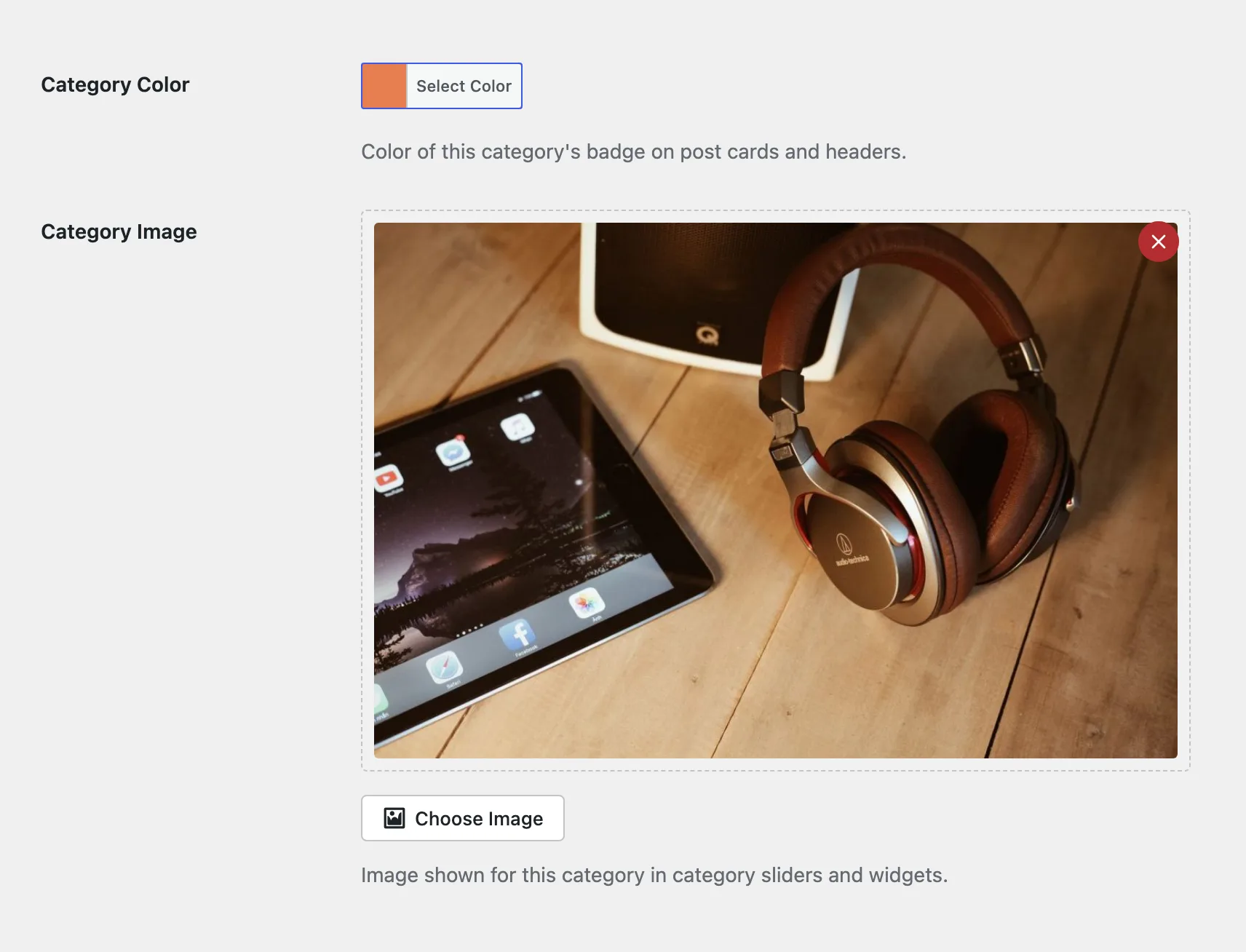
The color of this category's badge on post cards and headers.
The image shown for this category in category sliders and widgets.
#Author fields
Edit a user under UsersAll Users or your own under UsersProfile; the fields are in Author Settings.
A photo shown instead of the Gravatar wherever the author or their comments appear. Leave it empty to keep the Gravatar.
Rows of Icon (a Font Awesome class such as fab fa-facebook-f), Color, and Link. They appear in the author box on posts and in the author widgets.
Last updated
Was this article helpful?

On this page
