
General settings: logos, page helpers, and copyright - Norto
This is a Pro feature. Open Norto ProTheme Options and choose the General page. Each group (Logos, Page helpers, Copyright) has its own tab on the left of the page.
#Logos
Norto uses up to three logo images. A logo left empty shows nothing in its place.
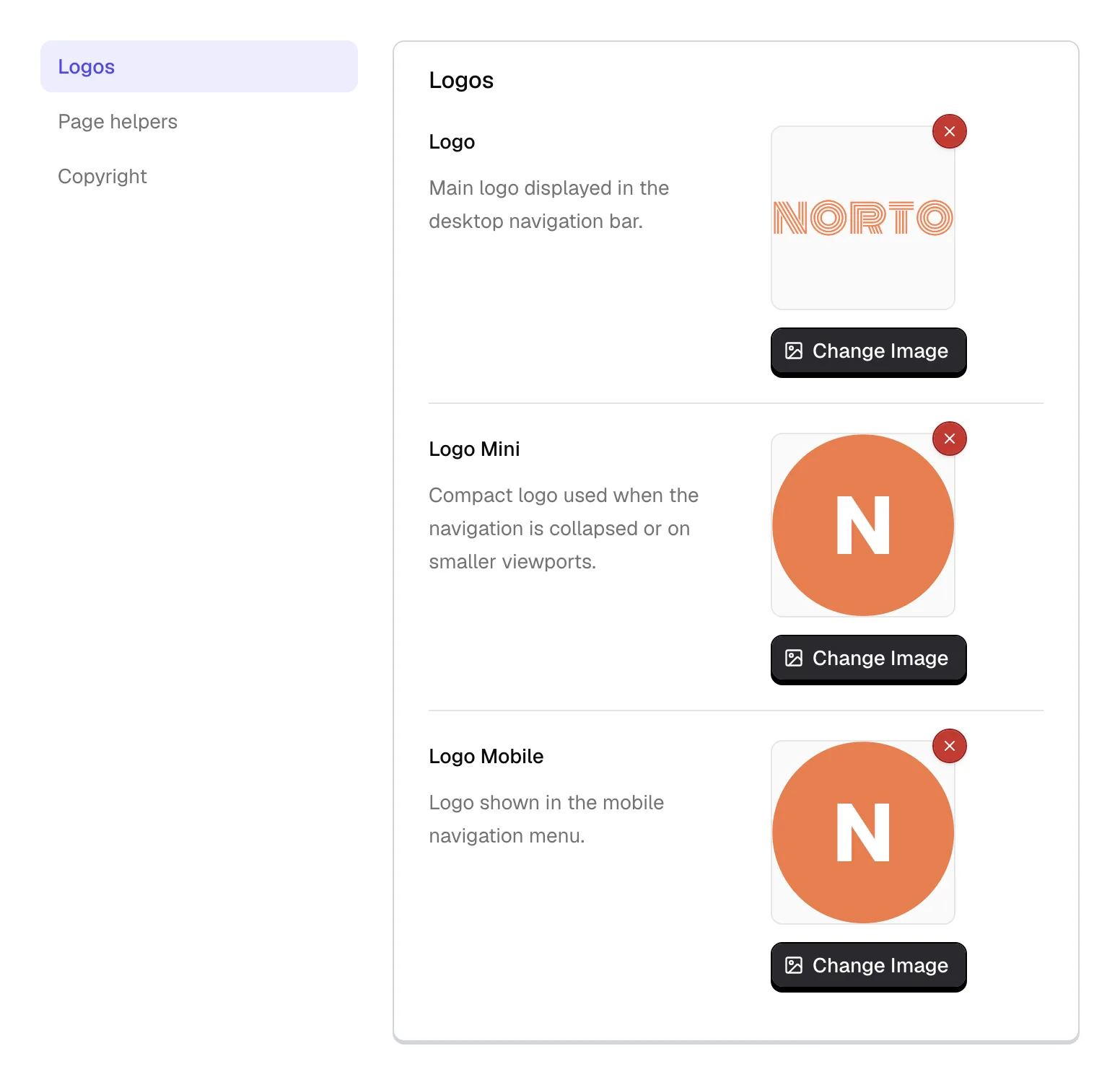
The main logo in the desktop navigation bar.
A compact logo for the collapsed navigation and smaller screens.
The logo in the mobile navigation menu.
#Page helpers
A floating button that scrolls the page back to the top.
A progress line at the top of single posts while the visitor reads.
#Copyright
Copyright is the line at the bottom of every page that uses the Footer or Copyright widget. HTML links are allowed, and {year} is replaced with the current year:
Copyright {year} Studio Name. All rights reserved.
The field is translatable with WPML or Polylang.
Last updated
Was this article helpful?

On this page
