
Build the footer - Norto
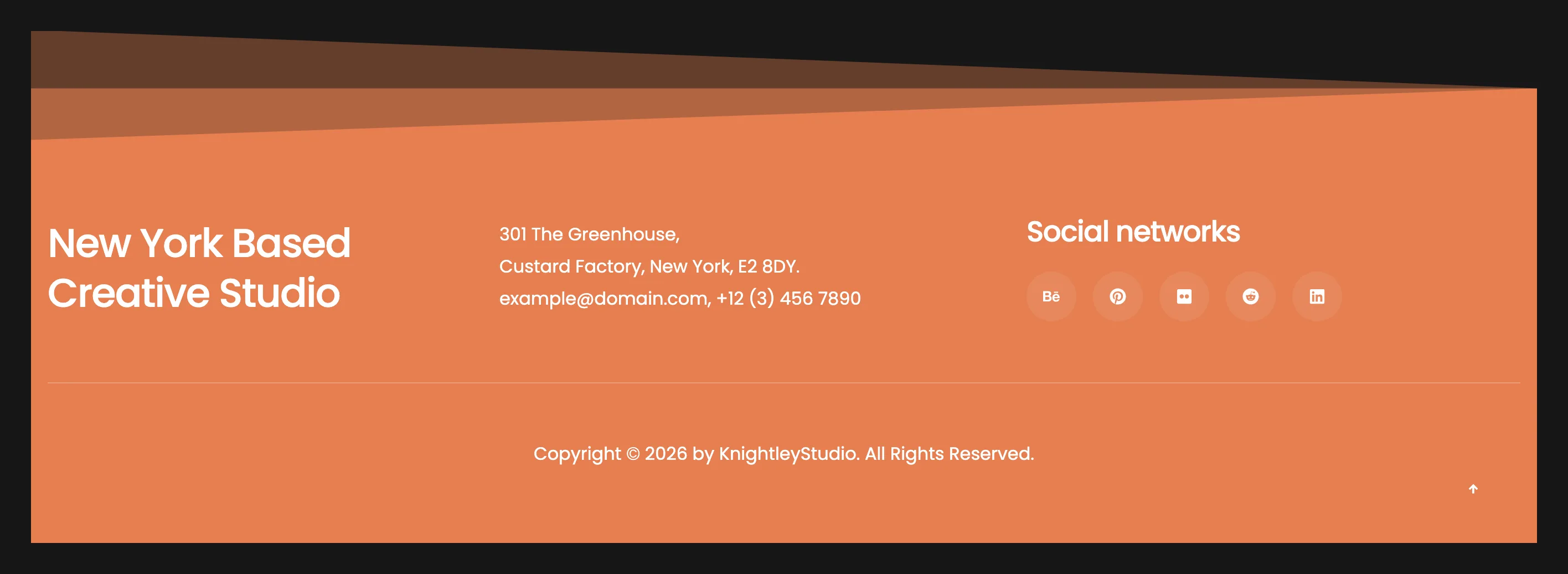
This is a Pro feature. With Norto Pro active, the theme prints no footer of its own: you build it as a footer template in the Ultimate Addons for Elementor (UAE) plugin, formerly Elementor Header & Footer Builder. The demo ships eight of them, Footer Style 1 to Footer Style 8.
Install the plugin
Install and activate Ultimate Addons for Elementor (UAE) from the WordPress plugin directory. The demo import installs it for you.
Create a footer template
Go to UAEHeader & Footer, add a template, set its type to Footer, and display it on the entire website. Then edit it with Elementor.
Add the Footer widget
Drop the Footer widget from JKD General into the template and pick a layout. Layouts can show your logo, a copyright line, and columns of widgets.
Fill the widget columns
Layouts that use the sidebar take their content from the Footer Sidebar widget area at AppearanceWidgets.
Set the copyright line
The copyright text comes from Copyright in General settings: logos, page helpers, and copyright. For a footer without the full widget, use the Copyright widget alone.
Last updated
Was this article helpful?

On this page
