
Elementor widgets - Qreatix
The Qreatix Pro plugin adds eight widgets to Elementor while Elementor is active. They appear in a group named JKD Widgets in the Elementor panel. Elementor itself stays a normal page builder: the demo pages are built with it, and you can use it for any page.
#Accordions
A list of collapsible items. The control is a repeater named Accordion, with two sample items.
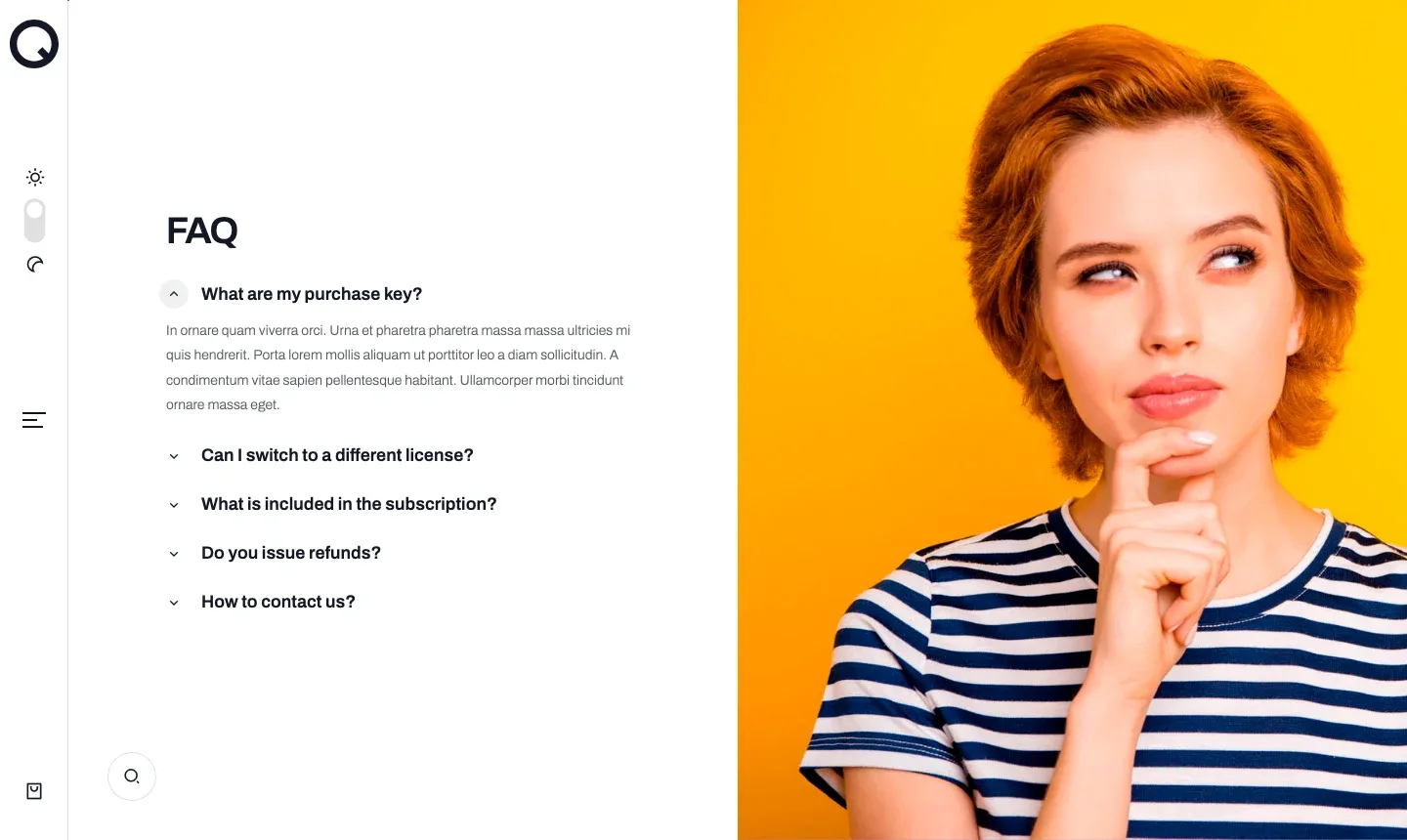
The item heading.
The text revealed when the item opens. It is a rich text editor.
#Button
Default Style, Default Border Style, White Style or White Border Style.
Extra Large, Large, Default, Small or Extra Small.
Fill or Slide.
The label.
The address. The link settings include an option to open it in a new window and a nofollow option.
Self opens the link in the current window and Blank opens a new one.
#Career List
Prints a list of career positions.
How many positions the list shows.
#CF7 Contact Form
Prints a Contact Form 7 form. See Contact forms.
The form to show, chosen from the Contact Form 7 forms on your site.
#Paroller Image
An image that moves at a different speed than the page as the visitor scrolls.
The image. Elementor's placeholder image shows until you pick one.
The WordPress image size to load.
Vertical or Horizontal.
How strongly the image moves.
The same strength for the smallest screens.
#Social Icons
Prints the list of social links you set on the Social options page, as a row of icons. The widget has no controls of its own. See Social options.
#Team Member
A portrait with the member's name, position and social links.
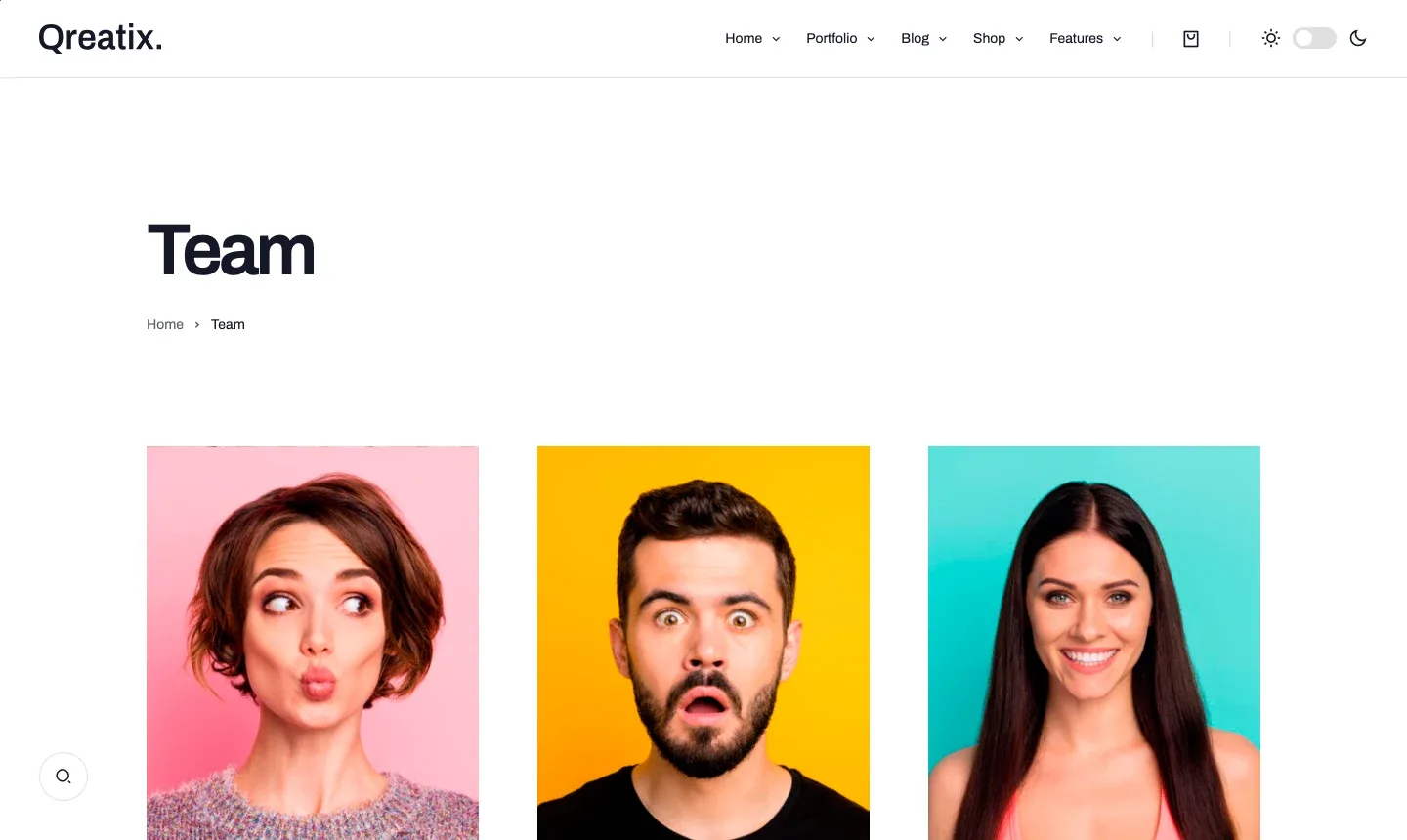
The photo of the person.
The name.
The role.
A list of links. Each row has an Item title and an Item Link.
#Ticker
A line of text or images that scrolls horizontally.
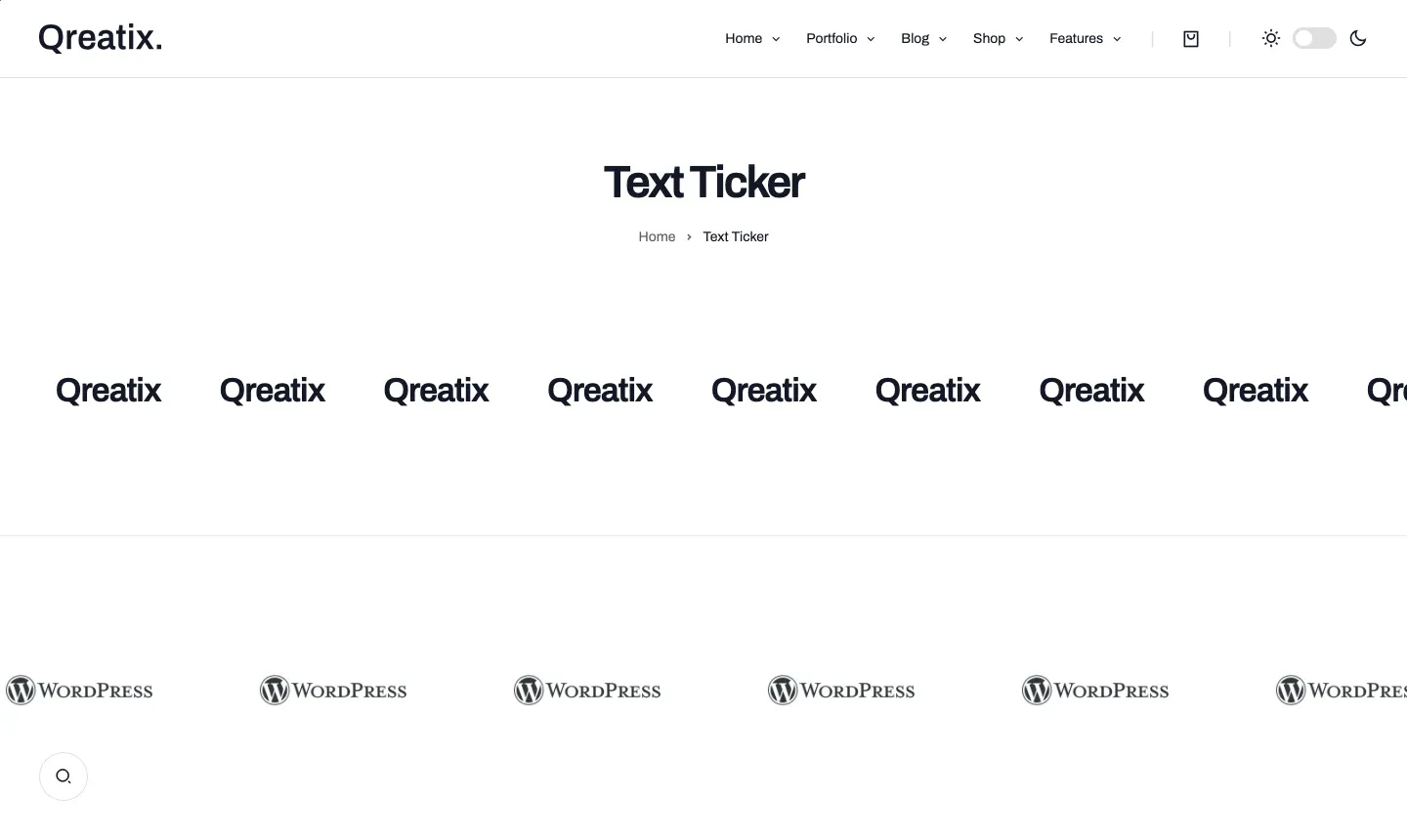
A list of items, with two sample items. Each row has a Ticker Text (default: Ticker Sample Text) and an OR Ticker Image. A row that has text shows the text, and a row with only an image shows the image.
The space between items. It is a responsive control, so you can set a different value for tablet and mobile.
#Extra style controls on Elementor elements
The plugin also adds a few controls to Elementor's own elements:
A switch in the JKD Settings section of the Style tab of a section. It applies the secondary background color of your color scheme.
A slider in the style section of the Heading widget and of the Text Editor widget.
Last updated
Was this article helpful?

On this page
