
Newsletter options - Qreatix
The Newsletter page controls the sign-up popup. Open it at Qreatix ProTheme OptionsNewsletter. The popup prints the form that a shortcode produces, so you build the form in a form or newsletter plugin and paste its shortcode here. See Newsletter sign-up.
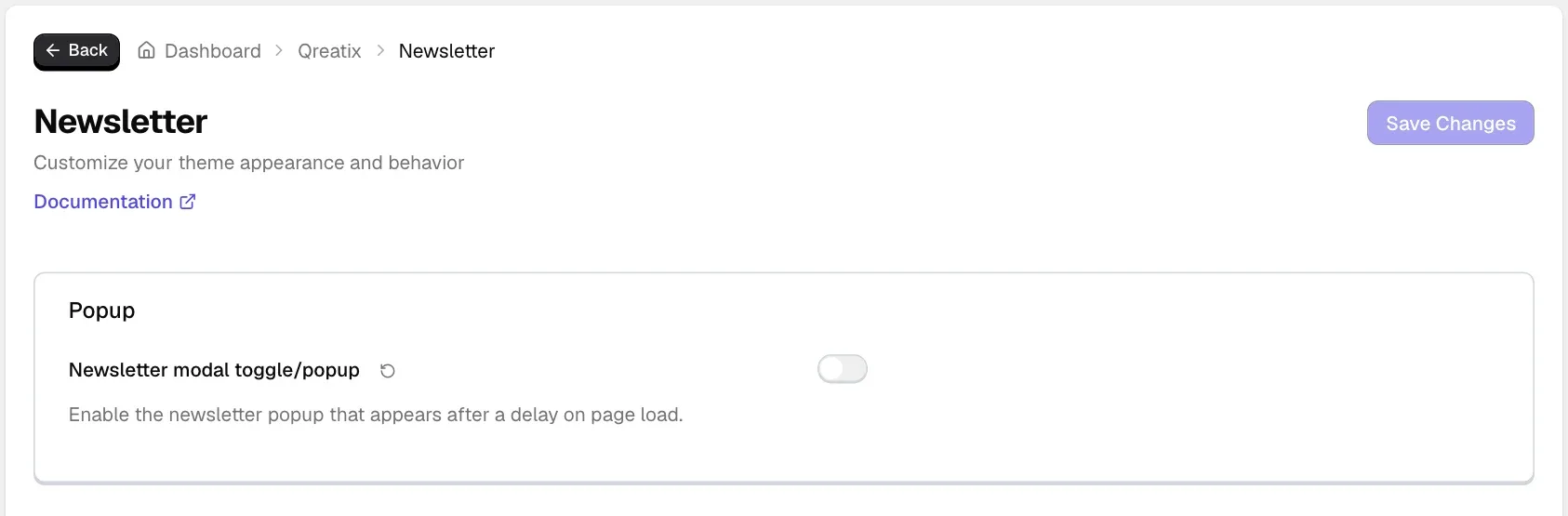
#Popup
Enables the popup that appears after a delay when a page loads. Every control below shows only while it is on.
#Behaviour
How long after the page loads the popup opens, from 100 to 100000 ms.
Shows a "Do not show again" checkbox so visitors can opt out of future popups.
#Content
The popup headline.
The line under the headline.
The shortcode of your sign-up form. Empty by default.
An image for the side of the popup. Without an image the popup shows no side panel.
The newsletter icon in the navigation bar opens the same popup. It has its own switch, Newsletter, on the Header page.
Last updated
Was this article helpful?

On this page
