
Social options - Qreatix
This article covers functionality available to customers on the Pro version.
The Social page holds one list of social profile links. Open it at Qreatix ProTheme OptionsSocial. The same list feeds the fixed social bar, the footer, the overlay and mobile menus, and the Social Icons Elementor widget.
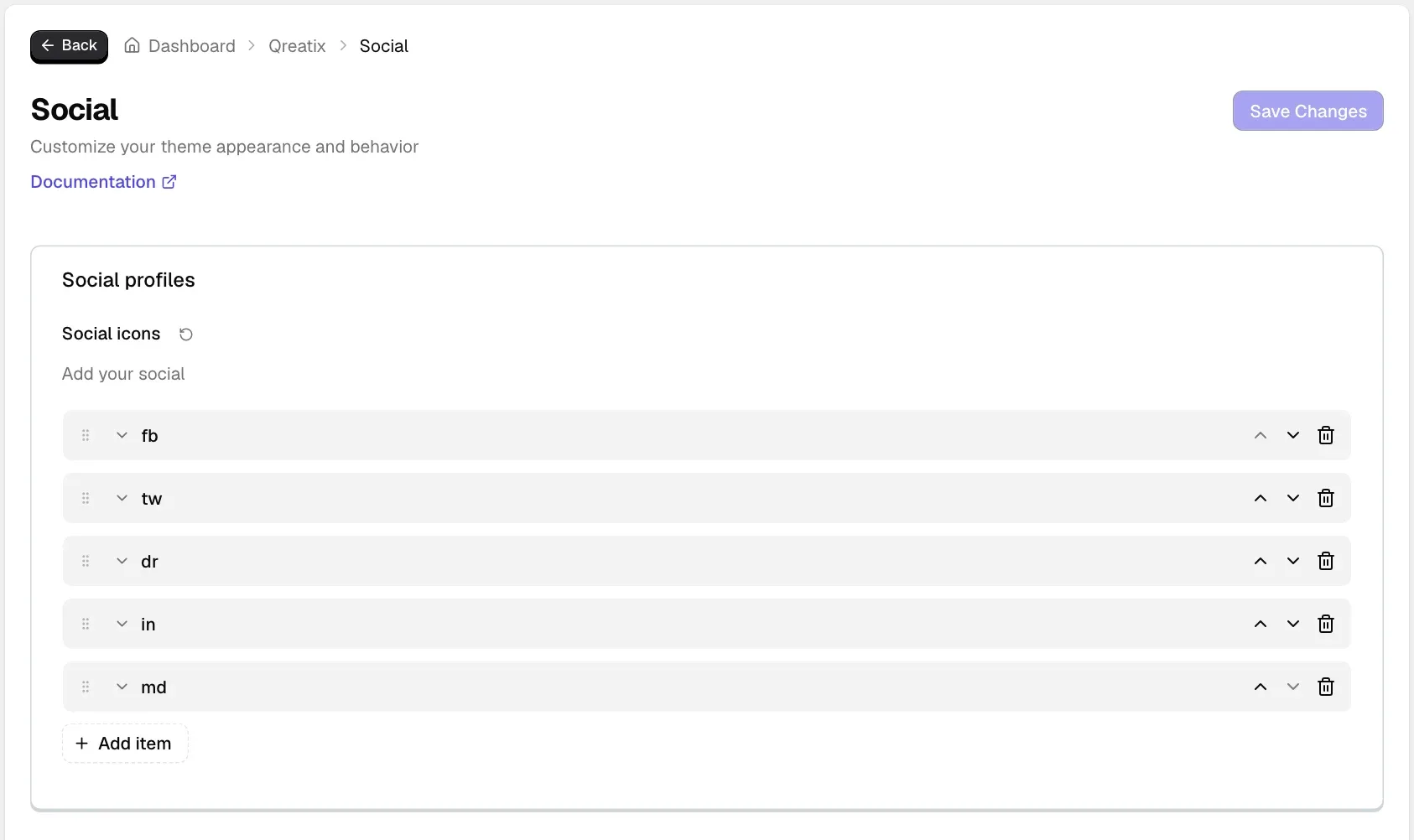
#Social profiles
A list of rows, empty by default. Each row has three fields: Social title, Social icon and Social URL. In a new row the title starts as "fb" and the URL as https://facebook.com/. Choose the icon from the Social icon list. Use Add item for a new row, and the arrows and the bin on each row to reorder or remove it.
#Where the links show
Each place has its own switch:
- The fixed bar on the side of the screen: Fixed social list on the General page.
- The footer: Social list on the Footer page.
- The overlay menu: Overlay social list on the Header page.
- The mobile menu: Mobile social icons on the Header page.
Last updated
Was this article helpful?

On this page
