
Pages options - Qreatix
This article covers functionality available to customers on the Pro version.
The Pages page holds settings for two special pages. Open it at Qreatix ProTheme OptionsPages.
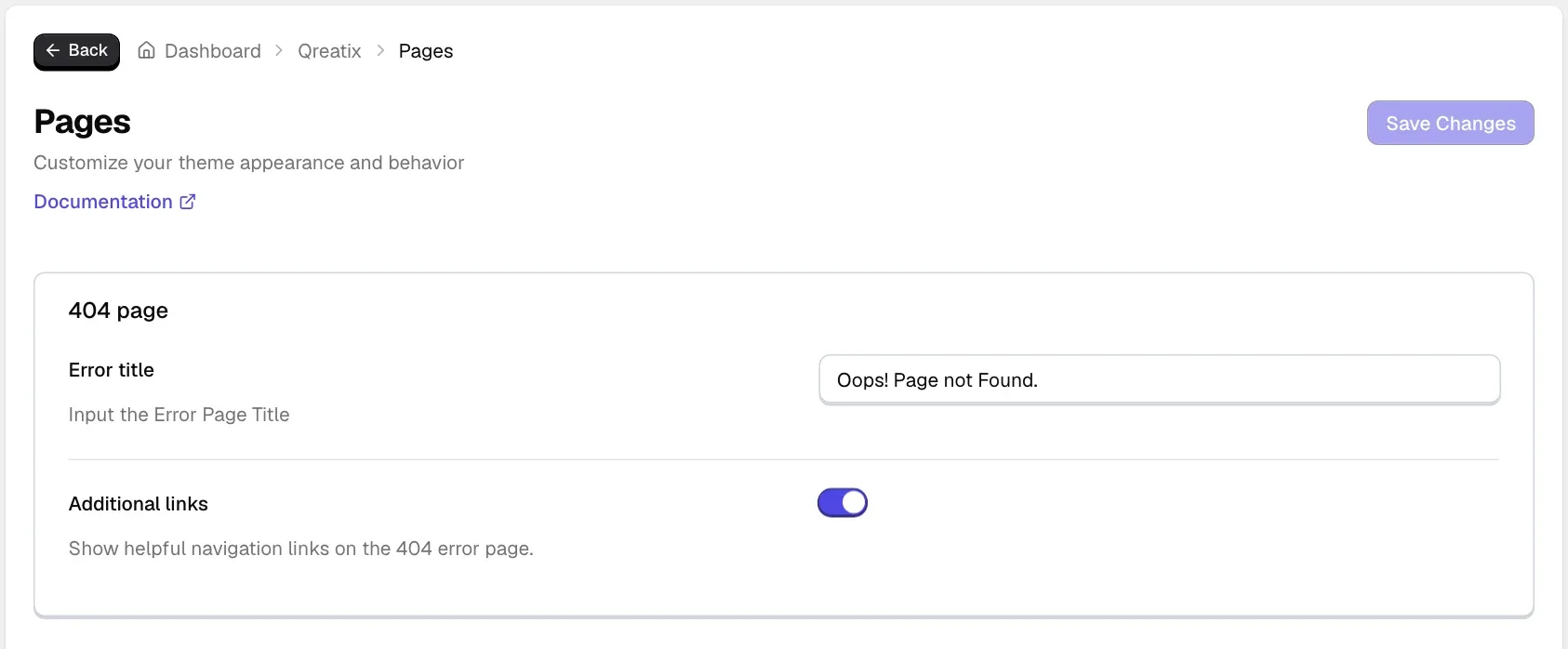
#404
#404 page
The headline on the page visitors see when a URL does not exist.
Shows helpful navigation links on the 404 page. The links come from a menu assigned to the Error Menu location. See Menus and mega menu.
#Career
#Career
The URL base of the career archive, for example yoursite.com/career. After you change it, open SettingsPermalinks and click Save Changes, the same as for the portfolio slug.
Career positions have their own fields. See Careers.
Last updated
Was this article helpful?

On this page
