
General options - Qreatix
The General page holds the switches that affect the whole site. Open it at Qreatix ProTheme OptionsGeneral. A page or post can override several of these switches on its own edit screen.
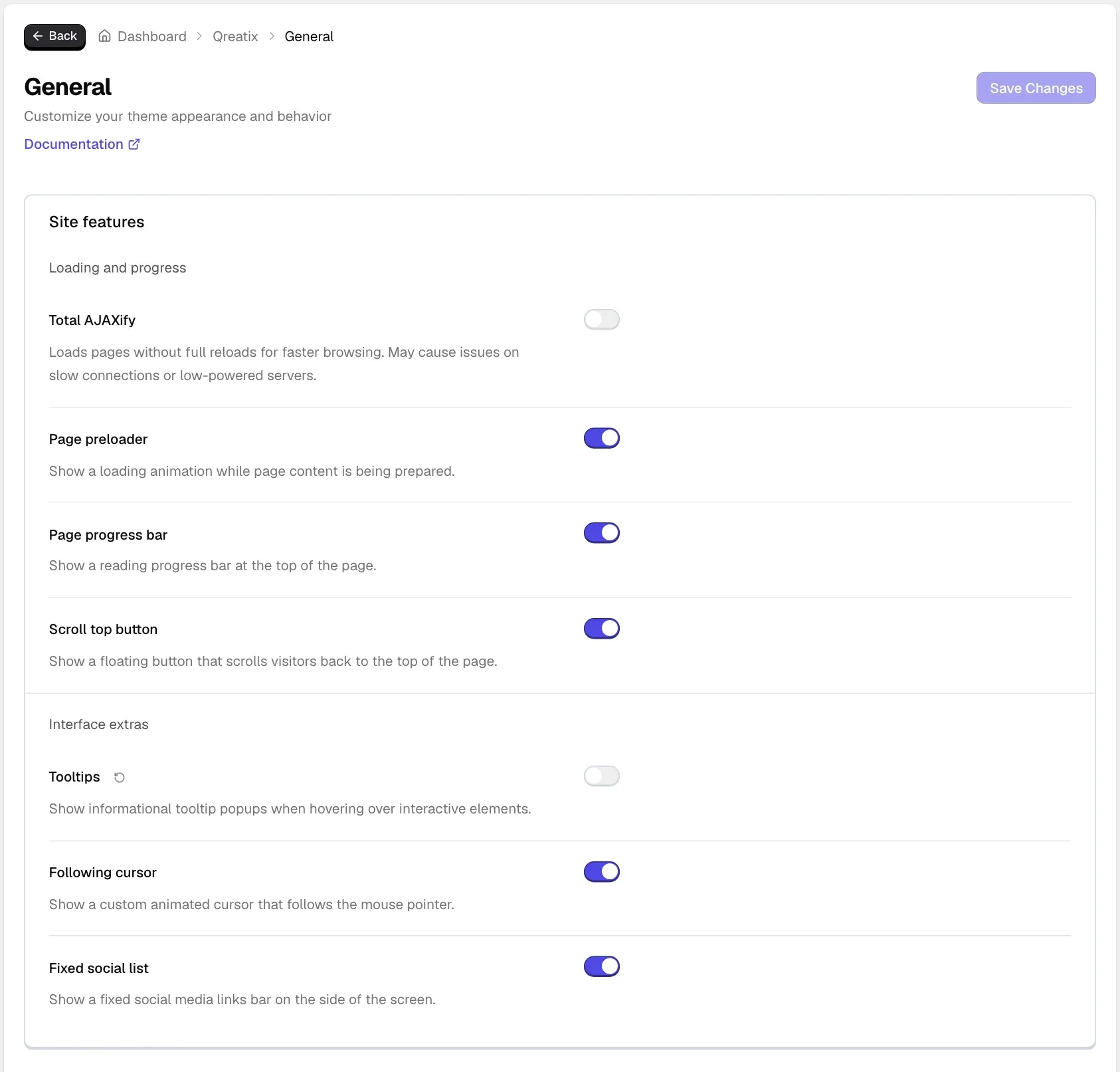
#Features
#Loading and progress
Loads pages without full reloads for faster browsing. It can cause problems on slow connections or low-powered servers.
Shows a loading animation while the page content is prepared.
Shows a reading progress bar at the top of the page.
Shows a floating button that scrolls visitors back to the top of the page.
#Interface extras
Shows small tooltip popups when a visitor hovers over interactive elements.
Replaces the mouse pointer with an animated cursor that follows it.
Shows a bar of your social links fixed to the side of the screen. The links come from the Social page.
#Layout
#Header and footer
Shows the main navigation bar.
Shows the site footer.
#Before and after content
This group exists only while Elementor is active.
A list of Elementor templates printed before the page content. Add a row for each template and pick it in the Before template select.
A list of Elementor templates printed after the page content. Add a row for each template and pick it in the After template select.
#Colour scheme
The scheme a visitor sees first. Choose Light or Dark.
Matches the site scheme to the visitor's device preference. While it is on, Default color scheme applies only once you turn adaptive off.
The colors of each scheme are on the Colours page.
Last updated
Was this article helpful?

On this page
