
Footer options - Qreatix
The Footer page controls the contact details, the bottom bar and the call to action above the footer. Open it at Qreatix ProTheme OptionsFooter. The logo and the copyright text are on the Branding page.
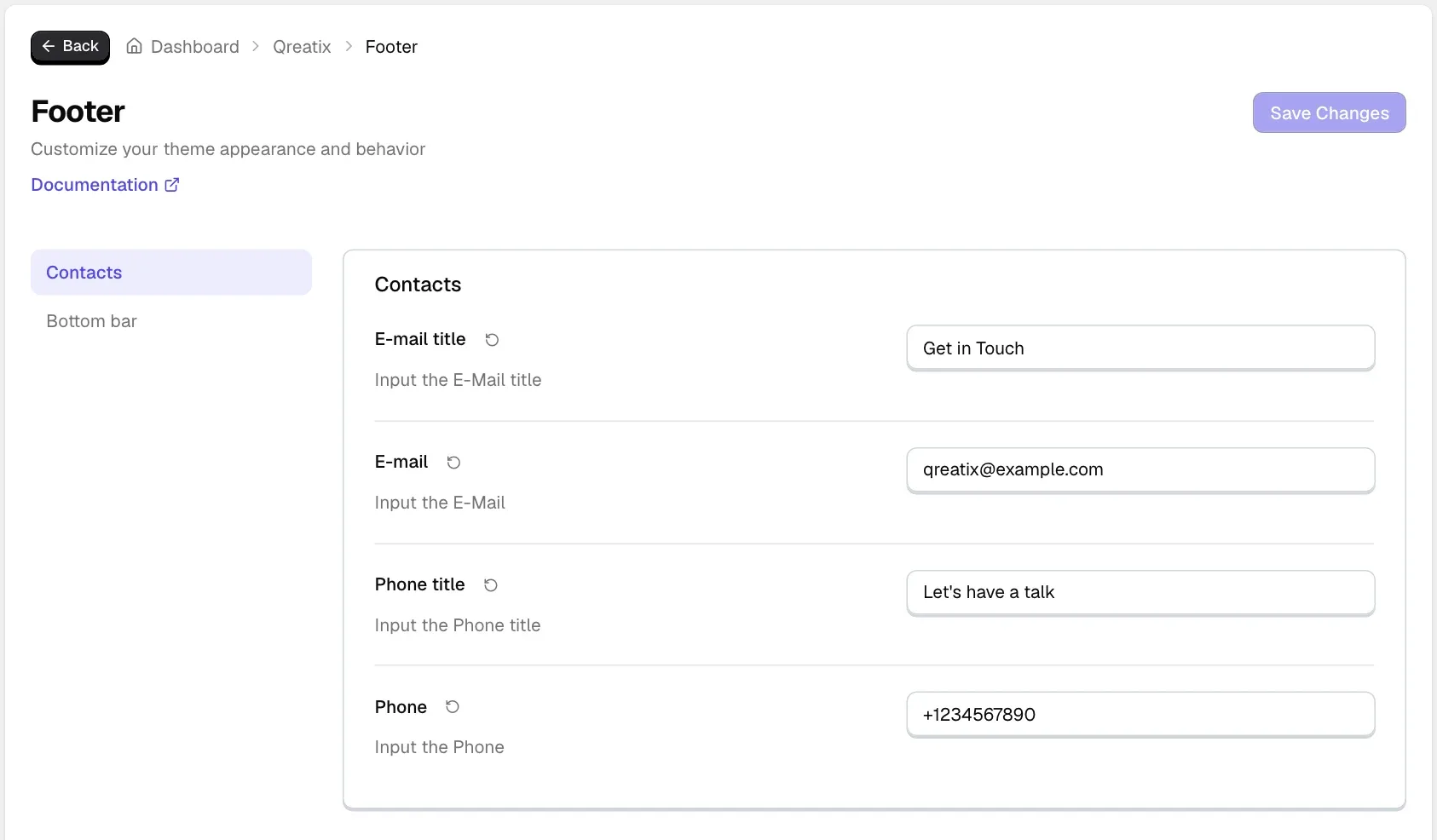
#Footer
#Contacts
The four controls fill a contact row in the footer. The e-mail goes on the left and the phone number on the right. Each side shows a small heading, which is the title, above a large link, which is the address or number. The e-mail link opens a new message and the phone link starts a call, with spaces removed from the number. When all four fields are empty, the footer uses a compact layout without the contact row.
The small heading above the email address. Empty by default.
The email address. Empty by default.
The small heading above the phone number. Empty by default.
The phone number. Empty by default.
#Bottom bar
Shows the copyright text in the footer.
Shows your social links in the footer. The links come from the Social page.
#Call to action
The call to action is a block above the footer with a title, a subtitle and an optional form.
The headline.
The line under the headline. The default reads "We build epic, realtime interactive experiences to blow people's minds."
A shortcode printed in the block, for example a form from a form plugin. Empty by default, which shows no form.
Each page can hide the call to action or the whole footer on its own edit screen. See Page settings.
Last updated
Was this article helpful?

On this page
