
Set up the blog - Arche
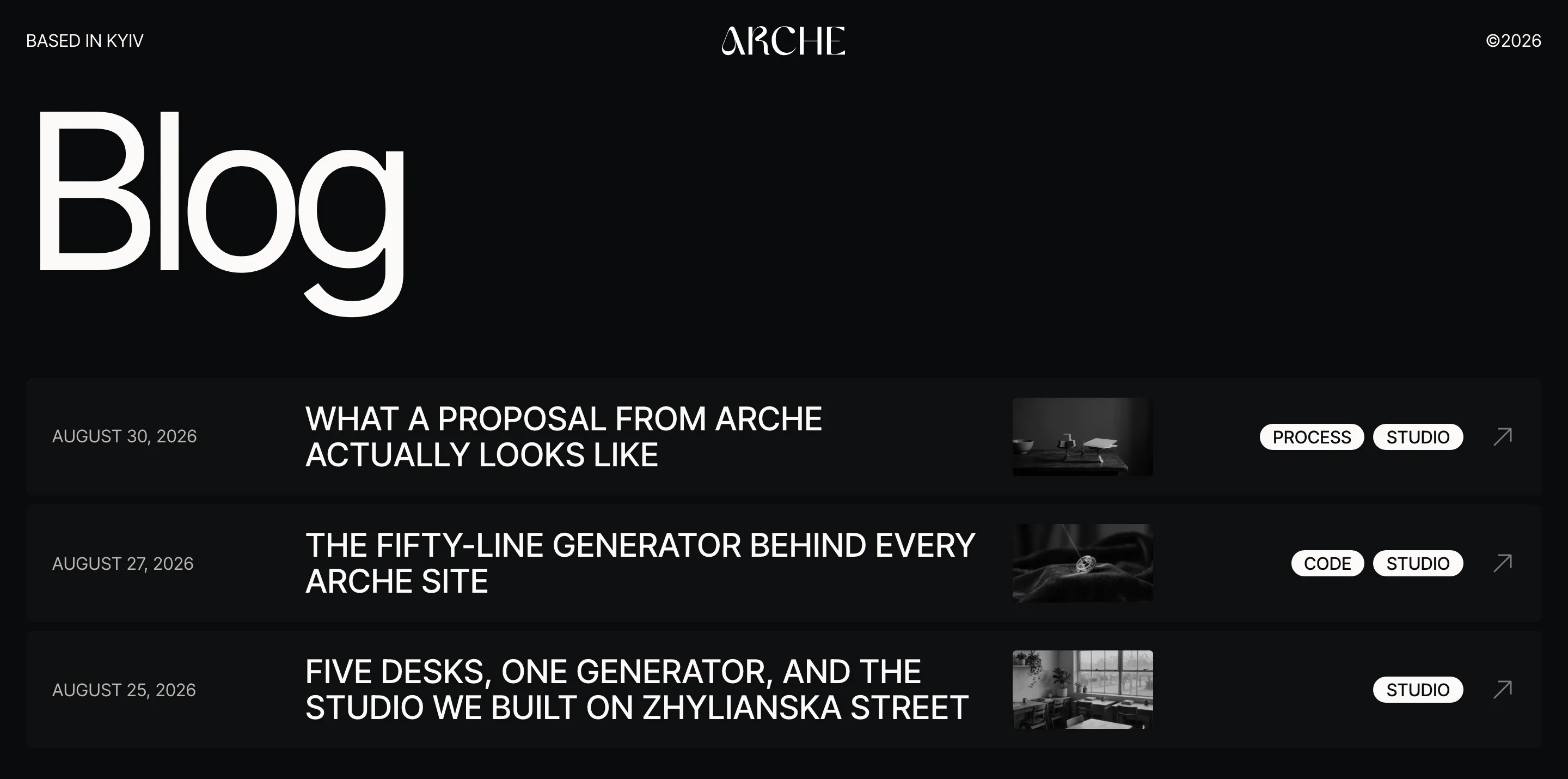
The blog lists your posts as rows: date, title, a faded black-and-white image and up to three categories. Hovering a row brings the image to full color. Everything is edited in the Site Editor, with no settings screen.
#Show the blog on its own page
Create an empty page
Add a page called Blog in PagesAdd Page and publish it.
Set it as the posts page
Go to SettingsReading, choose A static page and set Posts page to Blog.
#What a row shows
- The date, the title and the featured image. A post without an image keeps the column empty, so titles stay in line.
- The first three categories. The rest fold into a +N pill that names them on hover.
- A pinned post shows a Pinned label after its title.
To change the rows, open AppearanceEditorTemplates, pick Blog Home and edit the Post rows pattern inside it.
#What a single post shows
Breadcrumbs and the title open the post, with the date under the title. Then come the featured image, the categories and the author on the left, and the text on the right. The excerpt you write by hand opens the text as a lead. Tags and comments follow the text.
When the text ends, the left column shows links to the previous and the next post, each with a thumbnail. They loop, so the last post leads back to the first. Under the post come the recent posts.
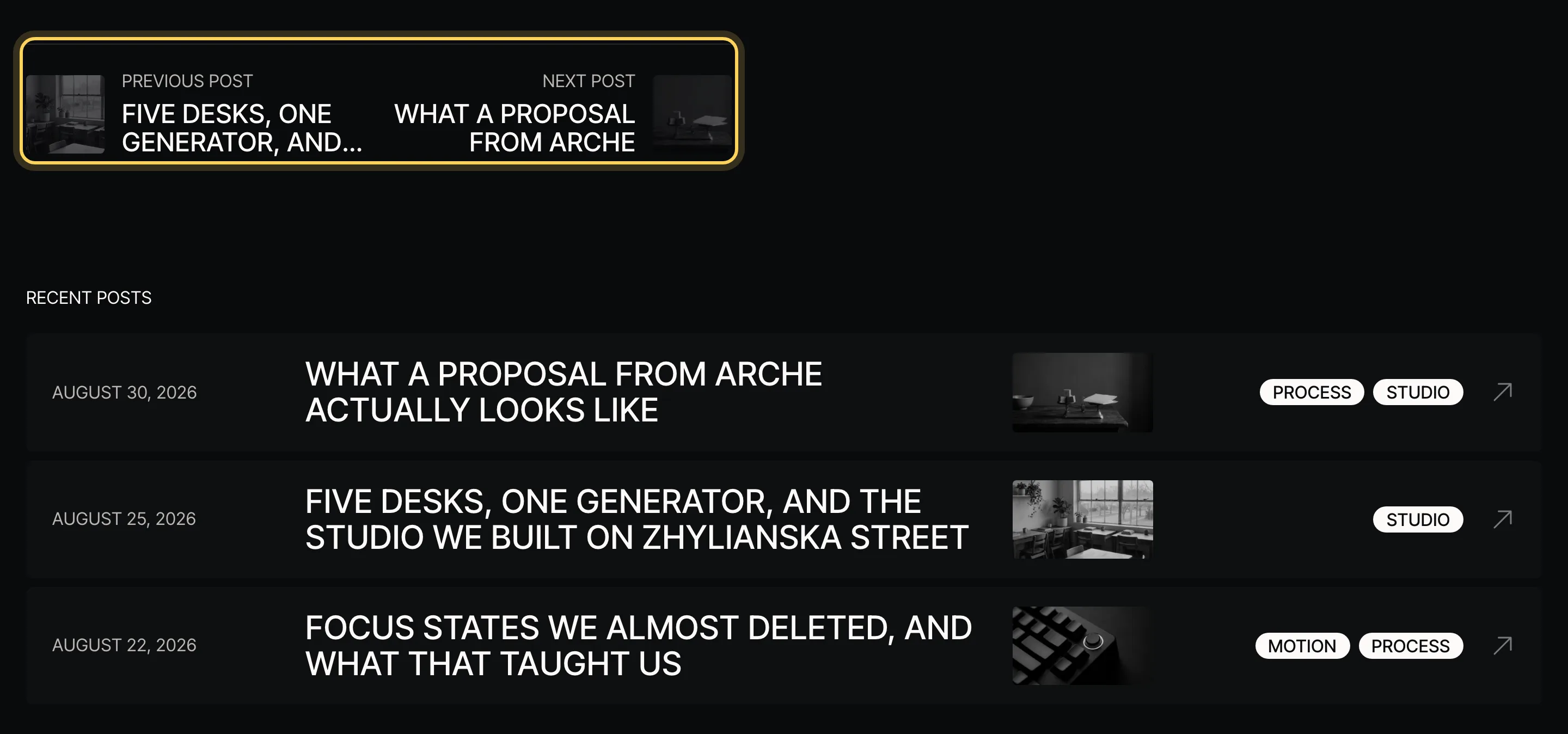
- To remove a part, such as the author or the recent posts, delete its block in the Single Posts template.
- To show more or fewer recent posts, select the Query Loop in the recent posts section and change Items per page. The open post is left out on its own.
#Change how the pagination works
With Arche Pro, the blog's page numbers change pages without a reload. To pick another way, select the Pagination block in the blog template and open Styles:
- Numbers, no reload
Page numbers that load the next page in place. The default on the blog.
- Load more
One button that adds the next posts under the list.
- Infinite scroll
The next posts load as the visitor nears the end.
The page numbers themselves have two styles, Boxed and Plain.
#Breadcrumbs
Posts, pages, archives and search results show breadcrumbs. On pages they sit under the title, on a post above it. When an SEO plugin has breadcrumbs of its own, the theme shows those. Delete the breadcrumbs group in a template to remove them there.
Last updated
Was this article helpful?

On this page
