
Change the portfolio addresses - Arche
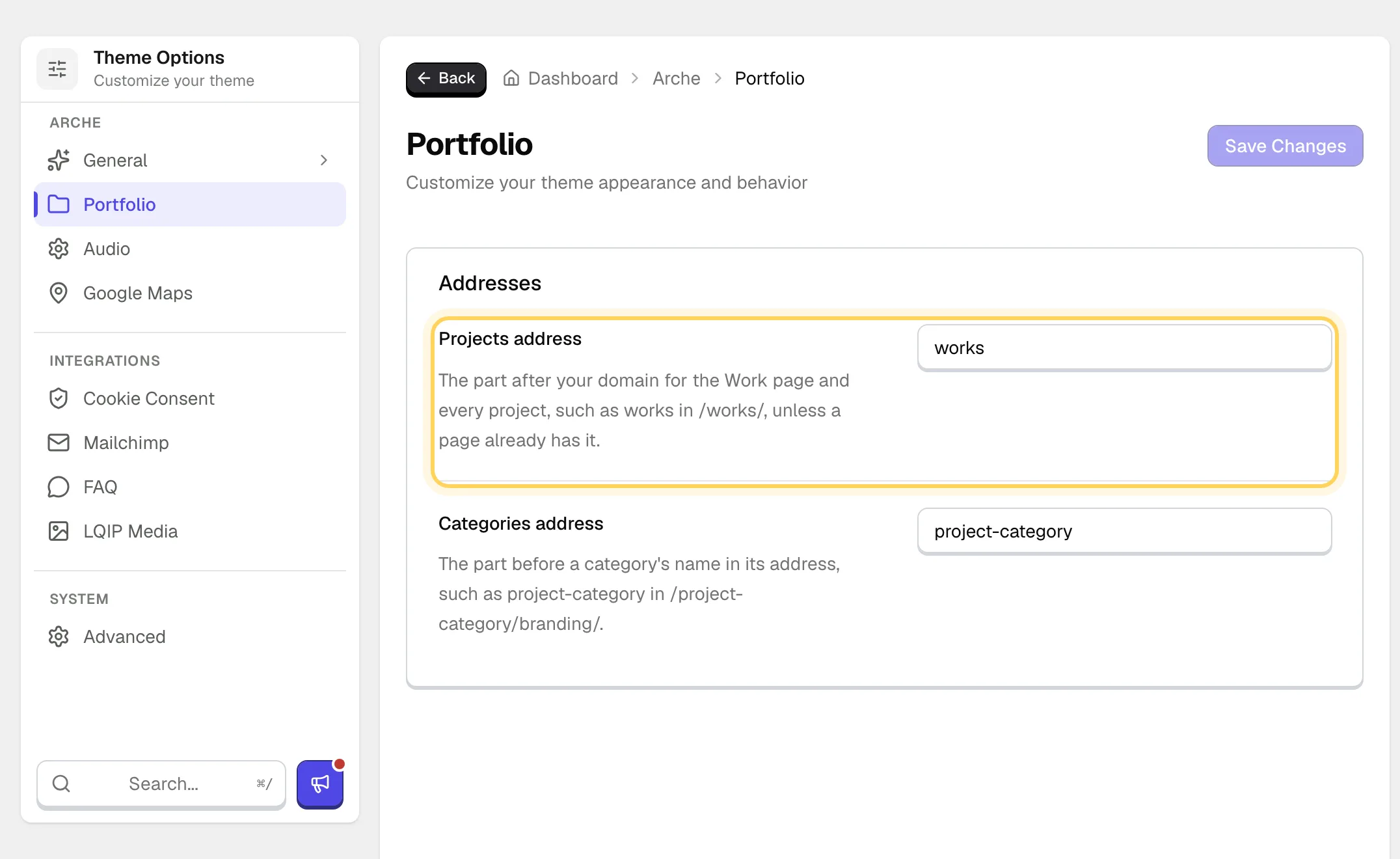
By default the Work page lives at /works/, a project at /works/project-name/ and a category at /project-category/branding/. You can change both parts.
Open the Portfolio page
Go to Arche ProTheme OptionsArchePortfolio.
Type the new addresses
Change Projects address and Categories address, then save.
Check a project
Open any project. Its address now uses the new part.
The part after your domain for the Work page and every project.
The part before a category's name in its address.
#If the address does not change
If a page already uses the address you typed, Arche keeps the default, because that page would otherwise hide behind the Work page. Rename or move the page, or pick another address. An empty field also falls back to the default.
Last updated
Was this article helpful?

On this page
