
Edit the loader and the ticker - Arche
The loader and the ticker are blocks you edit in the Site Editor. Theme Options only decides whether the loader shows.
#Edit the loader
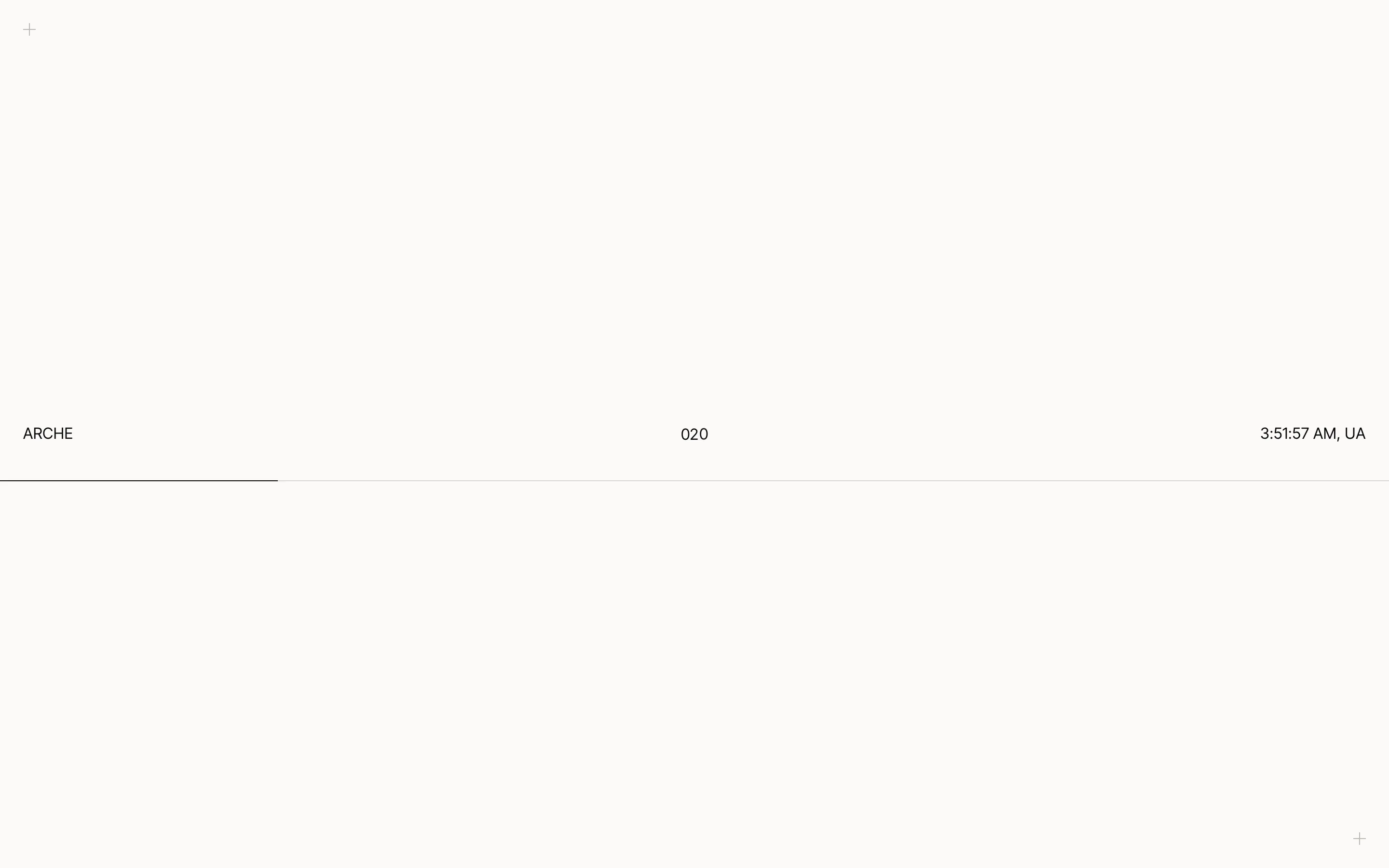
The loader is a light screen that shows while a page loads in full, such as the first page of a visit. It holds the site title, a count from 000 to 100, your local time and a thin line that fills as the page loads. It always closes through a pixel transition, and a click or a key press only hurries it.
Open the Loader template part
Go to AppearanceEditorPatterns, open All template parts and pick Loader.
Edit it
Change, move or delete its blocks. The moving parts are two Preloader part blocks. In the block sidebar, Shows picks Progress (the count) or Bar (the line).
Save
The saved Loader is used on the next page load.
To turn the loader off, go to Arche ProTheme OptionsArcheGeneral and turn off Preloader.
The Local time block shows the site's time with its country code and ticks every second. It follows the timezone in SettingsGeneral.
#Set the words and speed of the ticker
The ticker is a row of large words at the very end of the footer. It runs across the page and speeds up while visitors scroll.
Open the Footer template part
Go to AppearanceEditorPatterns, open All template parts and pick Footer.
Select the Ticker block
It sits after the light footer section.
Set the words and the speed
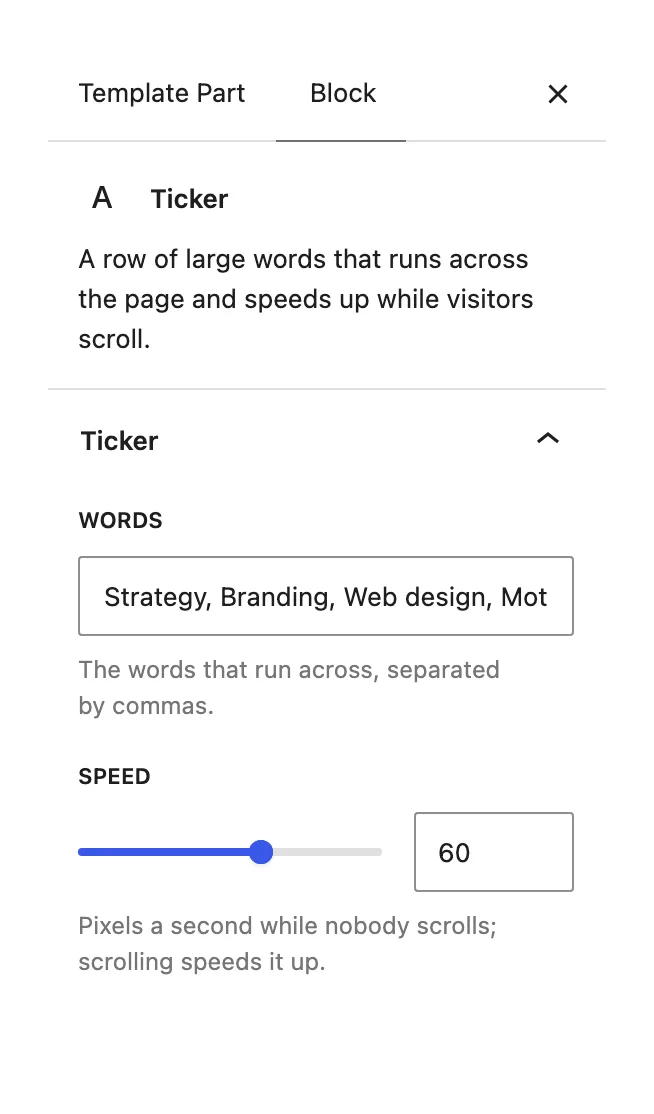
In the block sidebar, type the Words, separated by commas. Speed is the pace in pixels a second while nobody scrolls, from 20 to 200. Save.
To remove the ticker, delete the Ticker block from the footer.
Last updated
Was this article helpful?

On this page
