
Theme Options General settings - Arche
The General page turns the site's motion and effects on and off. Open it at Arche ProTheme OptionsArcheGeneral.
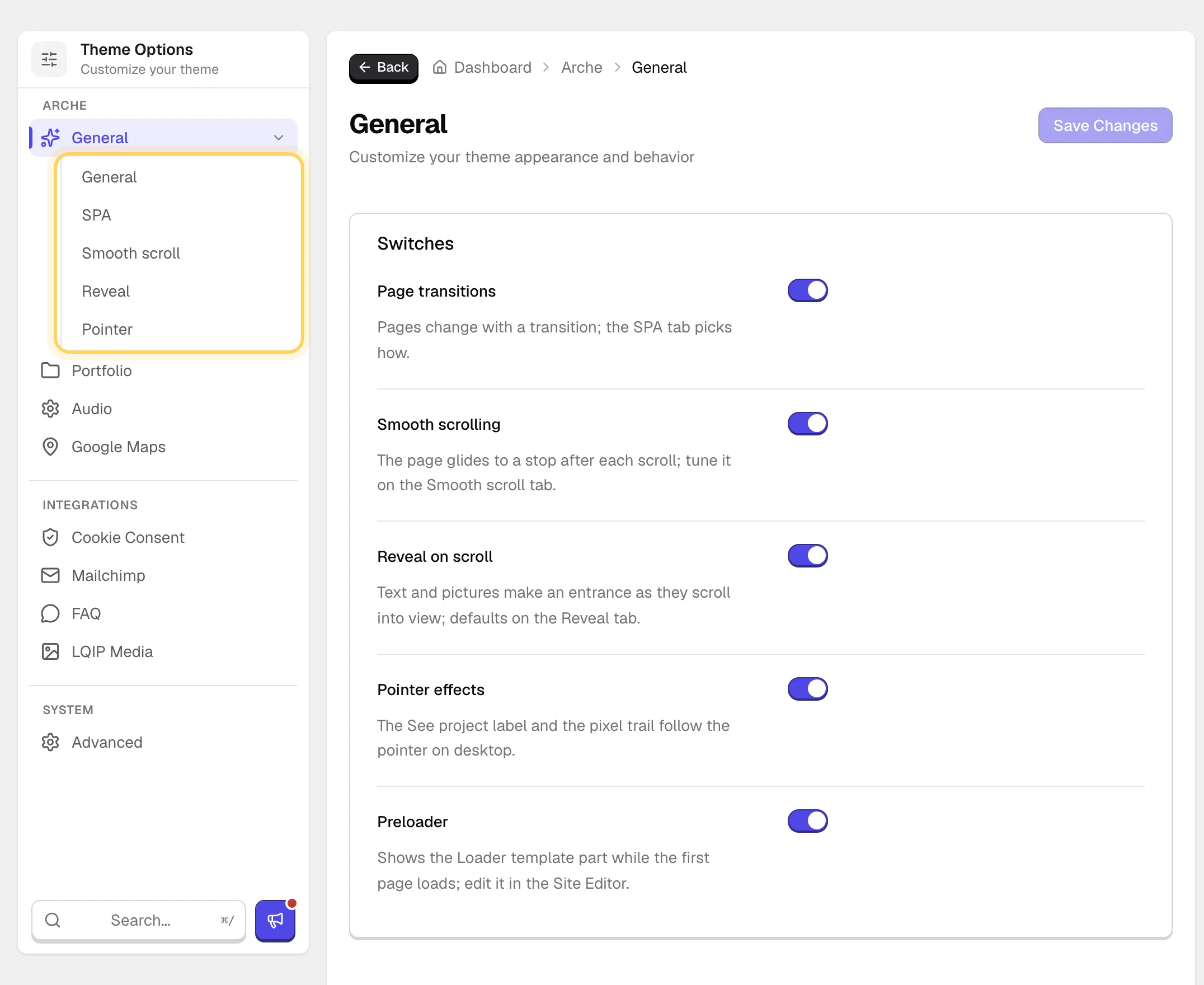
The first tab holds five switches. Each of the first four, while on, adds a tab of its own with its details.
#General tab
Pages change with a transition. The SPA tab picks how.
The page glides to a stop after each scroll. Tune it on the Smooth scroll tab.
Text and pictures make an entrance as they scroll into view. Off also removes the Reveal panel from the block sidebar.
The See project label and the pixel trail on desktop.
Shows the Loader template part while a page loads in full. See Edit the loader and the ticker.
#SPA tab
Shown while Page transitions is on.
Barba swaps the page without a reload, so background music keeps playing. View Transitions API loads every page in full and lets the browser fade between them. With View Transitions the preloader shows on the first page of a visit only.
Barba only. The next page appears through a black veil that breaks into pixels, and a slider cover grows into its project. Off gives a plain fade.
#Smooth scroll tab
Shown while Smooth scrolling is on.
Higher values glide longer after each wheel turn.
How far one turn of the wheel moves the page.
Gives finger scrolling the same glide. Off leaves phones on their native scroll.
Links to a section of the same page glide there instead of jumping.
#Reveal tab
Shown while Reveal on scroll is on. These are the entrances a block gets when it has no choice of its own.
How headings, paragraphs and other text appear. The choices are Typing, Glitch, Characters in random order, Lights up while scrolling, Rises out of a blur, Fades in and None.
How images and videos appear. The choices are Picture uncovers, Rises out of a blur, Fades in and None.
To give one block its own entrance, see Set the motion of a block.
#Pointer tab
Shown while Pointer effects is on.
A glass label follows the pointer over the active slide of the Project slider.
Blocks of color light up behind the pointer on groups and covers that turn it on.
The side of one pixel block.
How many blocks around the pointer can light up.
The share of blocks within reach that light up.
How long a block stays before it fades out.
How much lighter a block is than the picture under it.
The last five settings show while Pixel trail is on.
Last updated
Was this article helpful?

On this page
