
License Management
#Activation Page
The Activation page shows your current license status and lets you activate or deactivate your license at any time.
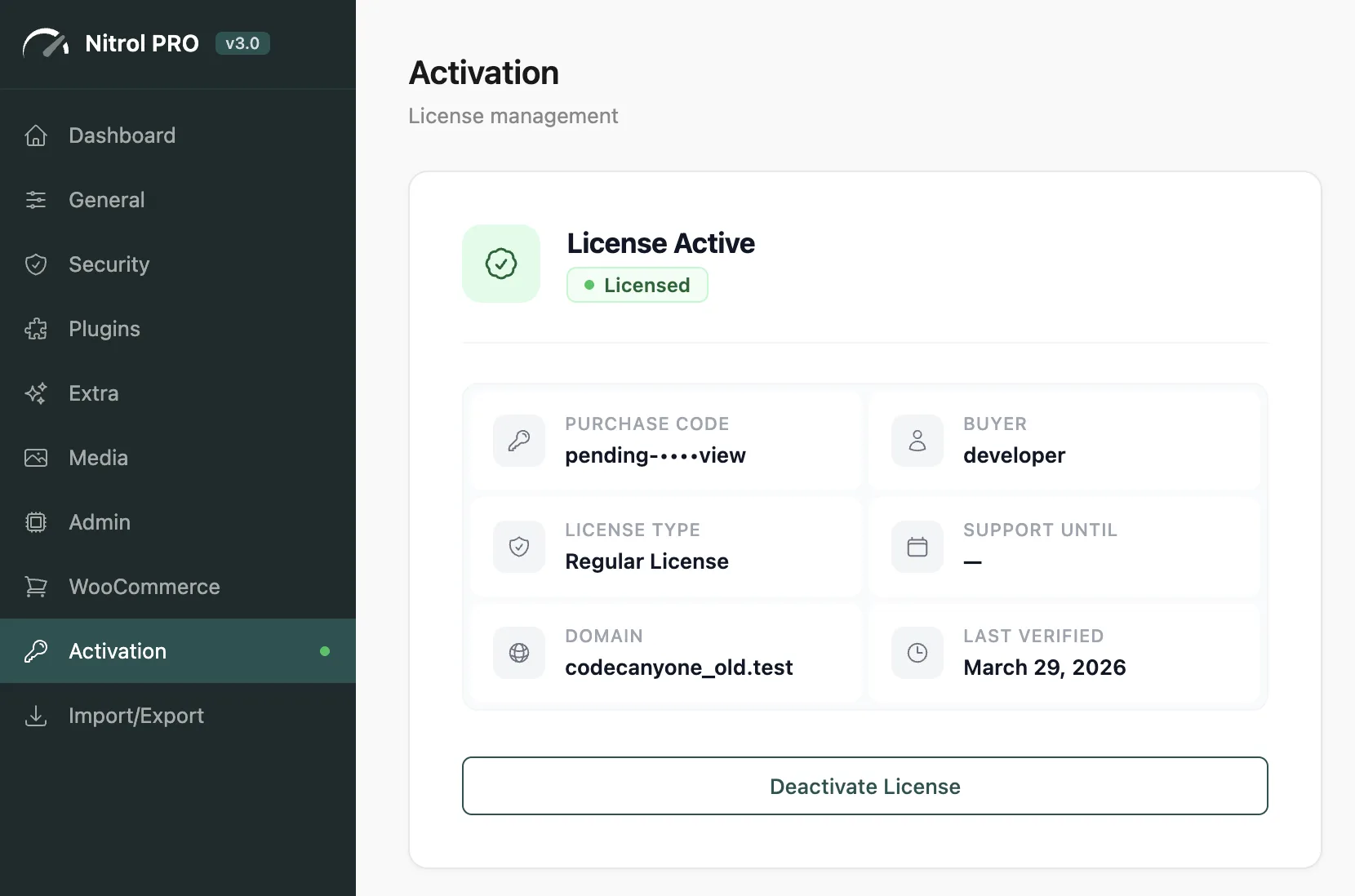
#License Details
Once activated, the page displays full details about your license:
Field | Description |
|---|---|
Purchase Code | Your Envato purchase code (partially masked for security) |
Buyer | The Envato username that purchased the license |
License Type | Regular or Extended license |
Support Until | When your support period expires |
Domain | The domain this license is currently active on |
Last Verified | When the license was last checked with the server |
#Automatic Re-validation
Nitrol PRO silently re-validates your license with the Hub server every 3 days. You don't need to do anything - it happens in the background.
If the license becomes invalid (e.g., due to a refund or domain mismatch), the plugin automatically locks back to the Activation page and disables all optimization hooks.
License checks happen silently and don't affect your site performance. The result is cached locally, so even if the Hub server is temporarily unreachable, your site keeps working normally.
#Moving to Another Domain
- Go to Activation on your current site
- Click Deactivate License
- Install the plugin on the new site
- Activate using the same Envato account
Always deactivate before moving to a new domain - this frees the license slot immediately. If you forget and your license gets stuck, contact support to manually release it.
#What Happens Without a License
- The admin panel is locked to the Activation page only
- All frontend optimization hooks are disabled - no settings apply to your site
- Sidebar menu items show lock icons
- No settings can be changed until activation is complete
Last updated
Was this article helpful?

On this page
