
Logo and site identity - Fabula
The free theme takes your logo from WordPress itself, in Site Identity. Fabula Pro adds a Branding page with separate light, dark, and mini logos and a copyright notice.
#Set your logo in the free theme
Open Site Identity
Go to AppearanceCustomizeSite Identity.
Upload the logo
Choose Select logo and pick an image from the media library. WordPress suggests 240 by 80 pixels, and the theme accepts any width and height.
Set the site title
The Site Title field in the same panel is what the theme prints when no logo is set, and it is the logo's alt text. Publish when both look right.
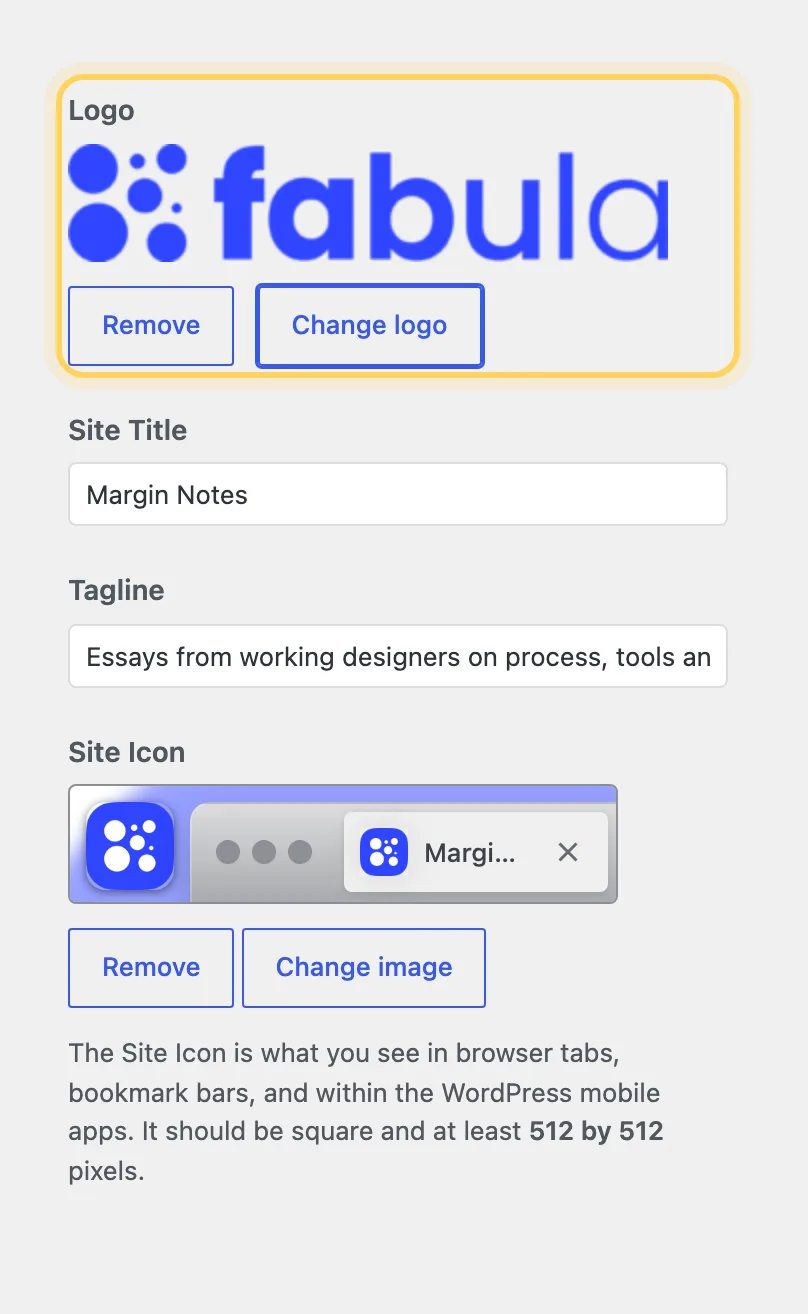
The logo sits at the left of the header and links to your home page. The free theme has one logo for both color schemes, so pick a file that reads on a light and on a dark background.
With no logo set, the header shows your site title as text.
#Fabula Pro: light, dark, and mini logos
Pro draws its own header and takes its logos from Fabula ProTheme OptionsBranding.
The main logo, used in the light color scheme.
The main logo for the dark scheme.
A smaller version of the logo. It is used in the header on narrow screens.
The mini logo for the dark scheme.
Your copyright line. Write {year} where the current year should appear. The theme replaces it with the year on every page load. The placeholder is © {year} Fabula, Inc. All rights reserved., so replace it with your own.
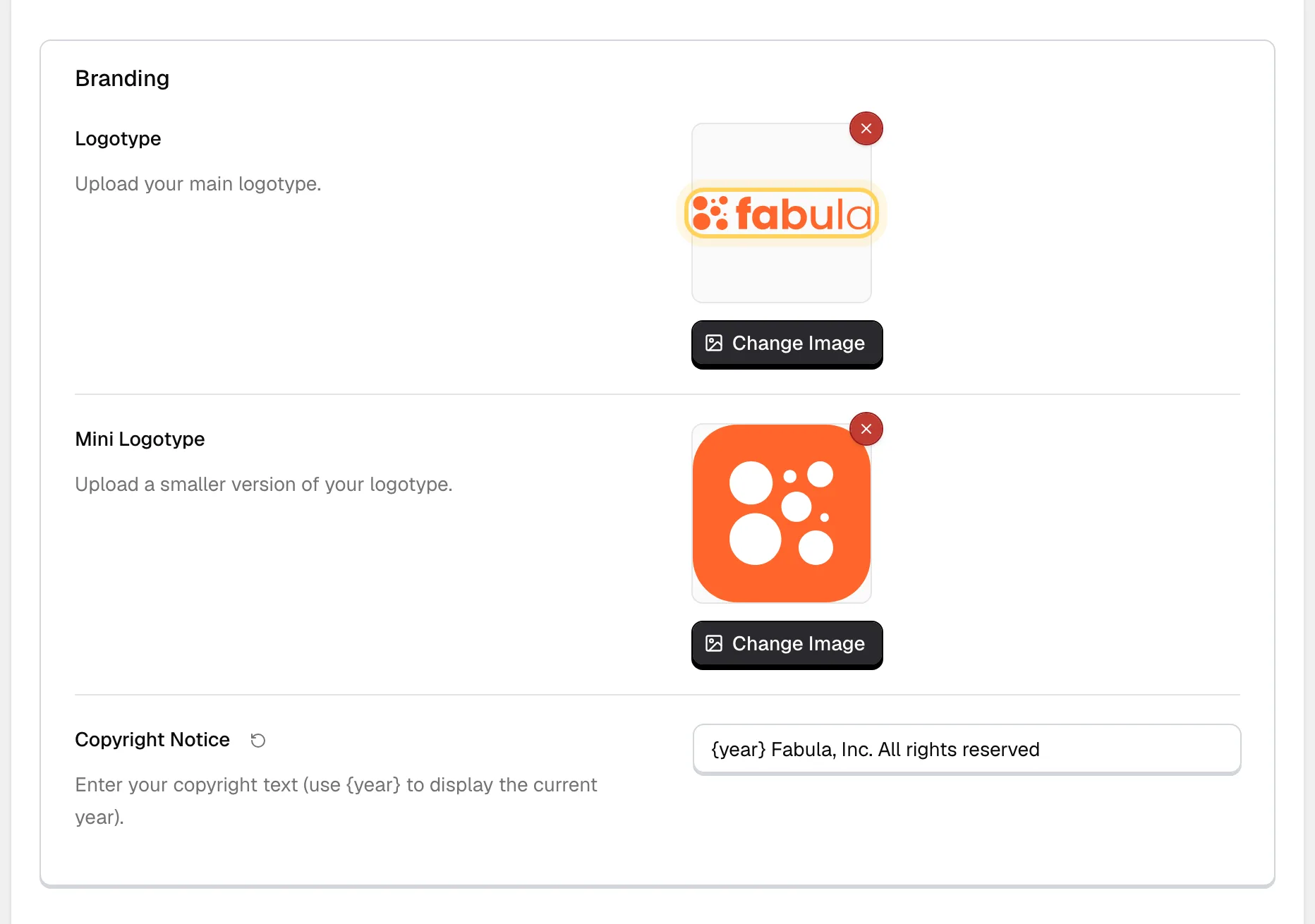
Two things to check after you upload:
- The logo shows in the header only while Display Logotype is on. It is off by default. You find it at Fabula ProTheme OptionsNavigation, under General Settings. See Menus and the header.
- Pro's header does not fall back to the site title. With the toggle off or no file uploaded, no logo shows.
The footer has its own logo field. See The footer.
With Pro active, the free theme's copyright line is replaced by the Copyright Notice, so you change the text in one place only.
Last updated
Was this article helpful?

On this page
