
Add widgets to the left column of a post - Fabula
The sticky column beside a post has its own widget area, Single post left column. Widgets you place there sit at the bottom of the column, under the table of contents and the share buttons. The area needs the Pro plugin with an active license, and it prints nothing while it is empty.
#Add a widget
Open the widgets screen
Go to AppearanceWidgets and find the area named Single post left column.
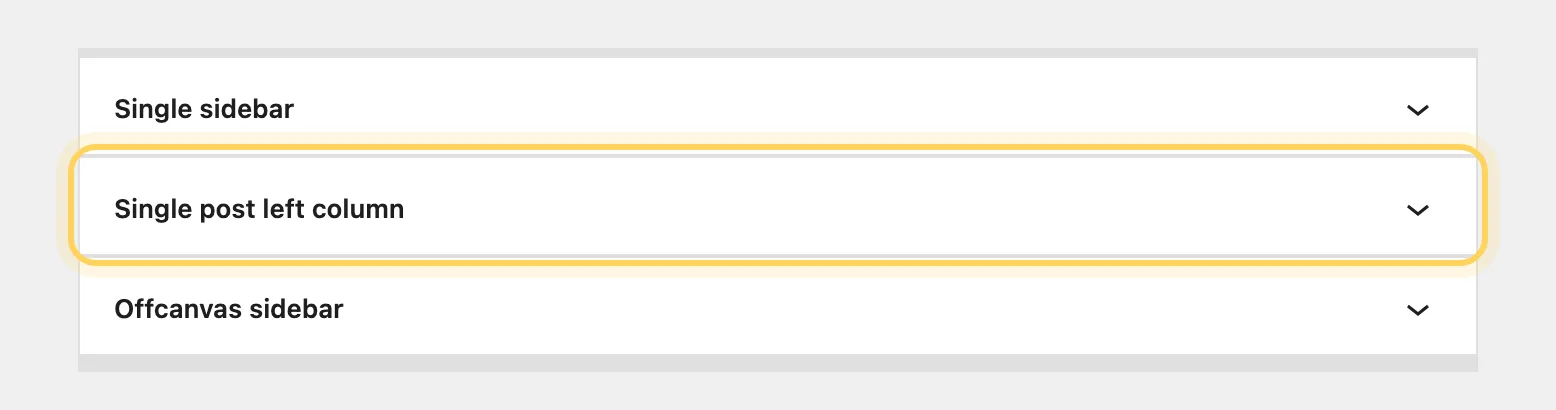
Add your widgets
Add one or more widgets to the area. Any widget works: a search box, a list of categories, an image, an ad, or a block.
Check a post
Open a single post on your site. The widgets show in the left column, below everything else in it.
The area exists only while the Pro plugin is active. If you cannot find it, read Widget areas: what they are and why one is missing.
#What the column holds
The column stacks its parts in this order, and each part shows only when it is switched on for the post: an ad, the sticky pin, a quote or fixed audio player, the post activity block, the table of contents, the share buttons, the scroll-to-top button, and then your widgets.
Widgets in the area also switch the column on. A post that would otherwise have no column gets one as soon as the area holds a widget.
#Use the column for widgets only
To leave only your widgets in the column, switch off the other parts in Fabula ProTheme OptionsSingle Post:
- On the General tab, turn off Display Post Activity, Table of Contents, Share Button, and Scroll Top Button.
- On the Meta tab, turn off Display Sticky Pin.
- On the Ads tab, turn off Display Ad Areas.
A post in the quote format or the audio format with the fixed player also puts its quote or player in the column.
#Questions
Is this the same as the single post sidebar?
No. Display Single Post Sidebar in Fabula ProTheme OptionsSingle Post turns on a separate sidebar, filled from the Single sidebar widget area. The left column is the narrow sticky one that holds the table of contents and share buttons.
Why do my widgets not show?
The area must hold at least one widget, and the widget must have something to print. An empty area, or one with only widgets that print nothing, shows no column content. Check that you edited the area named Single post left column and not another one.
Last updated
Was this article helpful?

On this page
